Readme is favored for its powerful API documentation capabilities with features like bidirectional GitHub/GitLab sync, while Pieces excels in facilitating coding workflows and automating repetitive tasks. Readme holds an average rating of 4.4/5 from 20 reviews, highlighting user satisfaction, whereas Pieces, despite not having specified average ratings, boasts a reputation for enhancing productivity through intelligent snippet management.
Best for
Readme is the better choice when creating detailed API documentation is crucial, particularly for teams integrating with tools like Postman and those focused on providing rich, interactive documentation experiences.
Best for
Pieces is the better choice when the focus is on improving developer productivity through code assistance, snippet management, and streamlined coding processes, especially for teams using diverse IDEs and collaboration tools.
Key Differences
Verdict
For teams focused primarily on API documentation and requiring strong integration with tools like Postman, Readme stands out as the prime choice. However, for development teams seeking to speed up their coding processes and manage snippets across varied IDEs, Pieces offers distinct advantages. Ultimately, choose Readme for detailed API documentation needs and Pieces for enhancing coding efficiency and developer productivity.
Readme
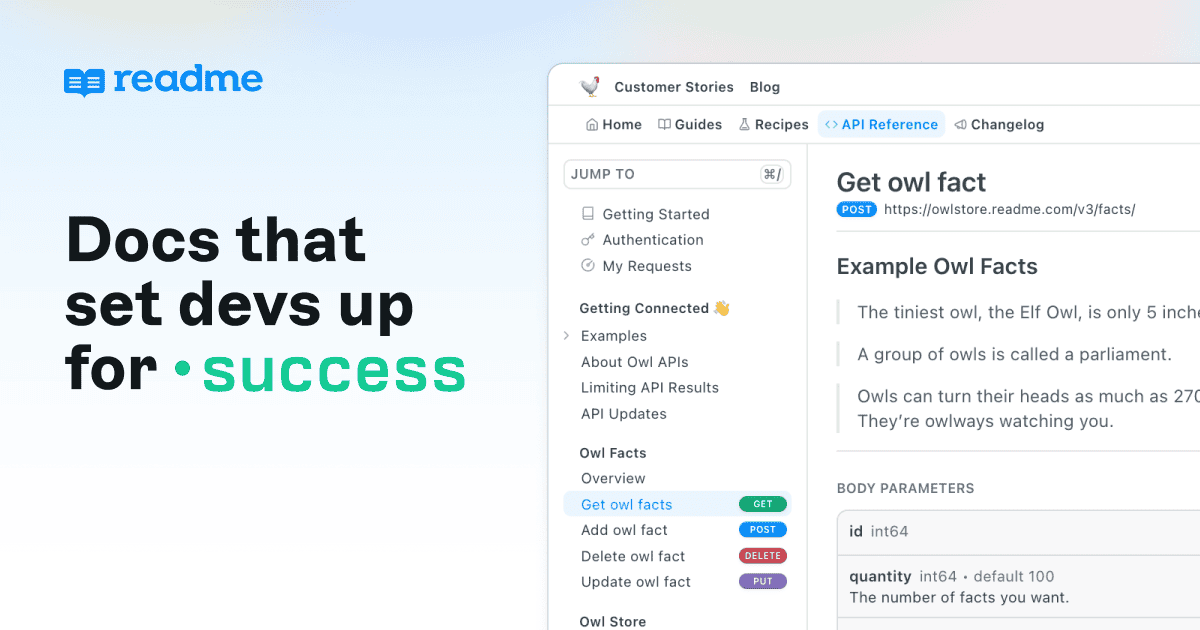
Make your APIs easy to use with clear, powerful API documentation built for developer success.
Users praise ReadMe for its robust documentation capabilities and seamless integration features, particularly with Postman, enhancing API accessibility. Positive feedback highlights its user-friendly interface and flexible customization options, making it a favored choice for developers. Complaints are minimal but generally revolve around occasional navigation complexities. Overall, ReadMe enjoys a strong reputation, and while specific pricing sentiment isn't apparent, the tool's value is often emphasized through its comprehensive feature set.
Pieces
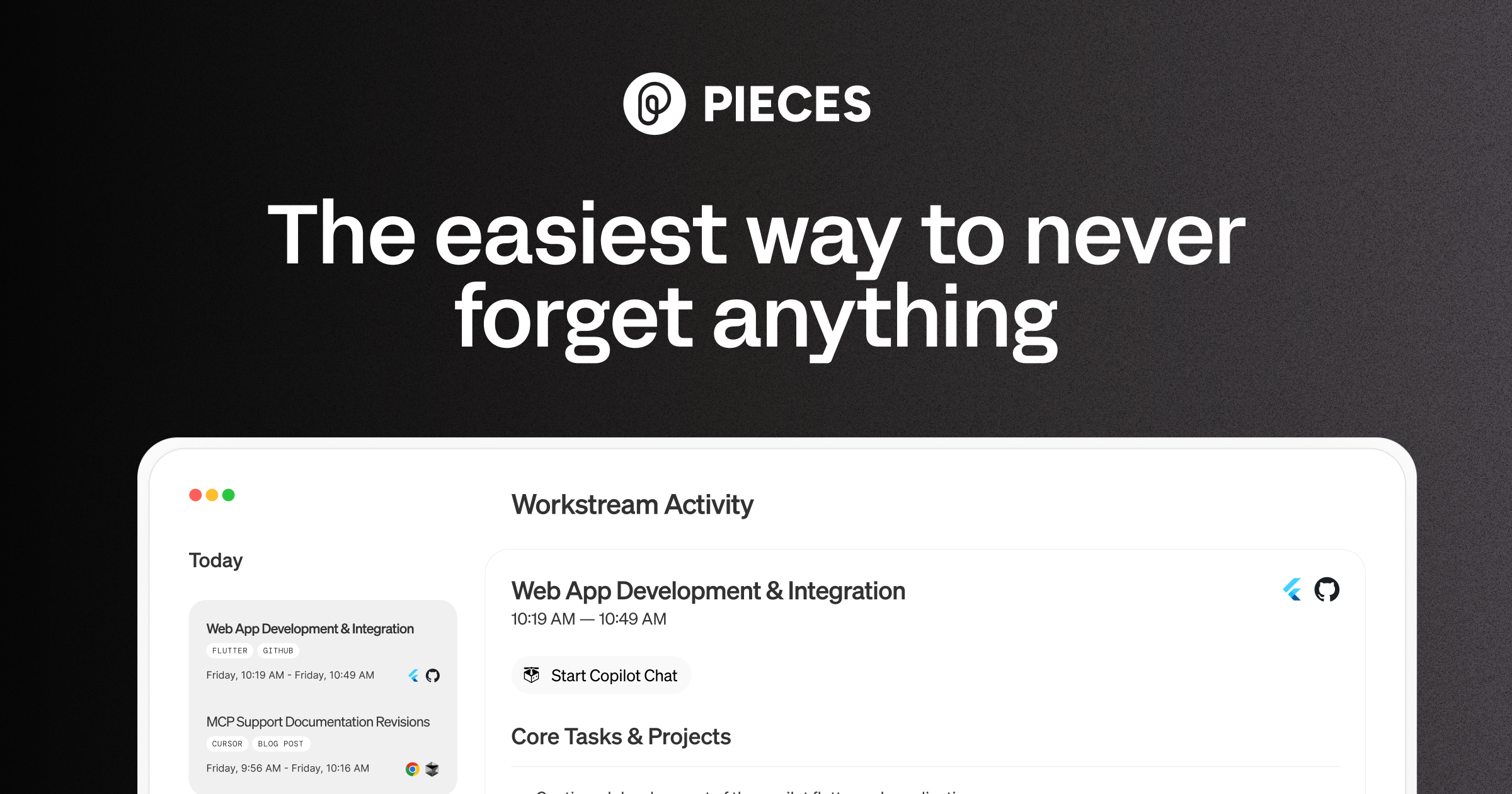
Pieces is your AI companion that captures live context from browsers to IDEs and collaboration tools, manages snippets and supports multiple llms - al
Pieces is praised for its intuitive design and efficient workflow organization, which many users find significantly boosts productivity. However, some users express concerns about occasional glitches and the lack of extensive customization options. The pricing tends to be viewed positively, seen as reasonable for the features offered. Overall, Pieces holds a solid reputation for its utility in enhancing daily tasks, yet there is room for improvement in stability and personalizability.
Readme
-91% vs last weekPieces
-72% vs last weekReadme
Pieces
Readme
Pieces
Readme
Pricing found: $150/mo, $3,000, $0 /month, $250 /month, $3,000
Pieces
Readme (8)
Pieces (8)
Only in Readme (8)
Only in Pieces (4)
Shared (9)
Only in Readme (11)
Only in Pieces (6)
Readme
What do you like best about ReadMe?We’re building our own investment app, and one of the clearing firms we work with already used ReadMe for their docs, so we checked it out from that referral. It’s been an excellent fit. It’s quick to publish clean, modern docs, the OpenAPI sync and interactive API reference work really well, and it’s easy for both technical and nontechnical folks to contribute. The analytics are also genuinely helpful for seeing what people are reading and where we can make things even clearer. Review collected by and hosted on G2.com.What do you dislike about ReadMe?Nothing is perfect, some of the deeper customization and admin settings took us a minute to learn and could be a bit more intuitive, but the defaults are strong and support has been responsive, so it never slowed us down. Once you’re set up, day to day publishing and updates are effortless.. Review collected by and hosted on G2.com.
What do you like best about ReadMe?It's user interface and display is aesthetically nice and intuitive as it's easy to navigate through features. Review collected by and hosted on G2.com.What do you dislike about ReadMe?I think ReadMe has a lot of great features that are just gated for higher subscriptions -- too pricey. Review collected by and hosted on G2.com.
What do you like best about ReadMe?I, as Product Manager, can manage the documentation without using developers' time Review collected by and hosted on G2.com.What do you dislike about ReadMe?Not so intuitive to create the home page Review collected by and hosted on G2.com.
Pieces
No reviews yet
Readme
Pieces
Readme
Pieces
Readme
No YouTube channel
Readme
Pieces
Readme
Pieces
Readme
Show HN: Gemini can now natively embed video, so I built sub-second video search
Gemini Embedding 2 can project raw video directly into a 768-dimensional vector space alongside text. No transcription, no frame captioning, no intermediate text. A query like "green car cutting me off" is directly comparable to a 30-second video clip at the vector level.<p>I used this to
Pieces
Show HN: I turned a sketch into a 3D-print pegboard for my kid with an AI agent
We have pegboards and plywood all over our apartment, and I had an idea to make a tiny pegboard for my kid, Oli. So I naturally cut the wood, drilled in the holes, sat down at the computer to open Fusion 360 and spend an hour or two drawing the pieces by hand.<p>Then I looked at the rough sketch Oli
Shared (2)
Only in Readme (1)
Only in Pieces (2)
Pieces is better for automating coding tasks due to its features like Personalized code suggestions and Pieces Long-Term Memory.
Readme operates on a subscription and tiered model with a free tier and offers plans starting at $150/month, whereas Pieces also uses a tiered pricing model, specific pricing not detailed but noted as reasonable for the features provided.
Readme has a slightly more apparent community support with an average rating of 4.4/5 from 20 reviews, whereas Pieces' community support data is less explicit but also regarded positively.
Yes, they can be used together as they cater to different aspects of the development process — Readme for documentation and Pieces for coding workflows.
Readme is noted for its user-friendly interface which may be easier for teams focused on documentation, whereas Pieces may offer a familiar experience for developers working extensively in supported IDEs.


