PayloopPayloop
CommunityVoicesToolsDiscoverLeaderboardReportsBlog
Save Up to 65% on AI
Powered by Payloop — LLM Cost Intelligence
Tools/Amazon Q Developer/vs Pieces
Amazon Q Developer

Amazon Q Developer

dev-tools
vs
Pieces

Pieces

dev-tools

Amazon Q Developer vs Pieces — Comparison

Pain: 1/10010 integrations10 features
Pain: 0/10015 integrations4 featuresVenture (Round not Specified)
The Bottom Line

Amazon Q Developer excels in AI-driven code automation and seamless IDE integration, boasting high productivity enhancements for large-scale environments, with a user rating of 4.5/5. Pieces is noted for its intuitive UI and streamlining daily coding tasks, yet reports occasional glitches and emphasizes workflow organization.

Best for

Amazon Q Developer is the better choice when teams need robust AI capabilities for large-scale projects, especially when integrated with AWS services.

Best for

Pieces is the better choice when smaller teams focus on productivity and collaboration through snippet management and seamless integrations with CI/CD pipelines.

Key Differences

  • 1.Amazon Q Developer offers diverse integrations like AWS Management Console which is crucial for teams heavily using AWS infrastructure; Pieces provides connectivity with project management tools like Jira and Trello.
  • 2.Pieces supports a streamlined workflow with its personalized code suggestions, while Amazon Q Developer focuses on accelerating software development through advanced AI-assisted coding and refactoring.
  • 3.Users rated Amazon Q Developer at 4.5 out of 5 reflecting satisfaction with extensive AI capabilities, while Pieces doesn't specify a rating but is noted for user-friendly design.
  • 4.Amazon Q Developer offers multi-pronged pricing including subscription and per-seat options with a free tier starting at $19/mo, while Pieces chooses a simpler tiered pricing model with no detailed pricing breakdown.
  • 5.Amazon Q integrates natively with leading IDEs like JetBrains and Eclipse, providing expert assistance on AWS services, whereas Pieces enhances team collaboration via shared snippets and personalized developer experiences.
  • 6.Within community forums, Amazon Q Developer users discuss complex topics like model selection and data privacy extensively, suggesting high engagement in technical discussions compared to Pieces.

Verdict

For enterprises deeply invested in AWS, Amazon Q Developer is the superior choice given its deep integration and AI-driven coding increments. Smaller teams or those looking for enhancement in daily workflow and snippet management should lean towards Pieces for its easy-to-use interface and emphasis on collaboration.

Overview
What each tool does and who it's for

Amazon Q Developer

Accelerate software development with Amazon Q Developer — an AI coding assistant that writes, debugs, and refactors code natively in your IDE.

Users generally rate Amazon Q Developer highly, with strengths including robust AI development capabilities and improved productivity for software projects. One key complaint is the learning curve associated with its complex functionalities. Sentiment towards pricing isn't explicitly mentioned but could be inferred as reasonable given the positive user ratings. Overall, Amazon Q Developer holds a strong reputation as a tool that enhances AI development and integrates well into various development environments.

Pieces

Pieces is your AI companion that captures live context from browsers to IDEs and collaboration tools, manages snippets and supports multiple llms - al

Pieces is praised for its intuitive design and efficient workflow organization, which many users find significantly boosts productivity. However, some users express concerns about occasional glitches and the lack of extensive customization options. The pricing tends to be viewed positively, seen as reasonable for the features offered. Overall, Pieces holds a solid reputation for its utility in enhancing daily tasks, yet there is room for improvement in stability and personalizability.

Key Metrics
4.5★ (5)
Avg Rating
—
7
Mentions (30d)
61
Mention Velocity
How discussion volume is trending week-over-week

Amazon Q Developer

-60% vs last week

Pieces

-72% vs last week
Where People Discuss
Mention distribution across platforms

Amazon Q Developer

Reddit
88%
YouTube
10%
Twitter/X
2%

Pieces

Reddit
92%
YouTube
4%
Lemmy
3%
Hacker News
1%
Community Sentiment
How developers feel about each tool based on mentions and reviews

Amazon Q Developer

25% positive73% neutral2% negative

Pieces

16% positive81% neutral3% negative
Pricing

Amazon Q Developer

usage-based + subscription + freemium + per-seat + tieredFree tier

Pricing found: $19/mo, $.003, $0.003, $19, $19

Pieces

tiered
Use Cases
When to use each tool

Amazon Q Developer (10)

Implementing features autonomously in software developmentDocumenting code and generating documentation automaticallyTesting code and writing unit testsReviewing and refactoring existing codePerforming software upgrades and migrationsOptimizing cloud costs and resource management in AWSBuilding analytics and AI/ML applications using natural language queriesCollaborating on AI projects with built-in data governanceDiagnosing and resolving networking issuesGenerating real-time code suggestions and completions in code editors

Pieces (8)

Automating repetitive coding tasksEnhancing code review processesPersonalized code suggestions based on developer habitsStreamlining project documentationFacilitating team collaboration through shared snippetsTracking code changes and history effectivelyIntegrating with CI/CD pipelines for seamless deploymentsProviding context-aware coding assistance
Features

Only in Amazon Q Developer (10)

JetBrainsVS CodeVisual StudioCommand lineEclipseGet expert assistance on AWSCode fasterCustomize code recommendationsImprove reliability and securityBuild with agentic capabilities

Only in Pieces (4)

Pieces Long-Term MemoryPieces CopilotPieces DrivePieces where you are
Integrations

Shared (2)

SlackGitLab

Only in Amazon Q Developer (8)

AWS Management ConsoleMicrosoft TeamsJetBrainsVS CodeVisual StudioEclipseCommand Line Interface (CLI)AWS Console Mobile Application

Only in Pieces (13)

GitHubBitbucketJiraVisual Studio CodeJetBrains IDEsTrelloAsanaCircleCITravis CIDockerKubernetesAWSAzure
What Users Say
Top reviews from G2, Capterra, and TrustRadius

Amazon Q Developer

What do you like best about Amazon Q Business?I love using Amazon Q for generating my infrastructure as CDK code. It's also very helpful when generating code for any AWS services. Review collected by and hosted on G2.com.What do you dislike about Amazon Q Business?I don't like that it seems to generate outdated libraries or sometimes libraries that don't exist. Although, this is pretty common with most tools. Review collected by and hosted on G2.com.

5.0\u2605Justin P.g2

What do you like best about Amazon Q Business?Amazon Q helps to suggest the future code by analyzing your current code. It also helps in building logic and its implementations. Review collected by and hosted on G2.com.What do you dislike about Amazon Q Business?Its accuracy can be improved, but can be trained on more data . Review collected by and hosted on G2.com.

4.5\u2605Yash K.g2

What do you like best about Amazon Q Business?I like Amazon Q because it enhances the terminal experience by adding a UI layer, making it incredibly easy to browse folders and files and autocomplete and suggest commands; even on terminals like iTerm2 (which is old compared to Warp or Hyper), and does it natural, smooth and responsive feeling as it was just extra native features of the terminal. The Ask AI feature is a game-changer—it’s perfect for quickly searching, troubleshooting, or getting suggestions for bash scripts and commands. This tool transforms the terminal into a powerful and intuitive workspace, making navigation and scripting much easier and more efficient. Review collected by and hosted on G2.com.What do you dislike about Amazon Q Business?I dislike only a few things. I don't like how often I need to re-authenticate into my account. Although it is easy to do, it can be frustrating sometimes. Review collected by and hosted on G2.com.

4.5\u2605Mario T.g2

Pieces

No reviews yet

Pain Points
Top complaints from reviews and social mentions

Amazon Q Developer

spending limit (1)token usage (1)

Pieces

cost per token (1)token usage (1)API costs (1)token cost (1)
Top Discussion Keywords
Most mentioned keywords from community discussions

Amazon Q Developer

spending limit (1)token usage (1)

Pieces

cost per token (1)token usage (1)API costs (1)token cost (1)
Latest Videos
Recent uploads from official YouTube channels

Amazon Q Developer

No YouTube channel

Pieces

How to Set Up OpenClaw with Pieces Long-Term Memory (Full Guide)

How to Set Up OpenClaw with Pieces Long-Term Memory (Full Guide)

Mar 27, 2026

Today's Headlines (Pieces Single-Click Summary Tutorial)

Today's Headlines (Pieces Single-Click Summary Tutorial)

Mar 5, 2026

Custom Summary (Pieces Single-Click Summary Tutorial)

Custom Summary (Pieces Single-Click Summary Tutorial)

Mar 3, 2026

Time Breakdown - Pieces Single-Click Summary Tutorial

Time Breakdown - Pieces Single-Click Summary Tutorial

Mar 3, 2026

Product Screenshots

Amazon Q Developer

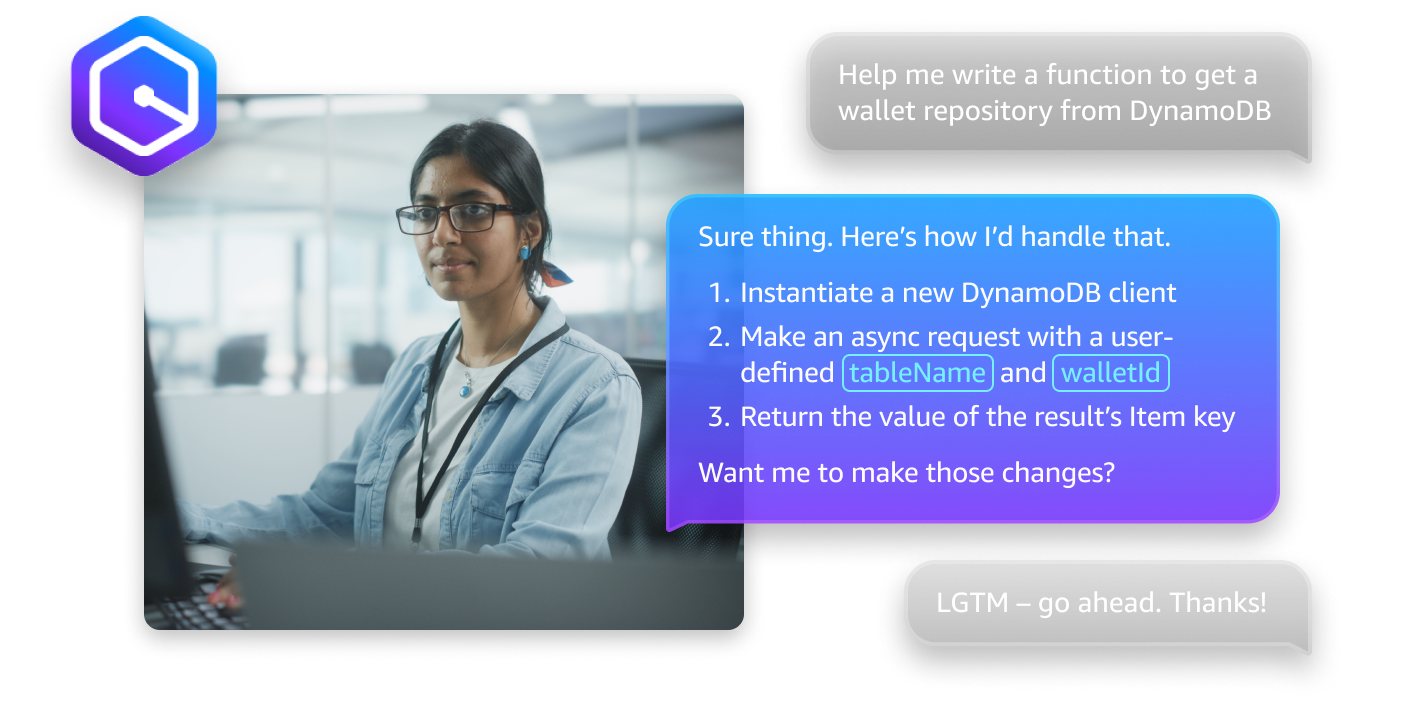
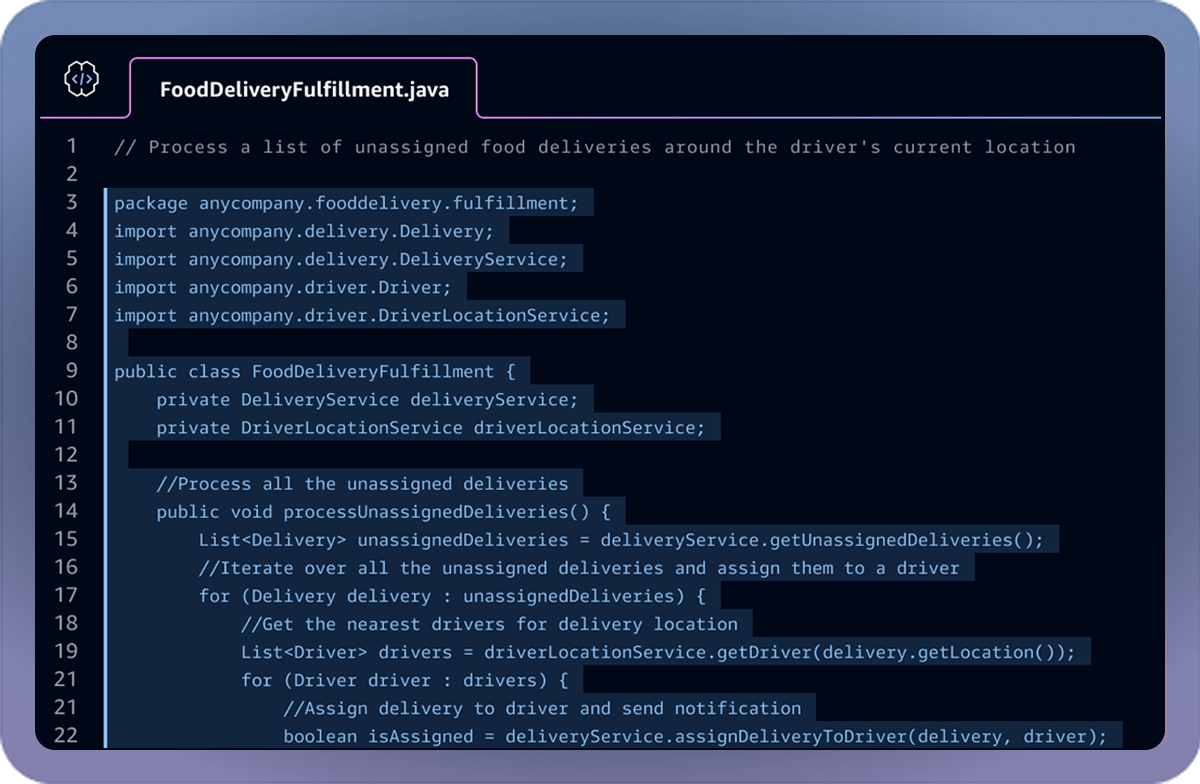
Amazon Q Developer screenshot 1Amazon Q Developer screenshot 2Amazon Q Developer screenshot 3Amazon Q Developer screenshot 4

Pieces

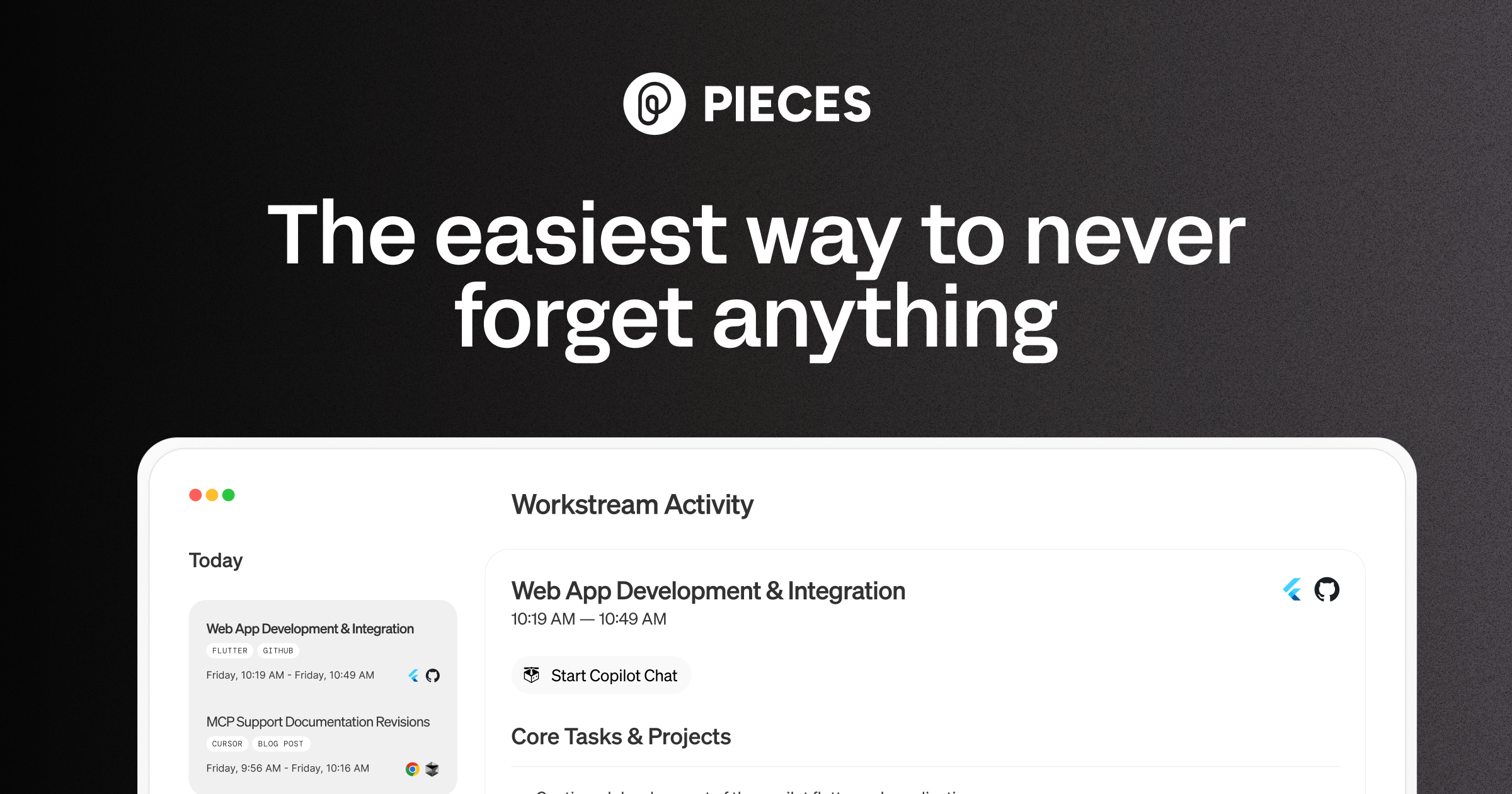
Pieces screenshot 1
What People Talk About
Most discussed topics from community mentions

Amazon Q Developer

open source9
model selection9
scalability8
agents8
streaming8
api7
migration7
data privacy7

Pieces

model selection21
api19
open source18
cost optimization15
streaming15
workflow13
accuracy13
RAG12
Top Community Mentions
Highest-engagement mentions from the community

Amazon Q Developer

Amazon Q Developer AI

Amazon Q Developer AI

YouTubeneutral source

Pieces

Show HN: I turned a sketch into a 3D-print pegboard for my kid with an AI agent

We have pegboards and plywood all over our apartment, and I had an idea to make a tiny pegboard for my kid, Oli. So I naturally cut the wood, drilled in the holes, sat down at the computer to open Fusion 360 and spend an hour or two drawing the pieces by hand.<p>Then I looked at the rough sketch Oli

Hacker Newsby virponeutral source
Company Intel
information technology & services
Industry
information technology & services
1,560,000
Employees
44
—
Funding
$14.5M
—
Stage
Venture (Round not Specified)
Supported Languages & Categories

Shared (4)

AI/MLSecurityDeveloper ToolsData

Only in Amazon Q Developer (1)

Analytics
Frequently Asked Questions
Is Amazon Q Developer or Pieces better for code refactoring?▼

Amazon Q Developer is better for code refactoring with its robust AI-driven approach and customization options.

How does Amazon Q Developer pricing compare to Pieces?▼

Amazon Q Developer uses a mixed pricing model starting at $19/mo with various options including a free tier, whereas Pieces has a tiered pricing structure with undisclosed specifics.

Which has better community support, Amazon Q Developer or Pieces?▼

Amazon Q Developer appears to have more active discussions on advanced topics, indicating stronger community support for technical queries.

Can Amazon Q Developer and Pieces be used together?▼

Yes, they can be complementary; Amazon Q handles complex AI functionalities, while Pieces excels in collaboration and snippet management.

Which is easier to get started with, Amazon Q Developer or Pieces?▼

Pieces is generally perceived as easier to start with due to its intuitive interface, whereas Amazon Q Developer may have a steeper learning curve.

View Amazon Q Developer Profile View Pieces Profile