Vizcom
AI-powered design tool for real world product designers and their teams. Go from sketch to photorealistic 3D render in seconds. Start creating for fre
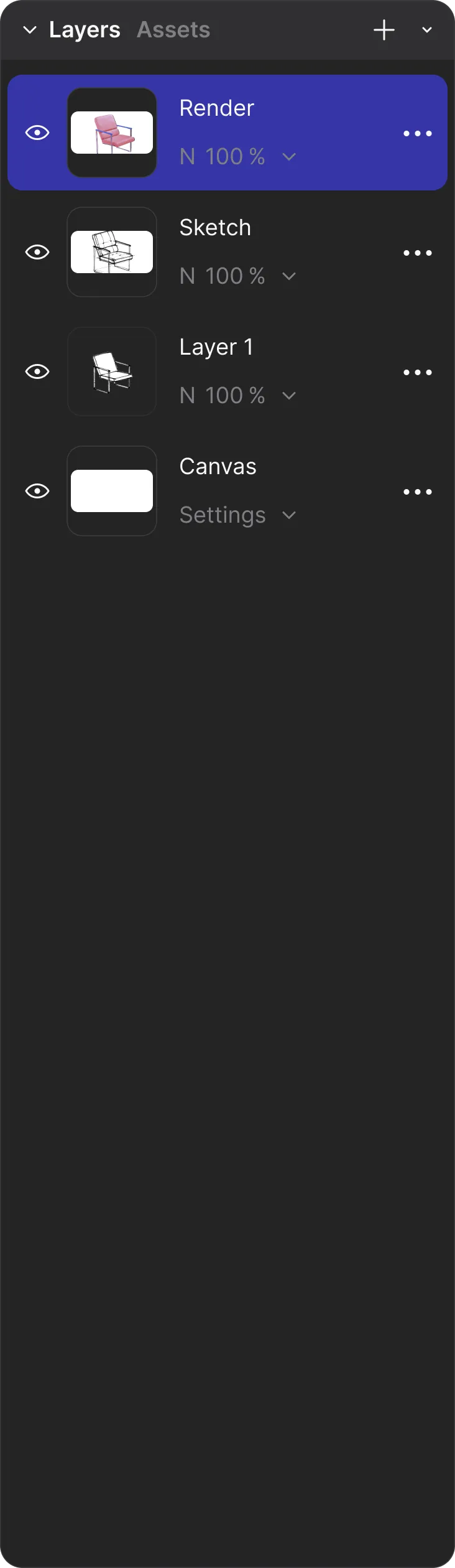
A new way to design for the real world Bringing ideas to life for world-class brands Speed up every step of your ideation, without sacrificing your creative spark Make the chair lift into midair and spin around See how real world teams are using Vizcom to make their products a reality Explore how O'NEAL incorporated AI into their design process and team From design to motocross, dive into the process behind your favorite extreme sports gear From industrial design to footwear, discover how Dennis blends his skills to reinvent his workflow Sit down with Scott to talk about his philosophy and his take on the new world of design and AI Discover the process behind the iconic Cadillac CTS Coupe and how GM embraces AI Go from sketch to render to real. Explore what's possible in Vizcom From pixels to atoms, Vizcom is designed to complement your workflow and bring your concepts to life — in the real world, or virtually. Get in touch with our team or explore our frequently-asked questions. Yes of course! Our starter plan is completely free, no credit card required. This is a great plan to explore vizcom with. We accept all major credit and debit cards. Admins (paid) – can edit files, manage workspace settings, billing, teams, and invite members. Editors (paid) – can edit files but not manage settings, billing, or teams. Viewers (free) – can only view files in read-only mode. Team billing is handled centrally by the Admin. All paid seats, whether Admins or Editors, are included in a single invoice under the same billing cycle, while Viewers remain free and do not affect the cost. Yes, you can. An Admin can update the plan in the billing settings, and the switch will take effect on the next billing cycle at the annual rate. Yes, you own everything you create in Vizcom. For free users, while Vizcom may use generated images to improve its services, it does not claim ownership of your designs, concepts, or original ideas—you keep full rights to them. For paid users, your images and designs remain entirely private and are only used to deliver the service. Every design, concept, and image you create or upload is fully yours and kept confidential. Vizcom does not use your data to train AI models if you’re on a paid plan. Everything you create stays private and is only used to provide the service. Free users may have their generated images included to help improve Vizcom’s services, but even then, Vizcom does not claim ownership of your designs, concepts, or original ideas—you retain full rights. Stay aligned, move faster, and build together Vizcom offers flexible pricing for creators, professionals and organizations collaborating from sketch to final design. A simple way to get started and explore Vizcom Unlock the full Vizcom experience with advanced tools, faster performance, and creator-level control. Scale your design operations with unlimited power and enterprise-level security performance. (for qualified educators
Figma AI
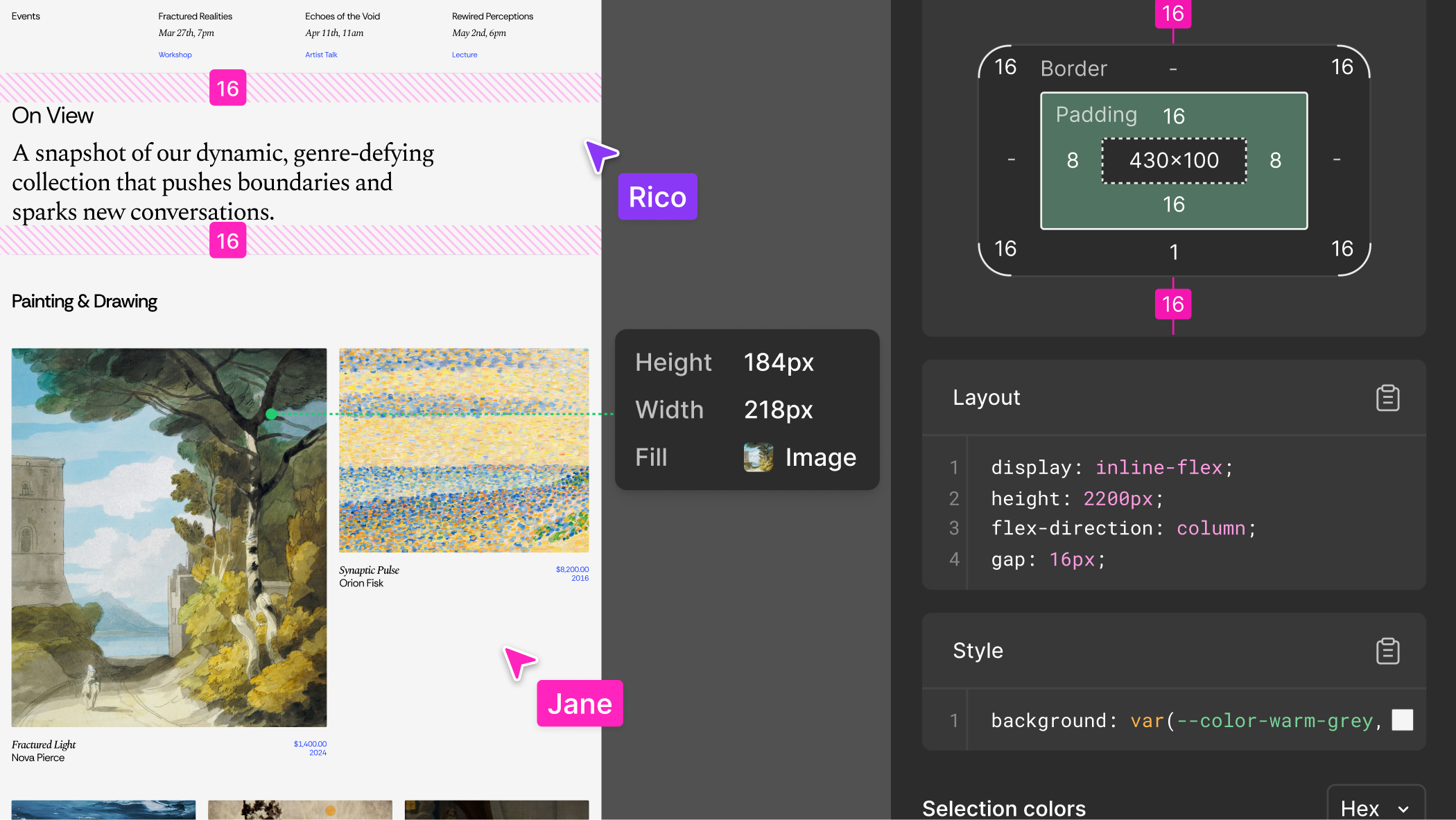
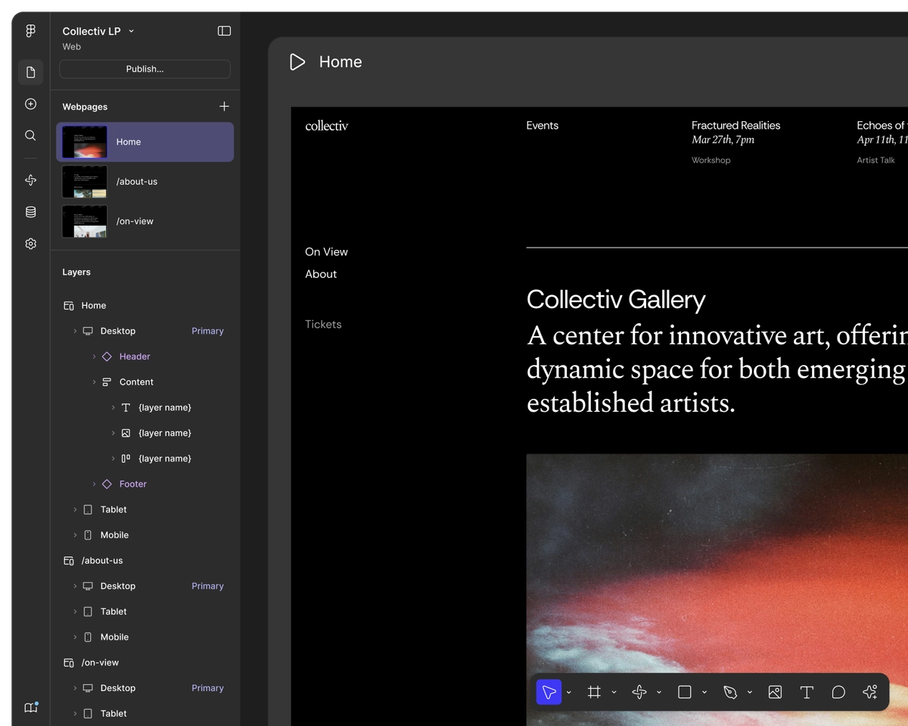
Figma is the leading collaborative design platform for building meaningful products. Design, prototype, and build products faster—while gathering feed
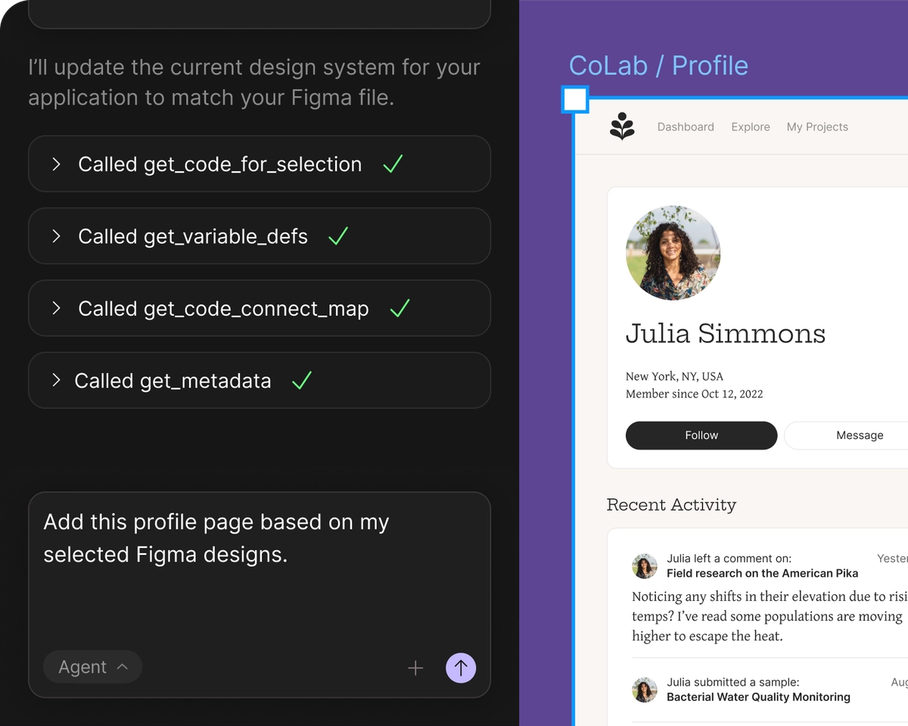
Based on the available social mentions, users appear to be enthusiastically embracing Figma AI as part of broader AI-powered design and development workflows. The main strength highlighted is its integration capabilities, particularly in Figma-to-React pipelines and visual design-to-code workflows that help bridge the gap between design and development. Users frequently mention combining Figma AI with tools like Claude for creating more comprehensive solutions, suggesting it works well as part of a larger AI toolkit. However, some users note challenges with visual accuracy when translating Figma designs to code, indicating that while the tool is promising, there's still room for improvement in precision and matching design specifications exactly.
Vizcom
Figma AI
Vizcom
Pricing found: $0/ per, $49/ per, $0/ per
Figma AI
Pricing found: $16 /mo, $12 /mo, $3 /mo, $55 /mo, $25 /mo
Only in Vizcom (6)
Only in Figma AI (10)
Vizcom



Figma AI
Vizcom
Figma AI


