PayloopPayloop
CommunityVoicesToolsDiscoverLeaderboardReportsBlog
Save Up to 65% on AI
Powered by Payloop — LLM Cost Intelligence
Tools/Stenography/vs Pieces
Stenography

Stenography

dev-tools
vs
Pieces

Pieces

dev-tools

Stenography vs Pieces — Comparison

15 integrations8 features
Pain: 0/10015 integrations4 featuresVenture (Round not Specified)
The Bottom Line

Stenography excels in supporting a wide array of programming languages and integrates well with common development tools, while Pieces offers strong productivity enhancements through intuitive workflow organization and AI capabilities. Stenography is noted for its effective collaboration features, garnering positive feedback on platforms like Product Hunt, whereas Pieces focuses on workflow efficiency and has raised $14.5M in venture funding.

Best for

Stenography is the better choice when a team needs robust documentation support with real-time collaboration and integration with various IDEs and tools like VS Code and Confluence.

Best for

Pieces is the better choice when a development team requires enhanced productivity through AI-driven coding assistance and efficient management of code snippets and project documentation.

Key Differences

  • 1.Stenography supports multiple programming languages, including Solidity and JSX, which is beneficial for teams working with diverse tech stacks.
  • 2.Pieces offers a unique feature called 'Pieces Long-Term Memory,' which aids in capturing and organizing snippets across various platforms.
  • 3.Stenography provides real-time collaboration and multi-format export options, improving workflow for documentation-heavy projects.
  • 4.Pieces focuses on productivity improvements through AI, offering features like 'Pieces Drive' to streamline workflows.
  • 5.Stenography is priced at $10 and $20 subscription tiers, while Pieces uses a tiered pricing model but specific tiers are not detailed.
  • 6.Pieces has received $14.5M in venture funding, indicating strong investor confidence in its growth potential compared to Stenography's lack of specified funding details.

Verdict

Engineering leaders should choose Stenography if their projects require extensive documentation with seamless collaboration and integration capabilities. On the other hand, Pieces is ideal for teams looking to elevate coding efficiency and leverage AI for managing code snippets and context. Both tools offer valuable features, but your specific need—documentation strength versus coding productivity—will determine the best fit.

Overview
What each tool does and who it's for

Stenography

Stenography is appreciated by users for its effective integration with development processes, particularly its support for multiple programming languages such as Solidity and JSX. However, there are reports of occasional technical issues, like outages during transitions and hiccups in API calls, which can affect user experience. While specific pricing details are not discussed, the sentiment around price seems positive, given achievements like hitting milestones in monthly recurring revenue (MRR). Overall, Stenography has a solid reputation, benefiting from strong user engagement and positive feedback on platforms like Product Hunt.

Pieces

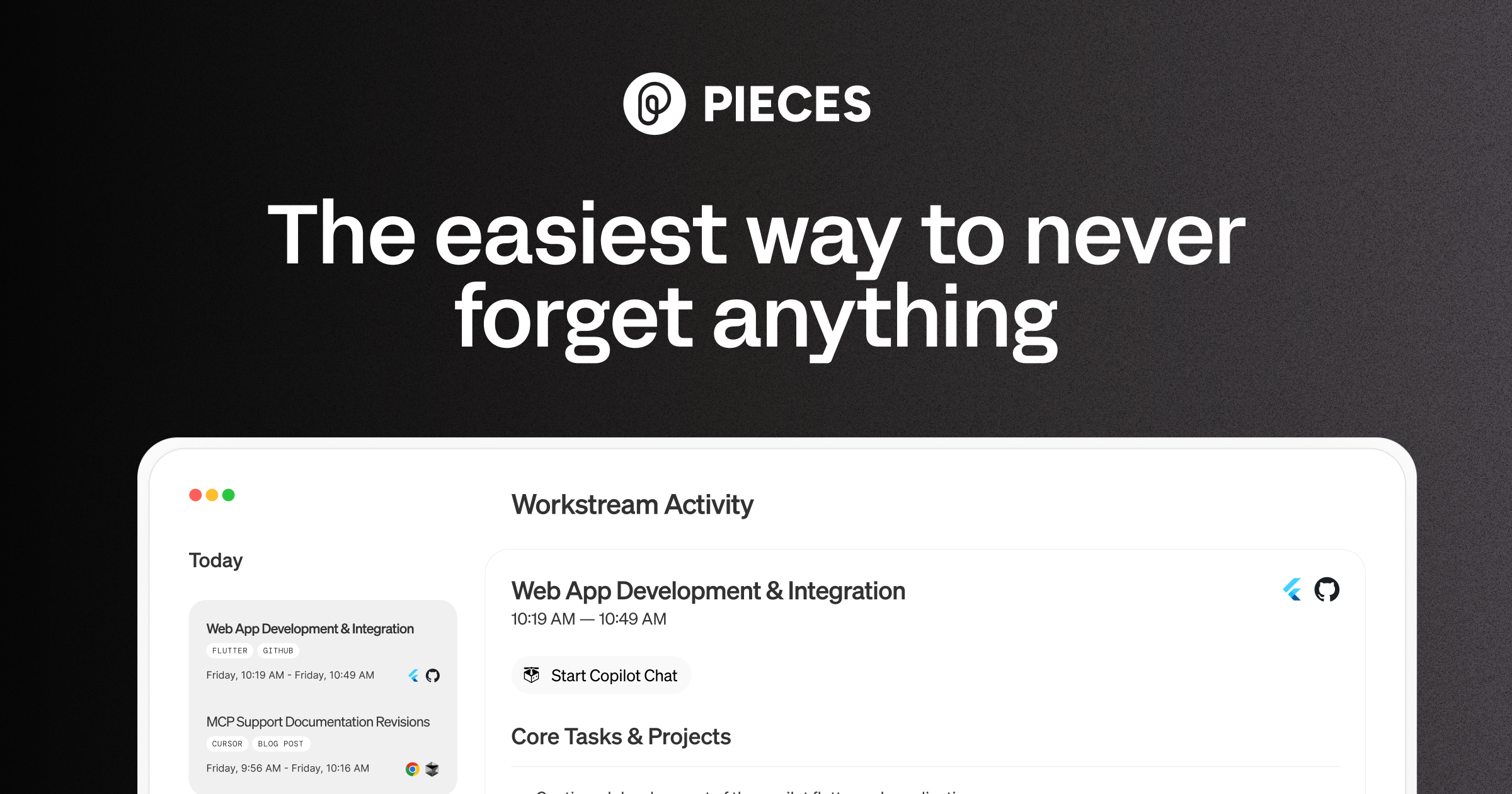
Pieces is your AI companion that captures live context from browsers to IDEs and collaboration tools, manages snippets and supports multiple llms - al

Pieces is praised for its intuitive design and efficient workflow organization, which many users find significantly boosts productivity. However, some users express concerns about occasional glitches and the lack of extensive customization options. The pricing tends to be viewed positively, seen as reasonable for the features offered. Overall, Pieces holds a solid reputation for its utility in enhancing daily tasks, yet there is room for improvement in stability and personalizability.

Key Metrics
—
Mentions (30d)
61
Mention Velocity
How discussion volume is trending week-over-week

Stenography

+100% vs last week

Pieces

-72% vs last week
Where People Discuss
Mention distribution across platforms

Stenography

Twitter/X
79%
YouTube
21%

Pieces

Reddit
92%
YouTube
4%
Lemmy
3%
Hacker News
1%
Community Sentiment
How developers feel about each tool based on mentions and reviews

Stenography

13% positive88% neutral-1% negative

Pieces

16% positive81% neutral3% negative
Pricing

Stenography

subscription

Pricing found: $10, $20

Pieces

tiered
Use Cases
When to use each tool

Stenography (6)

Collaborative documentation for software projectsCreating technical specifications and requirementsDrafting user manuals and guidesGenerating API documentationWriting research papers with collaborative inputDeveloping training materials for onboarding

Pieces (8)

Automating repetitive coding tasksEnhancing code review processesPersonalized code suggestions based on developer habitsStreamlining project documentationFacilitating team collaboration through shared snippetsTracking code changes and history effectivelyIntegrating with CI/CD pipelines for seamless deploymentsProviding context-aware coding assistance
Features

Only in Stenography (8)

Real-time collaboration on documentsAI-powered suggestions for content improvementVersion control for tracking changesCustomizable templates for different document typesIntegration with popular IDEsMulti-format export options (PDF, Markdown, etc.)Built-in grammar and style checkerSupport for multiple languages

Only in Pieces (4)

Pieces Long-Term MemoryPieces CopilotPieces DrivePieces where you are
Integrations

Shared (6)

GitHubSlackJiraTrelloVisual Studio CodeAsana

Only in Stenography (9)

Google DriveNotionMicrosoft TeamsZapierConfluenceDropboxFigmaEvernoteWordPress

Only in Pieces (9)

GitLabBitbucketJetBrains IDEsCircleCITravis CIDockerKubernetesAWSAzure
Pain Points
Top complaints from reviews and social mentions

Stenography

No complaints found

Pieces

cost per token (1)token usage (1)API costs (1)token cost (1)
Top Discussion Keywords
Most mentioned keywords from community discussions

Stenography

No data

Pieces

cost per token (1)token usage (1)API costs (1)token cost (1)
Latest Videos
Recent uploads from official YouTube channels

Stenography

No YouTube channel

Pieces

How to Set Up OpenClaw with Pieces Long-Term Memory (Full Guide)

How to Set Up OpenClaw with Pieces Long-Term Memory (Full Guide)

Mar 27, 2026

Today's Headlines (Pieces Single-Click Summary Tutorial)

Today's Headlines (Pieces Single-Click Summary Tutorial)

Mar 5, 2026

Custom Summary (Pieces Single-Click Summary Tutorial)

Custom Summary (Pieces Single-Click Summary Tutorial)

Mar 3, 2026

Time Breakdown - Pieces Single-Click Summary Tutorial

Time Breakdown - Pieces Single-Click Summary Tutorial

Mar 3, 2026

Product Screenshots

Stenography

No screenshots

Pieces

Pieces screenshot 1
What People Talk About
Most discussed topics from community mentions

Stenography

support3
open source2
performance1
documentation1
deployment1
agents1
api1

Pieces

model selection21
api19
open source18
cost optimization15
streaming15
workflow13
accuracy13
RAG12
Top Community Mentions
Highest-engagement mentions from the community

Stenography

Check this interview out! We go really in depth about AI, lessons in coding, building a business, and more! Thanks for having me @sandra_kublik @Saboo_Shubham_

Check this interview out! We go really in depth about AI, lessons in coding, building a business, and more! Thanks for having me @sandra_kublik @Saboo_Shubham_

Twitter/Xby @StenographyDevneutral source

Pieces

Show HN: I turned a sketch into a 3D-print pegboard for my kid with an AI agent

We have pegboards and plywood all over our apartment, and I had an idea to make a tiny pegboard for my kid, Oli. So I naturally cut the wood, drilled in the holes, sat down at the computer to open Fusion 360 and spend an hour or two drawing the pieces by hand.<p>Then I looked at the rough sketch Oli

Hacker Newsby virponeutral source
Company Intel
information technology & services
Industry
information technology & services
15
Employees
44
—
Funding
$14.5M
—
Stage
Venture (Round not Specified)
Supported Languages & Categories

Only in Pieces (4)

AI/MLSecurityDeveloper ToolsData
Frequently Asked Questions
Is Stenography or Pieces better for collaborative documentation?▼

Stenography is better suited for collaborative documentation with its real-time collaboration features and support for multiple document types.

How does Stenography pricing compare to Pieces?▼

Stenography offers pricing at $10 and $20 subscription tiers, while Pieces uses a tiered pricing model without detailed tier specifics. Both are generally viewed as reasonably priced.

Which has better community support, Stenography or Pieces?▼

Stenography has strong user engagement and positive feedback on Product Hunt, suggesting robust community support, whereas specific community data for Pieces is not detailed.

Can Stenography and Pieces be used together?▼

Both tools can potentially be used in tandem as they solve different problems, with Stenography enhancing documentation and Pieces boosting coding productivity.

Which is easier to get started with, Stenography or Pieces?▼

Ease of startup may depend on specific team needs, but Stenography offers straightforward integrations with common tools, which might facilitate quicker onboarding.

View Stenography Profile View Pieces Profile