PayloopPayloop
CommunityVoicesToolsDiscoverLeaderboardReportsBlog
Save Up to 65% on AI
Powered by Payloop — LLM Cost Intelligence
Tools/SlidesAI/vs Beautiful.ai
SlidesAI

SlidesAI

ai-productivity
vs
Beautiful.ai

Beautiful.ai

ai-productivity

SlidesAI vs Beautiful.ai — Comparison

Pain: 1/1008 integrations10 features
Pain: 1/10015 integrations10 featuresVenture (Round not Specified)
The Bottom Line

Beautiful.ai is known for its speed and polished design with a user-friendly interface but has mixed reviews on customization, while SlidesAI boasts impressive language support and consistent high ratings (4.6/5 from 4 reviews) with a focus on language translation capabilities.

Best for

SlidesAI is the better choice when creating presentations in multiple languages or for smaller teams seeking customizable and adaptable solutions with strong language translation features.

Best for

Beautiful.ai is the better choice when speed and polished design for professional-grade slide decks are priorities, especially for teams already using its integrations like Slack and Salesforce.

Key Differences

  • 1.Beautiful.ai offers a guided slide creation workflow, while SlidesAI provides a tutorial for learning and offers extensive language support.
  • 2.Beautiful.ai integrates with a broader range of business tools including Mailchimp and Salesforce, whereas SlidesAI integrates with Google Workspace and Notion.
  • 3.SlidesAI has a subscription model starting at $8.33/month, which is lower than Beautiful.ai's $12/month starting price.
  • 4.SlidesAI is managed by a solo developer, potentially affecting development pace, while Beautiful.ai has a larger team of ~110 employees.
  • 5.Beautiful.ai provides Smart Slides to optimize design, while SlidesAI offers direct AI-powered refinement and rephrasing features.

Verdict

Beautiful.ai is suitable for businesses that need quick, professional slides with integrated tools like Slack and Salesforce without extensive customization needs. Conversely, SlidesAI is ideal for small teams and multilingual users requiring language-specific features and AI-enhanced customization options. Each tool serves distinct needs based on company size and presentation requirements.

Overview
What each tool does and who it's for

SlidesAI

We've compiled a list of the most common questions we get asked.

SlidesAI is highly rated with scores between 4.5 and 5 stars, highlighting its impressive language support and features like image recommendations and translation capabilities. Users appreciate its ability to rapidly generate presentations in multiple languages, which enhances user efficiency. While there are minor complaints about development pace due to it being managed by a solo developer, the sentiment towards pricing seems positive, implying that users perceive it as offering good value. Overall, SlidesAI has an excellent reputation for improving presentation creation speed and ease across diverse user groups.

Beautiful.ai

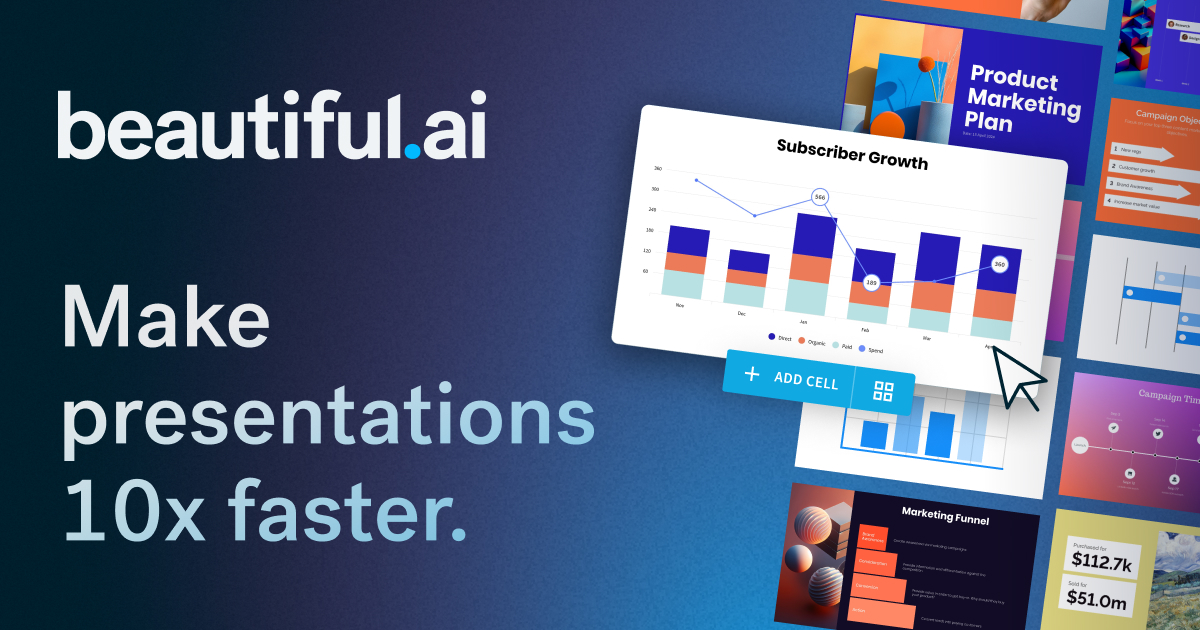
The AI presentation maker built for speed and polish. Beautiful.ai helps you create professional, client-ready slide decks in minutes. Try it free for

Beautiful.ai is praised for its capability to quickly create professional and visually appealing presentations with a user-friendly interface. However, some users express dissatisfaction with limited customization options and occasionally slow performance. The pricing of Beautiful.ai is generally seen as reasonable, but there are mixed feelings about whether it offers enough value, especially for professional users requiring more advanced features. Overall, Beautiful.ai has a positive reputation for design simplicity, though there is room for improvement in functionality and customization.

Key Metrics
4.6★ (4)
Avg Rating
—
20
Mentions (30d)
24
Mention Velocity
How discussion volume is trending week-over-week

SlidesAI

-40% vs last week

Beautiful.ai

+25% vs last week
Where People Discuss
Mention distribution across platforms

SlidesAI

Reddit
80%
Twitter/X
13%
YouTube
7%

Beautiful.ai

Reddit
91%
YouTube
9%
Community Sentiment
How developers feel about each tool based on mentions and reviews

SlidesAI

14% positive84% neutral2% negative

Beautiful.ai

29% positive71% neutral0% negative
Pricing

SlidesAI

subscription + tieredFree tier

Pricing found: $0 /month, $8.33 /month, $100 /year, $16.67 /month, $200 /year

Beautiful.ai

subscription + freemium + per-seat + tieredFree tier

Pricing found: $12 /mo, $50, $40 /mo, $45, $12/month

Use Cases
When to use each tool

SlidesAI (8)

Creating professional presentations for business pitchesGenerating lecture slides for educatorsDeveloping thesis defense presentations for studentsDesigning marketing campaign presentations for brand managersCreating training materials for corporate teamsTranslating presentations for multilingual audiencesAutomating slide design for quick turnaround projectsEnhancing visual storytelling with AI-generated images

Beautiful.ai (1)

The next evolution of AI presentations
Features

Only in SlidesAI (10)

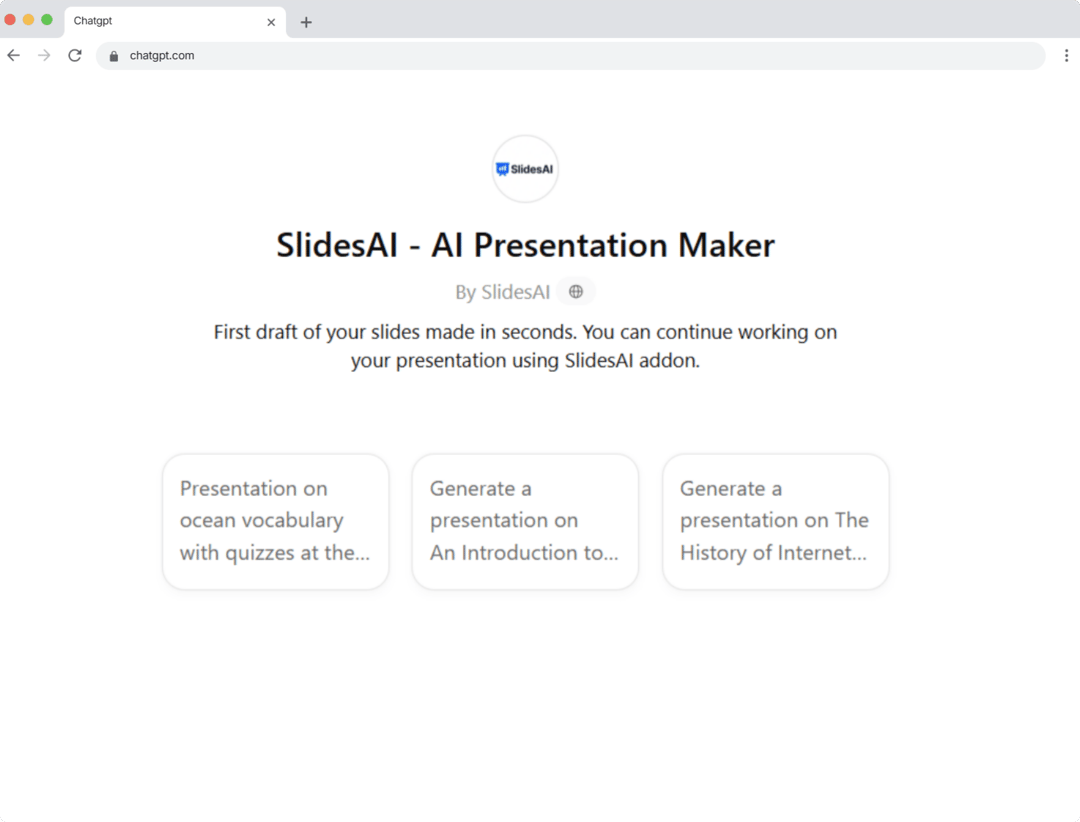
Click to watch Step by Step TutorialInstall and LaunchCreate and Customize Presentations with AIRefine, Share, and DownloadSupports 100+ languagesEdit Theme and LayoutsRefine, Rephrase, ShortenAdd Stunning Images InstantlySeamless CompatibilitySlidesAI GPT

Only in Beautiful.ai (10)

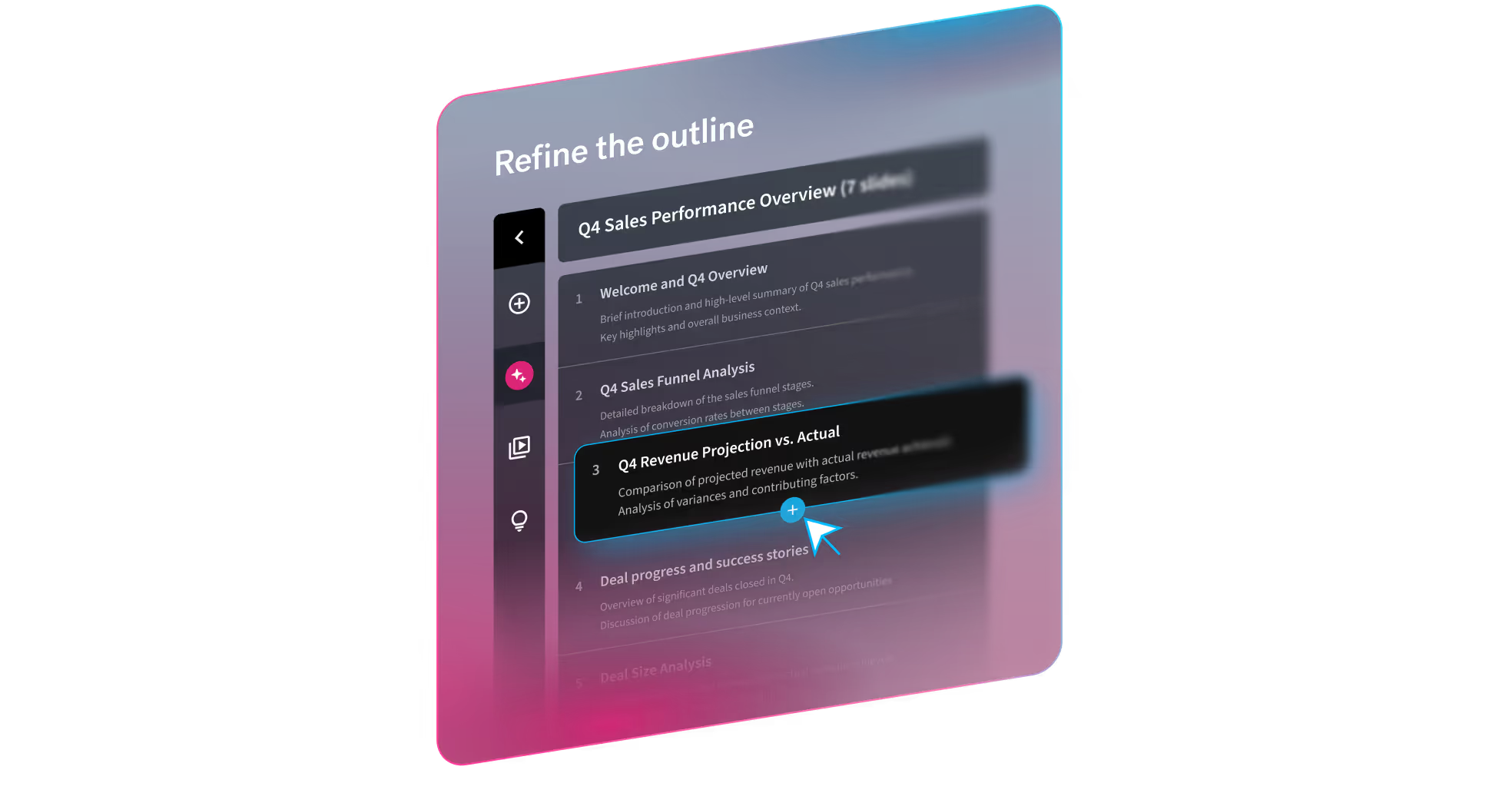
A topic or short promptA detailed prompt with slide-by-slide instructionsA pasted outline (including from other LLMs)A source document you want to turn into slidesTheme selection (out-of-the-box, Team themes, or bespoke themes)Image preferences (AI-generated, web images, stock, or none)Presentation language (100+ options)Optional consistent AI image style (custom prompt or presets)Guided workflow, not a one-shot output. Move from prompt → outline → design → refine without restarting.Smart Slides prevent the “broken deck” problem. Slides automatically handle spacing, alignment, hierarchy, and chart layout as content changes.
Integrations

Shared (6)

Microsoft PowerPointZapierSlackTrelloAsanaNotion

Only in SlidesAI (2)

Google SlidesGoogle Workspace

Only in Beautiful.ai (9)

Google DriveZoomDropboxEvernoteMailchimpSalesforceMicrosoft TeamsAdobe Creative CloudCanva
Social Reach
1,000
Twitter Followers
—
What Users Say
Top reviews from G2, Capterra, and TrustRadius

SlidesAI

What do you like best about SlidesAI?I really like how it understands the context of my presentation. It even asks for a few details, such as the type of presentation and the number of slides, which makes the results more accurate. The best part is that it can generate presentations in multiple languages based on your preference. Plus, it works with ChatGPT, PowerPoint, and Google Slides. When I’m in a hurry, I find it especially useful—I can simply provide text, and it creates a full presentation along with a detailed outline. If I want to make changes, it allows easy editing, and if I’m not satisfied with the outline, it can regenerate a new one instantly. Review collected by and hosted on G2.com.What do you dislike about SlidesAI?Sometimes the generated slides need a bit of manual tweaking to perfectly match my style or formatting preferences. However, that’s a small step compared to the time it saves overall. Review collected by and hosted on G2.com.

5.0\u2605Dhvani P.g2

What do you like best about SlidesAI?incredibly simple process and fast output with multiple theme and template options Review collected by and hosted on G2.com.What do you dislike about SlidesAI?Sometimes the AI-generated slides need a bit of manual tweaking or resizing to fit according to design Review collected by and hosted on G2.com.

4.5\u2605Verified User in Marketing and Advertisingg2

What do you like best about SlidesAI?It can automate that saves a lot of time , it can generate slides and suggest designs. It suggest content based on keywords or topics that I love about it. One more great thing about it is that it supports multiple languages. Review collected by and hosted on G2.com.What do you dislike about SlidesAI?It looks a bit generic or uninspiring slides, there's a concern about privacy and security of sensitive data that we put on this.Pricing and subscription model is a bit concerning for me. Review collected by and hosted on G2.com.

4.5\u2605Sagar B.g2

Beautiful.ai

No reviews yet

Pain Points
Top complaints from reviews and social mentions

SlidesAI

token usage (3)

Beautiful.ai

spending too much (1)
Top Discussion Keywords
Most mentioned keywords from community discussions

SlidesAI

token usage (3)

Beautiful.ai

spending too much (1)
Latest Videos
Recent uploads from official YouTube channels

SlidesAI

Where are they going though? #school #classroom #teacher #student

Where are they going though? #school #classroom #teacher #student

Apr 7, 2026

SlidesAI can be a great tool for students too! #school #teacher #classroom #ai

SlidesAI can be a great tool for students too! #school #teacher #classroom #ai

Apr 6, 2026

We love a quick fix 🥰 #school #classroom #teacher #ai

We love a quick fix 🥰 #school #classroom #teacher #ai

Apr 3, 2026

Anyone else tired 😅 #funny #school #teaching #classroom

Anyone else tired 😅 #funny #school #teaching #classroom

Mar 31, 2026

Beautiful.ai

Beautiful.ai Explained: How to Create Work-Ready Presentations, 10x Faster

Beautiful.ai Explained: How to Create Work-Ready Presentations, 10x Faster

Mar 18, 2026

Beautiful.ai's Create with AI Workflow

Beautiful.ai's Create with AI Workflow

Mar 18, 2026

The New Standard for AI Presentations | Beautiful.ai 3.0

The New Standard for AI Presentations | Beautiful.ai 3.0

Mar 18, 2026

2025 has wrapped! We can't wait to see what you present in 2026.

2025 has wrapped! We can't wait to see what you present in 2026.

Dec 22, 2025

Product Screenshots

SlidesAI

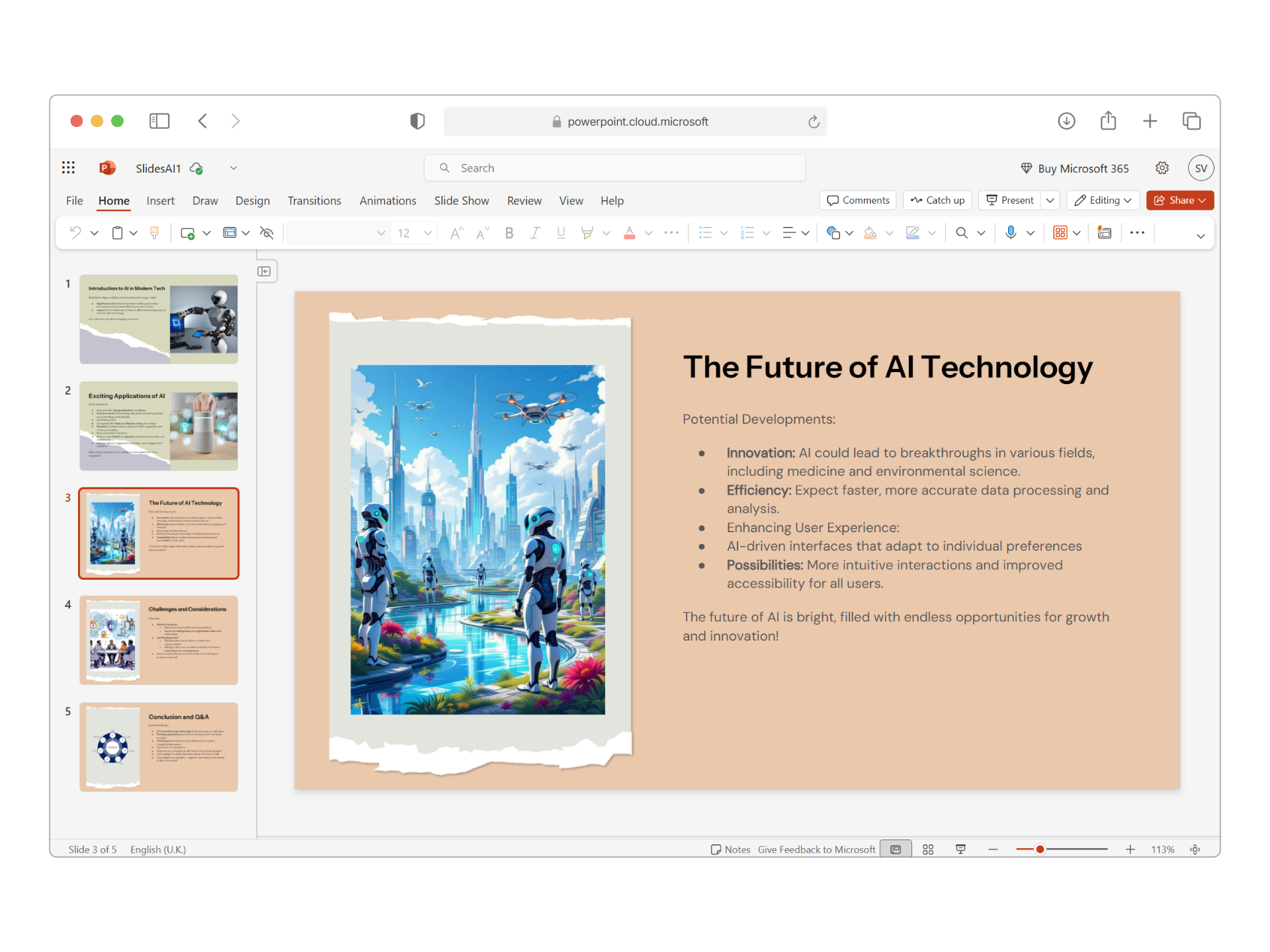
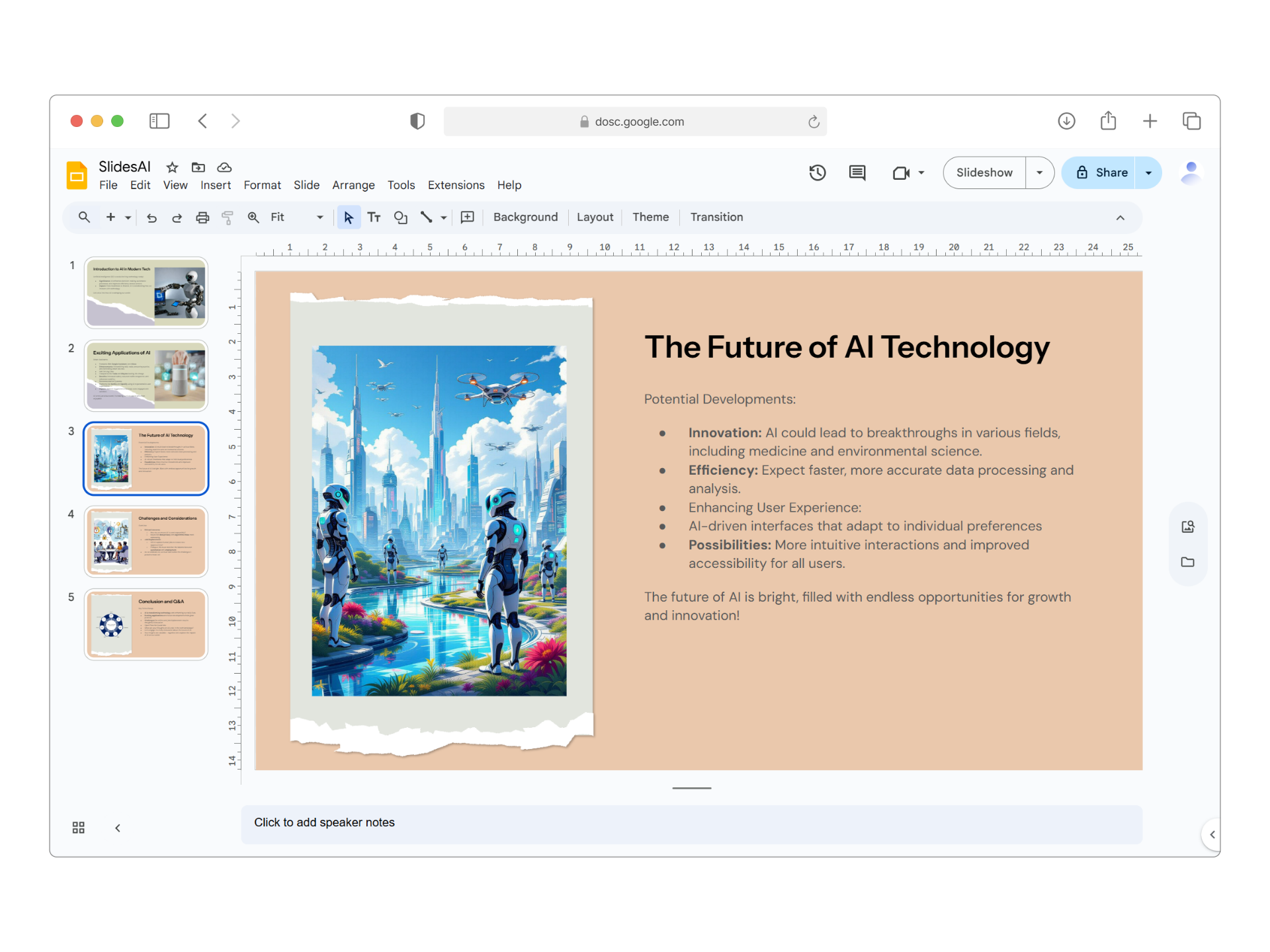
SlidesAI screenshot 1SlidesAI screenshot 2SlidesAI screenshot 3SlidesAI screenshot 4

Beautiful.ai

Beautiful.ai screenshot 1Beautiful.ai screenshot 2Beautiful.ai screenshot 3Beautiful.ai screenshot 4
What People Talk About
Most discussed topics from community mentions

SlidesAI

model selection10
streaming5
documentation5
support5
api4
agents4
data privacy4
performance3

Beautiful.ai

model selection10
streaming8
support7
api6
open source6
accuracy6
cost optimization6
workflow6
Top Community Mentions
Highest-engagement mentions from the community

SlidesAI

❤️

❤️

Twitter/Xby @SlidesAI_ioneutral source

Beautiful.ai

Beautiful.ai AI

Beautiful.ai AI

YouTubeneutral source
Company Intel
information technology & services
Industry
information technology & services
9
Employees
110
—
Funding
$61.0M
—
Stage
Venture (Round not Specified)
Supported Languages & Categories

Shared (1)

AI/ML

Only in SlidesAI (1)

FinTech

Only in Beautiful.ai (2)

SecurityAnalytics
Frequently Asked Questions
Is Beautiful.ai or SlidesAI better for international presentations?▼

SlidesAI is better for international presentations due to its strong language translation capabilities.

How does Beautiful.ai pricing compare to SlidesAI?▼

Beautiful.ai starts at $12/month, while SlidesAI begins at a lower price point of $8.33/month with annual commitments offering further savings.

Which has better community support, Beautiful.ai or SlidesAI?▼

Beautiful.ai benefits from a larger employee base and funding, suggesting more robust support, while SlideAI’s community might be more limited due to being managed by a solo developer.

Can Beautiful.ai and SlidesAI be used together?▼

Yes, users can leverage the unique strengths of both tools, though they must manually integrate their outputs due to differing primary integrations.

Which is easier to get started with, Beautiful.ai or SlidesAI?▼

SlidesAI might be easier to start with due to its step-by-step tutorials and straightforward interface.

View SlidesAI Profile View Beautiful.ai Profile