Phind is recognized for its effective AI search functionalities, integrating seamlessly into developer workflows and supporting various IDEs. In contrast, Pieces offers a more extensive integration ecosystem with an emphasis on coding assistance and workflow management, supported by its significant venture funding of $14.5M.
Best for
Phind is the better choice when swift, accurate search within coding environments is paramount, especially for small teams focused on fast information retrieval and integration with multiple development tools.
Best for
Pieces is the better choice when the need is for a comprehensive workflow tool that extends into project management and CI/CD pipelines, making it ideal for larger teams seeking a robust, AI-driven coding companion.
Key Differences
Verdict
Choose Phind if your priority lies in efficient search capabilities within coding environments, with a straightforward user experience. Opt for Pieces if you're looking for an all-encompassing solution to streamline coding tasks, manage snippets, and automate project documentation, supported by a wide array of integrations and a financially backed growth trajectory.
Phind
Phind is generally praised for its efficient search capabilities, making it a valuable tool for users seeking quick and relevant information. Users appreciate its user-friendly design and integration features, which enhance productivity. However, some have noted occasional inaccuracies in search results, indicating room for improvement in result accuracy. Pricing sentiment is relatively neutral, with users considering its cost reasonable for the value provided. Overall, Phind maintains a positive reputation, particularly among those who require robust search functions in their workflow.
Pieces
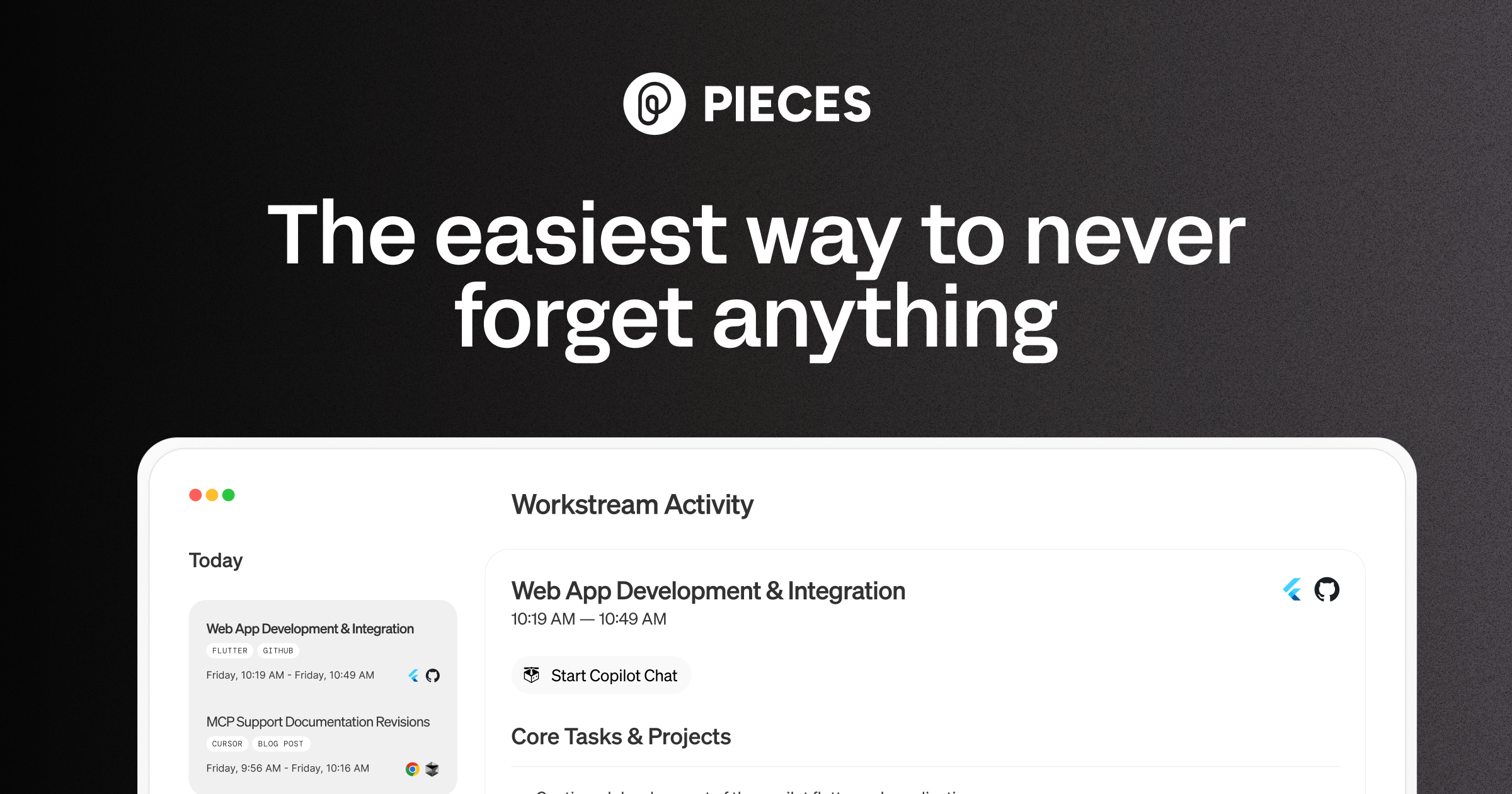
Pieces is your AI companion that captures live context from browsers to IDEs and collaboration tools, manages snippets and supports multiple llms - al
Pieces is praised for its intuitive design and efficient workflow organization, which many users find significantly boosts productivity. However, some users express concerns about occasional glitches and the lack of extensive customization options. The pricing tends to be viewed positively, seen as reasonable for the features offered. Overall, Pieces holds a solid reputation for its utility in enhancing daily tasks, yet there is room for improvement in stability and personalizability.
Phind
Not enough dataPieces
-72% vs last weekPhind
Pieces
Phind
Pieces
Phind
Pieces
Phind (8)
Pieces (8)
Only in Phind (8)
Only in Pieces (4)
Shared (12)
Only in Phind (3)
Only in Pieces (3)
Phind
No complaints found
Pieces
Phind
No data
Pieces
Phind
No YouTube channel
Phind
No screenshots
Pieces
Phind
Pieces
Phind
Pieces
Show HN: I turned a sketch into a 3D-print pegboard for my kid with an AI agent
We have pegboards and plywood all over our apartment, and I had an idea to make a tiny pegboard for my kid, Oli. So I naturally cut the wood, drilled in the holes, sat down at the computer to open Fusion 360 and spend an hour or two drawing the pieces by hand.<p>Then I looked at the rough sketch Oli
Only in Pieces (4)
Phind is better suited for searching API documentation efficiently, thanks to its built-in API documentation search feature.
Phind's pricing is seen as reasonable without tiered options, whereas Pieces offers tiered pricing, providing flexibility based on features and usage.
Pieces likely benefits from more robust community support due to its larger company size and funding, but both tools have forums and resources available.
Yes, both tools can be used together, especially in environments that require both advanced search and robust coding assistance with expanded workflows.
Phind is generally easier to get started with due to its simpler interface targeted at search tasks, while Pieces may require more setup to fully utilize its comprehensive features.


