PayloopPayloop
CommunityVoicesToolsDiscoverLeaderboardReportsBlog
Save Up to 65% on AI
Powered by Payloop — LLM Cost Intelligence
Tools/Otter.ai/vs Beautiful.ai
Otter.ai

Otter.ai

ai-productivity
vs
Beautiful.ai

Beautiful.ai

ai-productivity

Otter.ai vs Beautiful.ai — Comparison

15 integrations4 featuresSeries B
Pain: 1/10015 integrations10 featuresVenture (Round not Specified)
The Bottom Line

Otter.ai and Beautiful.ai both excel in their respective domains, with Otter.ai providing superior transcription capabilities and Beautiful.ai streamlining the creation of presentations. Otter.ai’s feature set targets effective meeting note-taking and transcription, while Beautiful.ai focuses on efficient slide design. Both offer a freemium model but differ significantly in core functionalities and integration capabilities.

Best for

Otter.ai is the better choice when your team requires accurate transcription of meetings, seminars, and interviews, particularly in environments that use multiple communication tools.

Best for

Beautiful.ai is the better choice when your team needs to quickly generate polished and professional slide presentations with ease and minimal input.

Key Differences

  • 1.Otter.ai focuses on transcription and meeting summary generation, whereas Beautiful.ai specializes in creating presentations from thematic prompts.
  • 2.Otter.ai offers integrations with Microsoft Teams and other project management tools, while Beautiful.ai provides integrations with presentation tools like Microsoft PowerPoint.
  • 3.Otter.ai pricing starts at $8 per user, whereas Beautiful.ai pricing is around $12 per month, potentially offering more value for users focused on presentation design.
  • 4.Beautiful.ai features smart slides that adjust formatting automatically, a capability not present in Otter.ai’s transcription-focused platform.
  • 5.Otter.ai has been criticized for limited application integrations, whereas Beautiful.ai’s main critique is limited presentation customization.

Verdict

Choose Otter.ai if your business needs revolve around accurate transcription and creating articulate meeting summaries, particularly if tied into various communication platforms. Opt for Beautiful.ai if you prioritize presentation creation and require quick, aesthetically consistent slide decks. Both tools offer adaptive solutions but target different productivity facets.

Overview
What each tool does and who it's for

Otter.ai

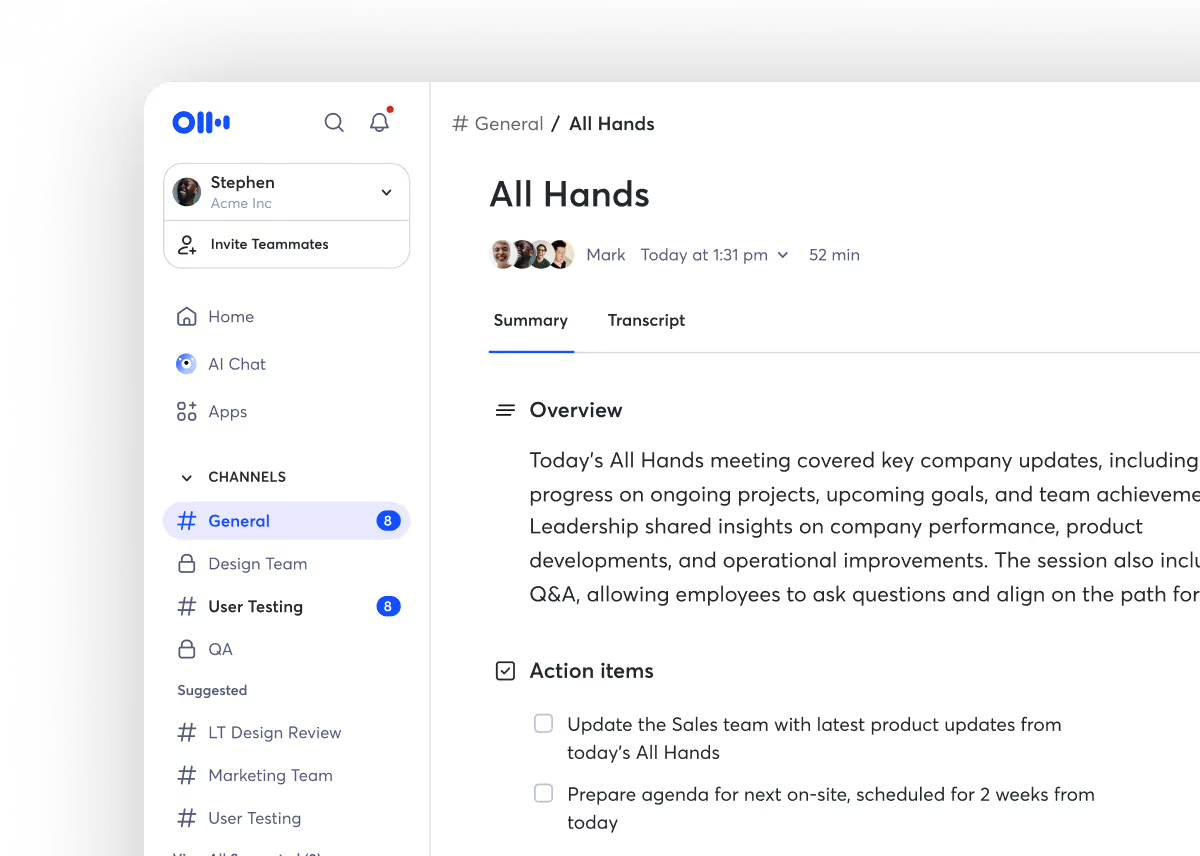
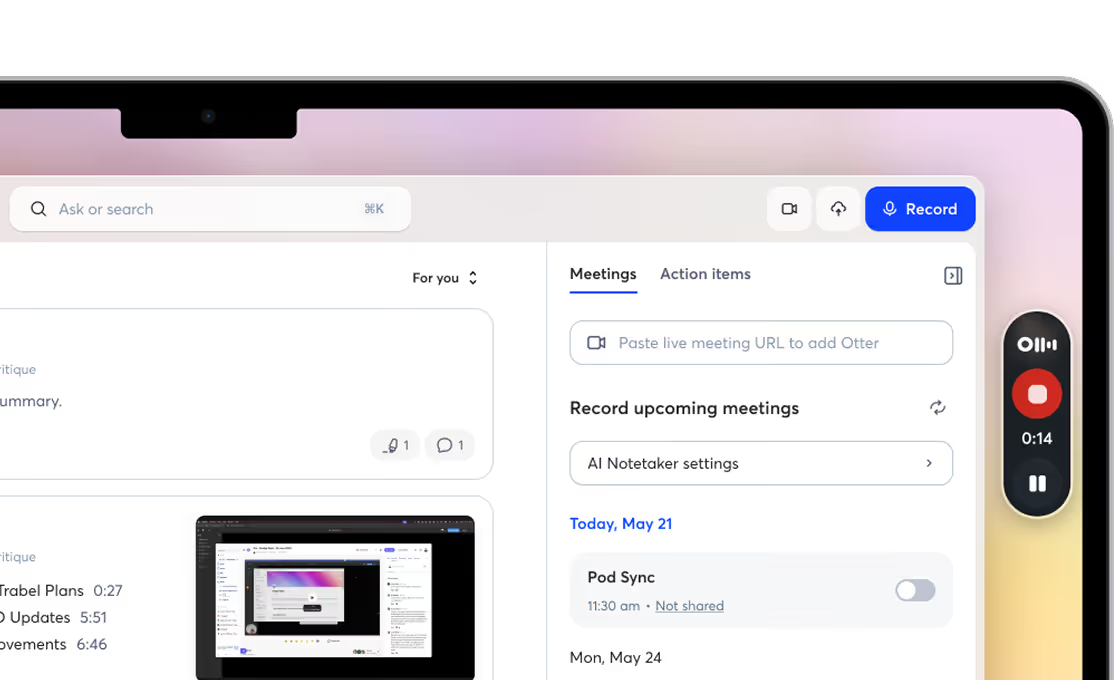
Otter AI Meeting Agent supports real-time transcription, live chat, automated summaries, insights, and action items.

Otter.ai is praised for its effective transcription capabilities and AI-driven features, which many users find beneficial for transcribing meetings and lectures. However, some users express frustration with integration issues, particularly with Microsoft 365 connectors. The sentiment around pricing is generally neutral, with some users feeling that the benefits justify the costs, especially for team and enterprise plans. Overall, Otter.ai maintains a positive reputation as a reliable tool in the transcription space, despite some integration challenges.

Beautiful.ai

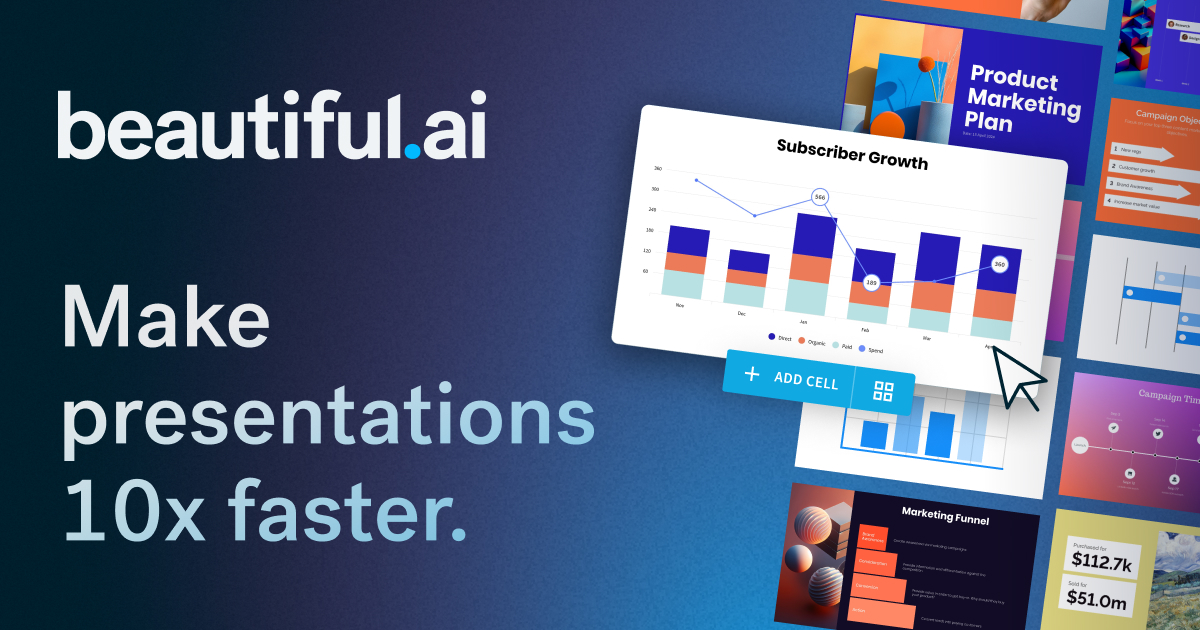
The AI presentation maker built for speed and polish. Beautiful.ai helps you create professional, client-ready slide decks in minutes. Try it free for

Beautiful.ai is praised for its capability to quickly create professional and visually appealing presentations with a user-friendly interface. However, some users express dissatisfaction with limited customization options and occasionally slow performance. The pricing of Beautiful.ai is generally seen as reasonable, but there are mixed feelings about whether it offers enough value, especially for professional users requiring more advanced features. Overall, Beautiful.ai has a positive reputation for design simplicity, though there is room for improvement in functionality and customization.

Key Metrics
—
Mentions (30d)
24
Mention Velocity
How discussion volume is trending week-over-week

Otter.ai

Stable week-over-week

Beautiful.ai

+25% vs last week
Where People Discuss
Mention distribution across platforms

Otter.ai

YouTube
56%
Reddit
44%

Beautiful.ai

Reddit
91%
YouTube
9%
Community Sentiment
How developers feel about each tool based on mentions and reviews

Otter.ai

0% positive100% neutral0% negative

Beautiful.ai

29% positive71% neutral0% negative
Pricing

Otter.ai

subscription + freemium + per-seat + tieredFree tier

Pricing found: $16, $16, $8, $30, $24 /user

Beautiful.ai

subscription + freemium + per-seat + tieredFree tier

Pricing found: $12 /mo, $50, $40 /mo, $45, $12/month

Use Cases
When to use each tool

Otter.ai (8)

Transcribing meetings for accurate record-keepingGenerating meeting summaries for quick reviewsFacilitating remote collaboration through shared transcriptsEnhancing accessibility for hearing-impaired team membersCreating searchable archives of conversations for future referenceIntegrating with project management tools to streamline workflowsSupporting language learning by providing transcripts of conversationsAutomating note-taking during interviews or podcasts

Beautiful.ai (1)

The next evolution of AI presentations
Features

Only in Otter.ai (4)

Where conversations liveTrusted by teams, loved by peopleConnect to your favorite appsFlexible plans for teams, individuals, and enterprises

Only in Beautiful.ai (10)

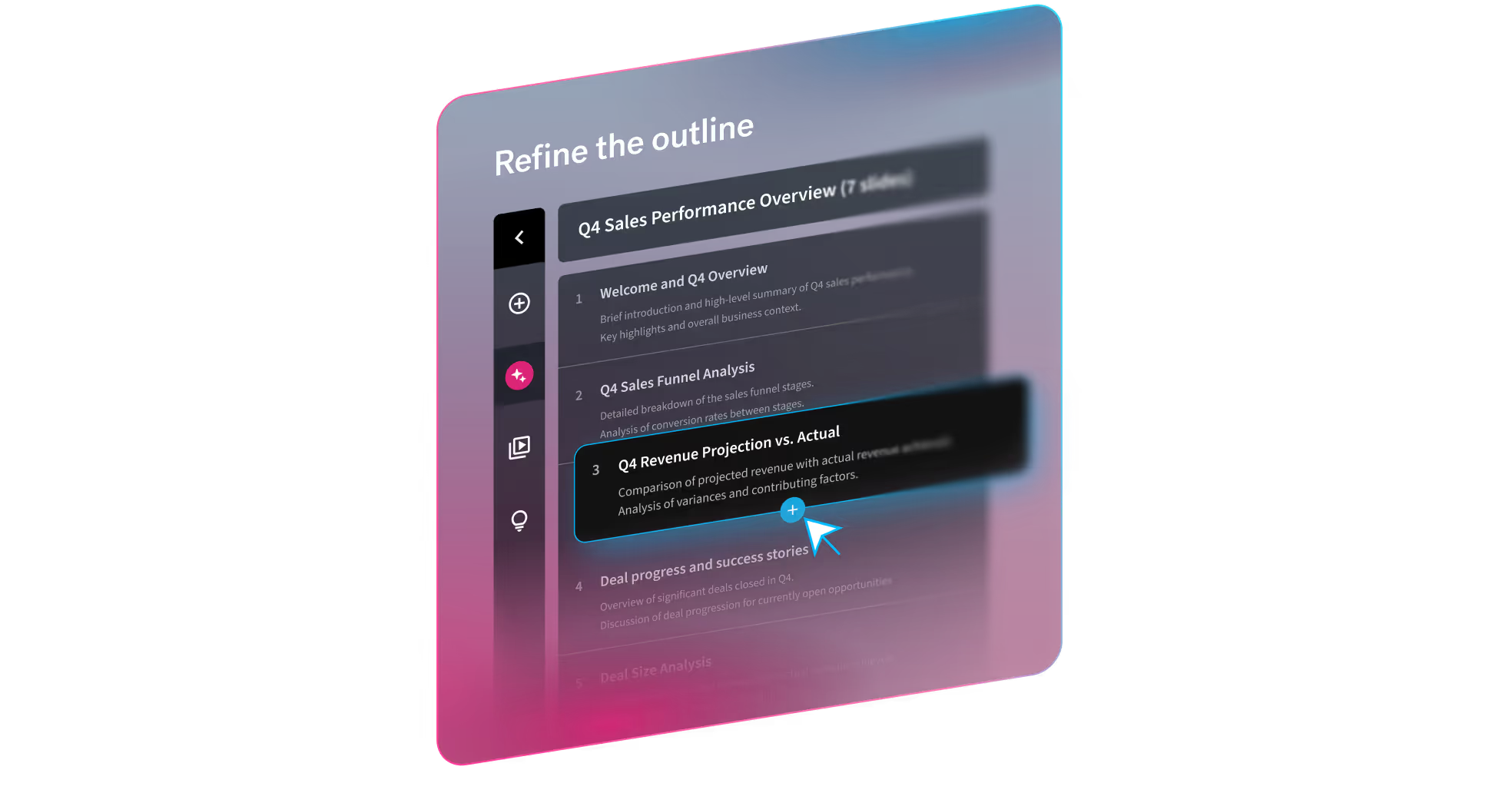
A topic or short promptA detailed prompt with slide-by-slide instructionsA pasted outline (including from other LLMs)A source document you want to turn into slidesTheme selection (out-of-the-box, Team themes, or bespoke themes)Image preferences (AI-generated, web images, stock, or none)Presentation language (100+ options)Optional consistent AI image style (custom prompt or presets)Guided workflow, not a one-shot output. Move from prompt → outline → design → refine without restarting.Smart Slides prevent the “broken deck” problem. Slides automatically handle spacing, alignment, hierarchy, and chart layout as content changes.
Integrations

Shared (11)

ZoomMicrosoft TeamsSlackDropboxEvernoteTrelloAsanaNotionSalesforceZapierGoogle Drive

Only in Otter.ai (4)

Google MeetCalendlyMicrosoft OneNoteBox

Only in Beautiful.ai (4)

Microsoft PowerPointMailchimpAdobe Creative CloudCanva
Pain Points
Top complaints from reviews and social mentions

Otter.ai

No complaints found

Beautiful.ai

spending too much (1)
Top Discussion Keywords
Most mentioned keywords from community discussions

Otter.ai

No data

Beautiful.ai

spending too much (1)
Latest Videos
Recent uploads from official YouTube channels

Otter.ai

Otter and Egnyte

Otter and Egnyte

Mar 19, 2026

Leading by Influence: The Founder's Shift to Sustainable Growth with  Matt Holtz

Leading by Influence: The Founder's Shift to Sustainable Growth with Matt Holtz

Jan 13, 2026

The M&A Integration Blind Spot: Autonomy vs. Synergy

The M&A Integration Blind Spot: Autonomy vs. Synergy

Jan 5, 2026

Otter: An Enterprise Essential

Otter: An Enterprise Essential

Dec 2, 2025

Beautiful.ai

Beautiful.ai Explained: How to Create Work-Ready Presentations, 10x Faster

Beautiful.ai Explained: How to Create Work-Ready Presentations, 10x Faster

Mar 18, 2026

Beautiful.ai's Create with AI Workflow

Beautiful.ai's Create with AI Workflow

Mar 18, 2026

The New Standard for AI Presentations | Beautiful.ai 3.0

The New Standard for AI Presentations | Beautiful.ai 3.0

Mar 18, 2026

2025 has wrapped! We can't wait to see what you present in 2026.

2025 has wrapped! We can't wait to see what you present in 2026.

Dec 22, 2025

Product Screenshots

Otter.ai

Otter.ai screenshot 1Otter.ai screenshot 2Otter.ai screenshot 3Otter.ai screenshot 4

Beautiful.ai

Beautiful.ai screenshot 1Beautiful.ai screenshot 2Beautiful.ai screenshot 3Beautiful.ai screenshot 4
What People Talk About
Most discussed topics from community mentions

Otter.ai

pricing1
performance1
documentation1
api1
scalability1
open source1
migration1
deployment1

Beautiful.ai

model selection10
streaming8
support7
api6
open source6
accuracy6
cost optimization6
workflow6
Top Community Mentions
Highest-engagement mentions from the community

Otter.ai

Otter.ai AI

Otter.ai AI

YouTubeneutral source

Beautiful.ai

Beautiful.ai AI

Beautiful.ai AI

YouTubeneutral source
Company Intel
information technology & services
Industry
information technology & services
200
Employees
110
$63.0M
Funding
$61.0M
Series B
Stage
Venture (Round not Specified)
Supported Languages & Categories

Shared (2)

AI/MLSecurity

Only in Otter.ai (1)

CRM

Only in Beautiful.ai (1)

Analytics
Frequently Asked Questions
Is Otter.ai or Beautiful.ai better for creating searchable archives?▼

Otter.ai is better suited for creating searchable archives by transcribing and saving meeting notes or conversations.

How does Otter.ai pricing compare to Beautiful.ai?▼

Otter.ai offers varied pricing starting at $8 per user, whereas Beautiful.ai's pricing begins at $12 per month, reflecting different value assessments for their core functionalities.

Which has better community support, Otter.ai or Beautiful.ai?▼

Otter.ai has a broader discussion spectrum including performance and API, while Beautiful.ai focuses more on workflow and customization, implying strong community engagement for both within their niches.

Can Otter.ai and Beautiful.ai be used together?▼

Yes, Otter.ai and Beautiful.ai can complement each other with transcripts being converted into slides using Beautiful.ai's design capabilities.

Which is easier to get started with, Otter.ai or Beautiful.ai?▼

Beautiful.ai users often highlight its intuitive slide creation workflow, making it potentially easier for new users compared to Otter.ai's comprehensive transcription setup.

View Otter.ai Profile View Beautiful.ai Profile