Kombai
Built-in skills that build world-class frontend
Kombai combines specialized frontend skills, deep browser access, and a dev-like understanding of your repo. Use it to build, refactor, test, and improve every part of your frontend. Ship stunning UX with clean, efficient code. Kombai automatically incorporates best practices from 400+ frontend libraries and makes refined design choices. Don't limit your agent to screenshots. Our browser combines agentic automation with deep, multi-tab data access and the precise controls you need to guide, debug, and audit. Kombai learns your stack, components, and patterns, then reuses them intelligently to generate code that fits cleanly into your repo. Kombai works for frontend projects of all sizes and complexities. Kombai won't mistakenly change your database or backend logic. For enterprise customers, we set up custom context-engines that can accurately use complex stacks. Kombai is Soc2 certified. It never uses your data for training or model improvements. From small components to full app UIs - Kombai generates frontend code right inside your IDE. Get clean, backend-agnostic output that fits your stack and repo. Credit rollovers up to 0.5x monthly limit Credit rollovers up to 2x monthly limit Shared credit pool for all team members Centralized billing team management Make Kombai work seamlessly for large teams and complex tech stacks. How modern frontend teams build with AI Kombai comes with domain-specific AI skills — sets of instructions, tools, and resources that help it excel in frontend tasks where generic agents fall short. By leveraging developer-verified examples and docs, Kombai generates clean, efficient code aligned with best practices from 400+ frontend libraries. With native Figma integration, Kombai understands complex designs, handles common issues like messy grouping and invisible layers, and extracts assets. From colors and fonts to animations and real-world inspirations, Kombai uses curated resources to make refined choices that elevate your UX. Don't limit your agent to screenshots. Kombai combines deep browser data access with multi-tab context and unique tools, giving the AI superior context for reliable coding. Let the agent autonomously execute tests and tasks. Or, select specific DOM elements and snippets to give pinpoint instructions. From rendered DOM and raw CSS rules to console logs and performance metrics, Kombai can access all the browser data needed for complex tasks. Use / commands to audit any URL for accessibility, SEO, and performance, and implement required improvements. Kombai uses purpose-built memory and indexing to internalize your stack and coding patterns, generating code that reads like your team wrote it. Kombai remembers your tech stack and applies it automatically across tasks, fetching library-specific skills as needed. Kombai indexes your components to understand their behavior, appearance, and props. This ensures they are reused correctly across every task. For ev
Readme
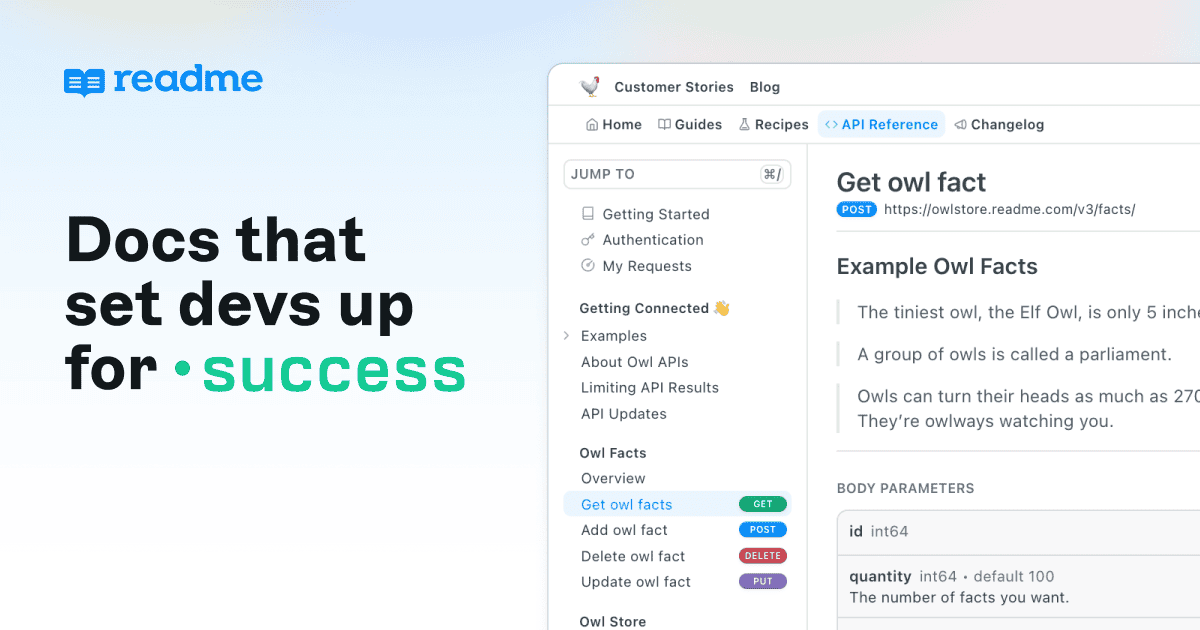
Make your APIs easy to use with clear, powerful API documentation built for developer success.
Based on these social mentions, ReadMe appears to be well-regarded as an innovative documentation platform that's embracing AI integration. Users appreciate its advanced features like MCP (Model Context Protocol) servers that enable AI assistants to not just read documentation but actually execute API calls, and its bidirectional GitHub/GitLab sync with branching workflows. The platform is positioning itself as making documentation a "competitive moat" with impressive results like 30% faster developer onboarding and 60% fewer support queries. Overall sentiment suggests ReadMe is seen as forward-thinking and effective, though the limited sample focuses mainly on company communications rather than independent user feedback.
Kombai
Readme
Kombai
Pricing found: $0
Readme
Pricing found: $3,000, $150 /month, $0 /month, $79 /month, $349 /month
Only in Kombai (10)
Kombai
No data yet
Readme
Kombai


Readme
Kombai
Readme


