PayloopPayloop
CommunityVoicesToolsDiscoverLeaderboardReportsBlog
Save Up to 65% on AI
Powered by Payloop — LLM Cost Intelligence
Tools/Grain/vs Grammarly
Grain

Grain

ai-productivity
vs
Grammarly

Grammarly

ai-productivity

Grain vs Grammarly — Comparison

The Bottom Line

Grain and Grammarly both offer AI-driven productivity enhancements but cater to different needs; Grain focuses on automating meeting documentation, while Grammarly enhances writing quality across platforms. Grain integrates with tools like Zoom and Salesforce, whereas Grammarly serves over 40 million users and integrates with Google Docs and Microsoft Word.

Best for

Grain is the better choice when the primary goal is to automate and streamline meeting documentation and follow-up tasks, especially for teams heavily using tools like Zoom and Salesforce.

Best for

Grammarly is the better choice when improving writing quality across diverse contexts is the priority, making it suitable for writers, marketers, and organizations focusing on professional communication.

Key Differences

  • 1.Grain offers AI Meeting Notes and integrates seamlessly with CRM tools like Salesforce, focusing on productivity automation, while Grammarly is oriented towards enhancing writing quality and clarity.
  • 2.Grain supports automatic CRM updates, which is beneficial for sales and marketing teams, contrasted with Grammarly's focus on language refinement across multiple platforms.
  • 3.Grammarly has a massive user base of over 40 million, indicating a stronger community presence compared to Grain's smaller company size of 87 employees.
  • 4.Grain is typically used in team environments that require meeting transcription capabilities, whereas Grammarly is utilized individually for writing enhancement and by organizations to maintain writing standards.
  • 5.Grain offers a contract pricing model alongside a freemium tier starting at $19 per seat, whereas Grammarly's subscription is tiered with pricing at $12 and a strong focus on writing precision improvements.

Verdict

For teams that rely on streamlining meeting workflows and require integration with sales tools, Grain is the clear choice. Conversely, Grammarly's extensive integrations and focus on enhancing professionalism in writing make it invaluable for users across a wide range of writing contexts. Both tools excel in their domains, but their utility is driven by specific organizational needs.

Overview
What each tool does and who it's for

Grain

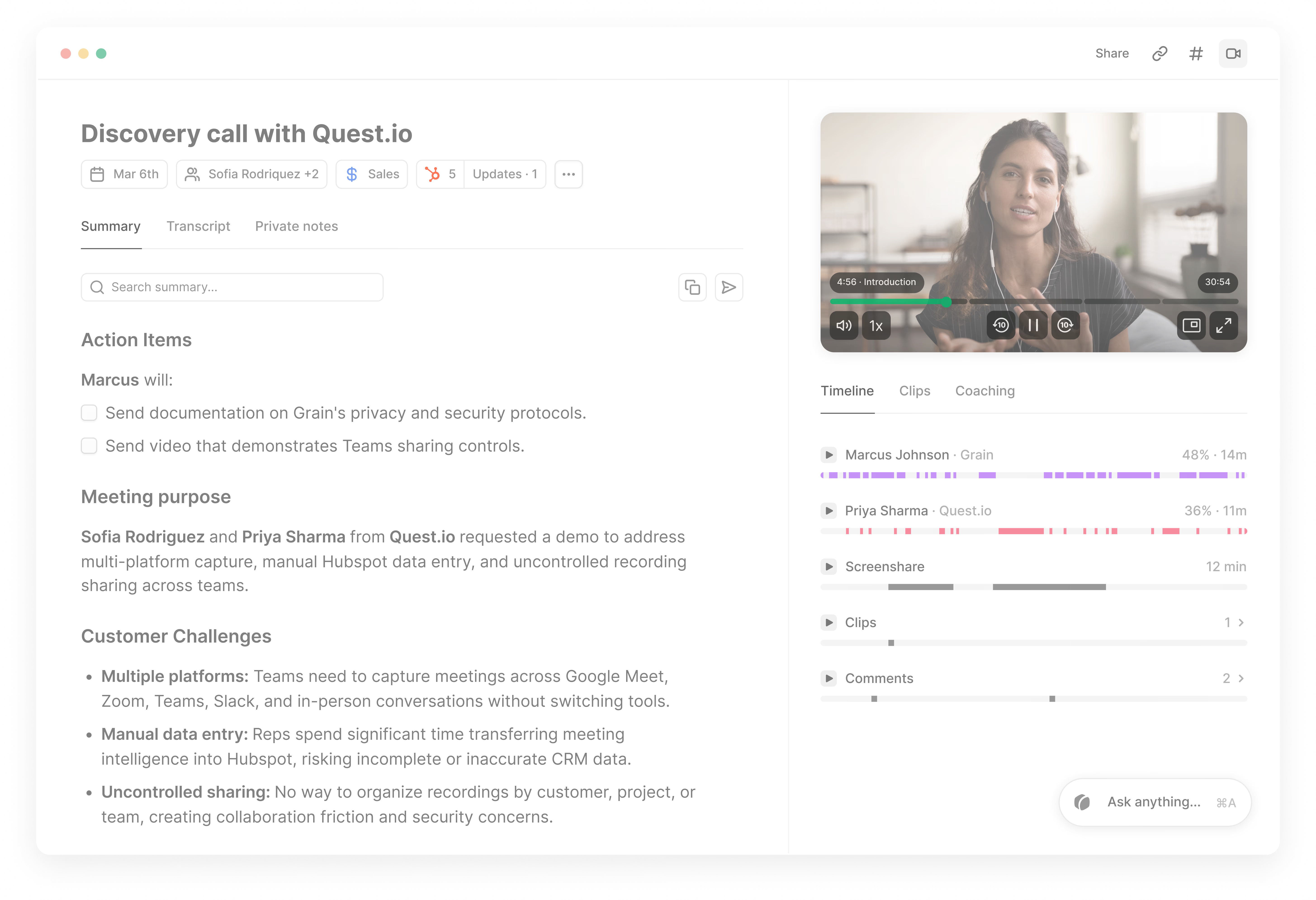
Grain gives you AI-powered meeting recording for everyone, not just sales.

Grain is widely perceived as a powerful tool for enhancing meeting productivity through AI-driven features. Users appreciate its ability to automatically generate meeting notes and transcripts, which significantly reduces the burden of manual note-taking. The integration with popular collaboration tools and CRM systems is seen as a major advantage, making it a versatile choice for teams looking to streamline their workflows.

Grammarly

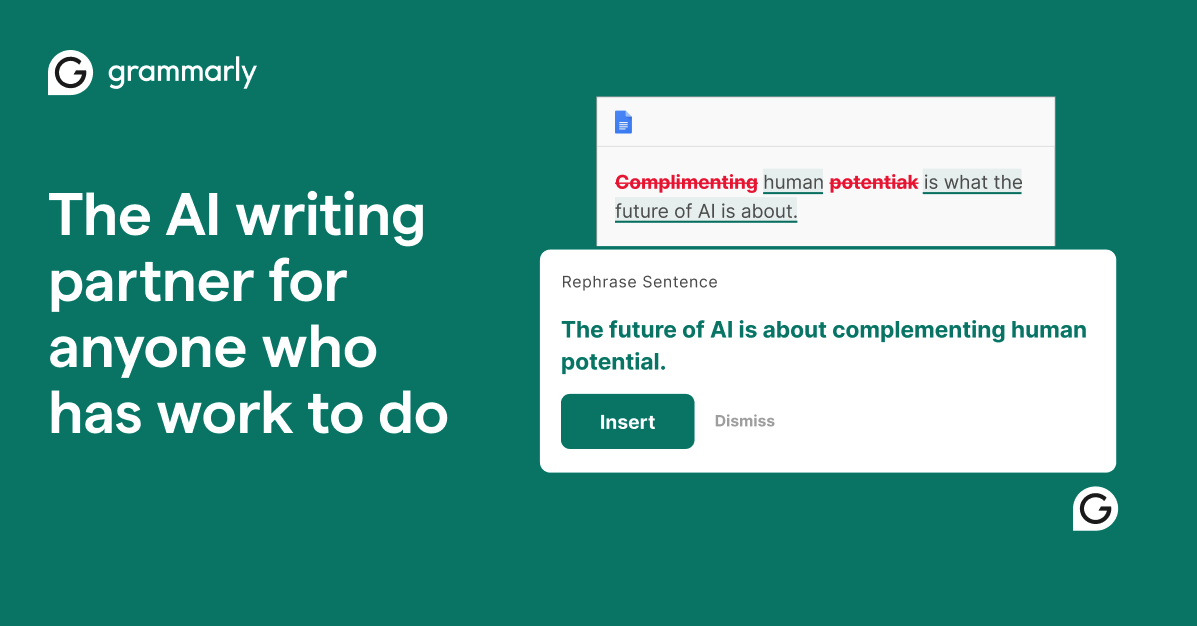
Grammarly makes AI writing convenient. Work smarter with personalized AI guidance and text generation on any app or website.

Grammarly is widely regarded as a leading tool for enhancing writing quality, with a strong community of over 40 million users. Users appreciate its ability to refine grammar, structure, and clarity, while also providing insights into AI-generated text. The tool is trusted by both individuals and organizations, making it a go-to solution for anyone looking to improve their writing skills.

Where People Discuss
Mention distribution across platforms

Grain

YouTube
100%

Grammarly

YouTube
100%
Community Sentiment
How developers feel about each tool based on mentions and reviews

Grain

0% positive100% neutral0% negative

Grammarly

0% positive100% neutral0% negative
Pricing

Grain

subscription + freemium + contract + per-seat + tieredFree tier

Pricing found: $0, $19, $0, $19

Grammarly

subscription + tieredFree tier

Pricing found: $0, $12, $0, $12, $0

Use Cases
When to use each tool

Grain (1)

Frequently Asked Questions

Grammarly (8)

Enhancing academic essays for clarity and coherence.Improving business emails for professionalism and tone.Refining blog posts to engage readers more effectively.Assisting non-native speakers in crafting grammatically correct sentences.Streamlining reports for better readability and structure.Optimizing social media posts for impact and engagement.Editing creative writing for flow and narrative consistency.Preparing resumes and cover letters to stand out to employers.
Features

Only in Grain (10)

AI Meeting NotesInstant Tasks Follow-upsEffortless highlight sharingAutomatic CRM UpdatesWhat is Grain?Who is Grain for?How do I use Grain with my team?How much does Grain cost?What's included in the free plan?How much time do I save with Grain vs. manual note-taking?

Only in Grammarly (9)

Where can I use Grammarly?What does Grammarly offer beyond spell-check and grammar-check?Is Grammarly secure?Can Grammarly see or use my writing?What data does Grammarly collect?What’s included in a paid plan?What are AI agents, and what do they do?What is docs?What is Superhuman Go?
Integrations

Shared (3)

ZoomSlackDropbox

Only in Grain (13)

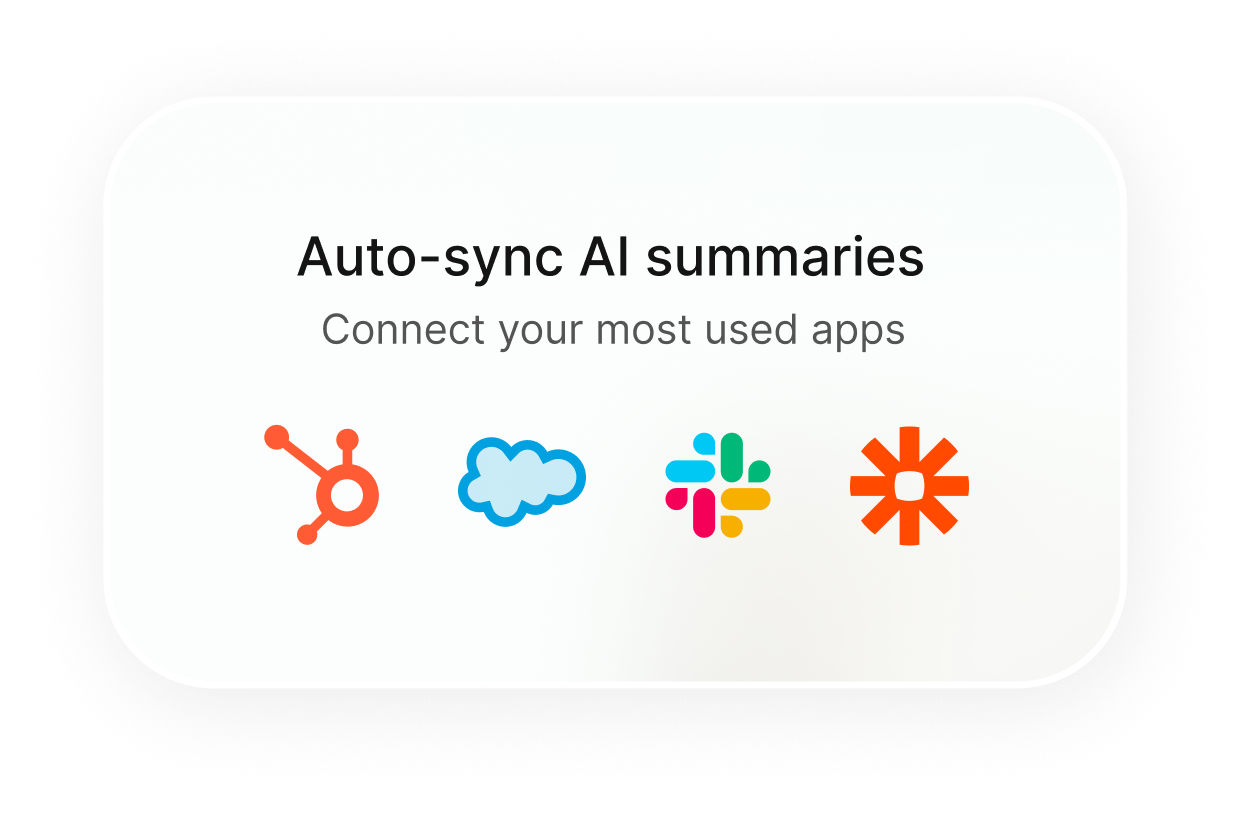
Google MeetMicrosoft TeamsSalesforceAsanaTrelloNotionHubSpotCalendlyZapierEvernoteMonday.comClickUpJira

Only in Grammarly (5)

Microsoft WordGoogle DocsOutlookChrome BrowserFirefox Browser
Latest Videos
Recent uploads from official YouTube channels

Grain

Desktop Capture Walkthrough

Desktop Capture Walkthrough

Sep 10, 2025

Announcing the official Grain MCP (demoing set-up in Claude)

Announcing the official Grain MCP (demoing set-up in Claude)

Jun 18, 2025

🔁 Shifting to an Everboarding Culture | Katelyn Cox

🔁 Shifting to an Everboarding Culture | Katelyn Cox

May 30, 2025

🎓 Katelyn Cox – Everboarding vs Onboarding

🎓 Katelyn Cox – Everboarding vs Onboarding

May 29, 2025

Grammarly

No YouTube channel

Product Screenshots

Grain

Grain screenshot 1Grain screenshot 2Grain screenshot 3Grain screenshot 4

Grammarly

Grammarly screenshot 1
Top Community Mentions
Highest-engagement mentions from the community

Grain

Grain AI

Grain AI

YouTubeneutral source

Grammarly

Grammarly AI

Grammarly AI

YouTubeneutral source
Company Intel
information technology & services
Industry
information technology & services
87
Employees
1,200
$20.0M
Funding
$1.4B
Venture (Round not Specified)
Stage
Debt Financing
Supported Languages & Categories

Grain

AI/MLDevOpsSecurityDeveloper ToolsCRM

Grammarly

SecurityAnalytics
Frequently Asked Questions
Is Grain or Grammarly better for brainstorming sessions?▼

Grain is better suited for brainstorming sessions as it records and transcribes meetings, making it easy to capture ideas and follow-ups.

How does Grain pricing compare to Grammarly?▼

Grain pricing starts at $19 per seat with additional contract options, while Grammarly offers a flat subscription tier starting at $12, with both offering freemium versions.

Which has better community support, Grain or Grammarly?▼

Grammarly has wider community support with over 40 million users, whereas Grain is part of a smaller but focused niche primarily within meeting productivity.

Can Grain and Grammarly be used together?▼

Yes, they can be used together; while Grain captures meeting content, Grammarly can refine any text communications derived from those meetings.

Which is easier to get started with, Grain or Grammarly?▼

Grammarly is generally easier to get started with due to its widespread integrations and intuitive interface tailored for immediate writing improvement across devices and platforms.

View Grain Profile View Grammarly Profile