GitHub Copilot
GitHub Copilot works alongside you directly in your editor, suggesting whole lines or entire functions for you.
GitHub Copilot is widely praised for its robust code suggestion capabilities and has a largely positive user reputation, as seen in consistent high ratings on G2. However, specific complaints are not highlighted in the reviews or social mentions, indicating a general satisfaction among users. Many social mentions focus on the tool's innovative features and integration capabilities, such as multi-agent code reviews and task automation, underscoring its enhancement to developer productivity. Pricing sentiment is not explicitly mentioned, but the overall reputation is strong as it’s seen as a valuable tool for developers globally.
Windsurf
Fast and Comprehensive Code Review, Now in Windsurf
Windsurf receives positive feedback for being a powerful AI coding tool with capabilities that impress users, yet it is criticized for high token consumption when handling simple tasks such as reading a git diff. Users express concerns about its pricing due to inefficiencies in token usage, which can lead to higher operational costs. Overall, the reputation of Windsurf is somewhat mixed; it's valued for its functionality, but the cost and inefficiencies leave several users considering alternatives.
GitHub Copilot
-67% vs last weekWindsurf
-80% vs last weekGitHub Copilot
Windsurf
GitHub Copilot
Windsurf
GitHub Copilot
Pricing found: $100, $390
Windsurf
Pricing found: $10, $0/month, $20/month, $200/month, $40/user
GitHub Copilot (8)
Windsurf (9)
Only in GitHub Copilot (10)
Only in Windsurf (1)
Shared (3)
Only in GitHub Copilot (5)
Only in Windsurf (16)
GitHub Copilot
What do you like best about GitHub Copilot?Contextual Autocomplete: It suggests entire blocks of code, functions, and tests by analyzing your current file and open tabs. Boilerplate Reduction: It handles repetitive tasks like writing unit tests, regex, or standard API calls, allowing you to focus on logic. Natural Language to Code: You can write a comment describing what you want (e.g., // function to validate email using regex), and it will generate the implementation. Multi-language Support: It works across dozens of languages including Python, JavaScript, TypeScript, Ruby, Go, and Java. IDE Integration: It lives directly inside popular editors like VS Code, JetBrains, and Neovim, so there is no need to switch windows. Review collected by and hosted on G2.com.What do you dislike about GitHub Copilot?1. Inaccuracy and "Hallucinations" Code Quality: It often suggests code that is inefficient, outdated, or uses libraries that don't actually exist (hallucinations). Bugs: It can generate syntactically correct code that contains subtle logical errors, requiring you to spend more time debugging than if you had written it yourself. 2. Context Limitations Large Projects: It sometimes "forgets" logic established earlier in a file or fails to understand the broader architecture of a complex project. Proprietary Logic: It struggles with custom frameworks or internal business logic that wasn't part of its public training data. 3. Privacy and Security Data Training: Many users are concerned about their code being sent to GitHub's servers to train future models. As of early 2026, some users have expressed frustration over "automatic opt-in" policies for data collection. Vulnerabilities: There is a risk that the AI might suggest patterns that include known security vulnerabilities (like SQL injection) if they were prevalent in its training set. Review collected by and hosted on G2.com.
What do you like best about GitHub Copilot?GitHub Copilot feels like a smart coding partner that understands context and suggests accurate code instantly. It helps reduce repetitive work and speeds up development significantly.Overall,it makes coding more efficient, easier and more enjoyable Review collected by and hosted on G2.com.What do you dislike about GitHub Copilot?Sometimes GitHub Copilot generates suggestions that feel generic or not perfectly aligned with the intended logic. It may also struggle with highly specific or complex requirements. Review collected by and hosted on G2.com.
What do you like best about GitHub Copilot?What I like best about GItHub Copilot is how it provides real-time code suggestions that fit the context of what I'm working on. It saves a lot of time on repetitive coding and helps maintain flow without switching between tabs. It feels like a helpful assistant built right into the editor. Review collected by and hosted on G2.com.What do you dislike about GitHub Copilot?One thing I dislike about GitHub Copilot is that some suggestions can be inaccurate, especially for complex logic or specific use cases. It sometimes requires careful review and adjustments. Improving consistency and understanding of edge cases would make it even better Review collected by and hosted on G2.com.
Windsurf
No reviews yet
GitHub Copilot
Windsurf
GitHub Copilot
Windsurf
GitHub Copilot
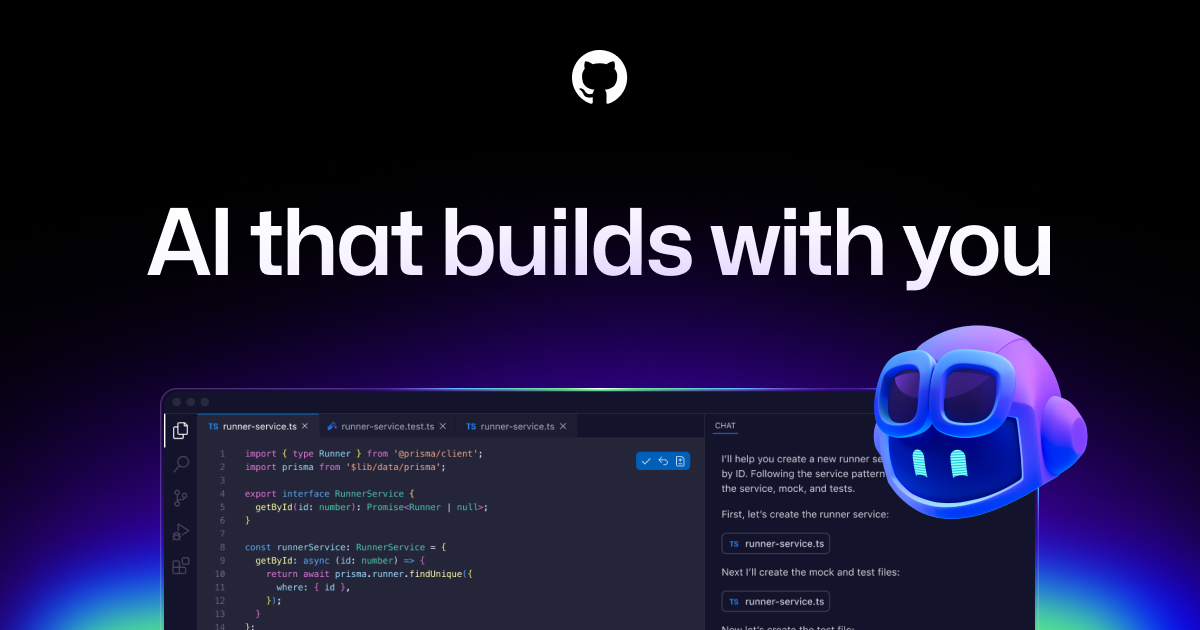



Windsurf


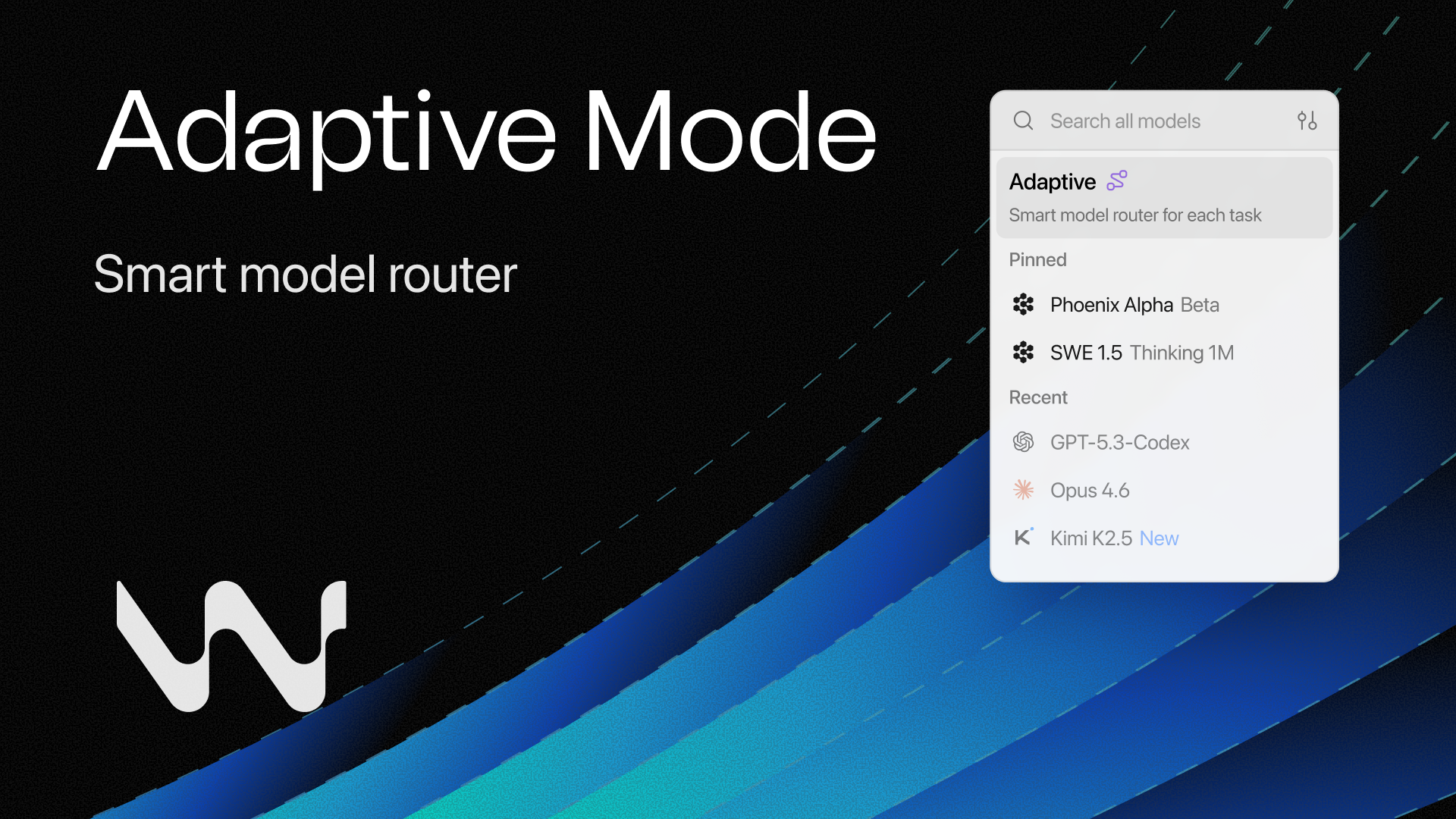

GitHub Copilot
Windsurf
GitHub Copilot
Brazil, Indonesia, Japan, Germany, and India fueled a massive surge in 2025, adding nearly 36 million new developers to GitHub. 🌏 India alone added 5.2 million. 🇮🇳
Brazil, Indonesia, Japan, Germany, and India fueled a massive surge in 2025, adding nearly 36 million new developers to GitHub. 🌏 India alone added 5.2 million. 🇮🇳
Windsurf
I wasted $500 testing AI coding tools so you don't have to 💸 Here's what actually works: 🧪 Testing ideas? → V0 or Lovable Built a landing page in 90 seconds. Fully clickable, looked real. Code's me
I wasted $500 testing AI coding tools so you don't have to 💸 Here's what actually works: 🧪 Testing ideas? → V0 or Lovable Built a landing page in 90 seconds. Fully clickable, looked real. Code's messy but perfect for validation. 🏗️ Shipping real apps? → Bolt Full dev environment in your browser.
Shared (2)
Only in GitHub Copilot (3)
Only in Windsurf (1)