GitHub Copilot
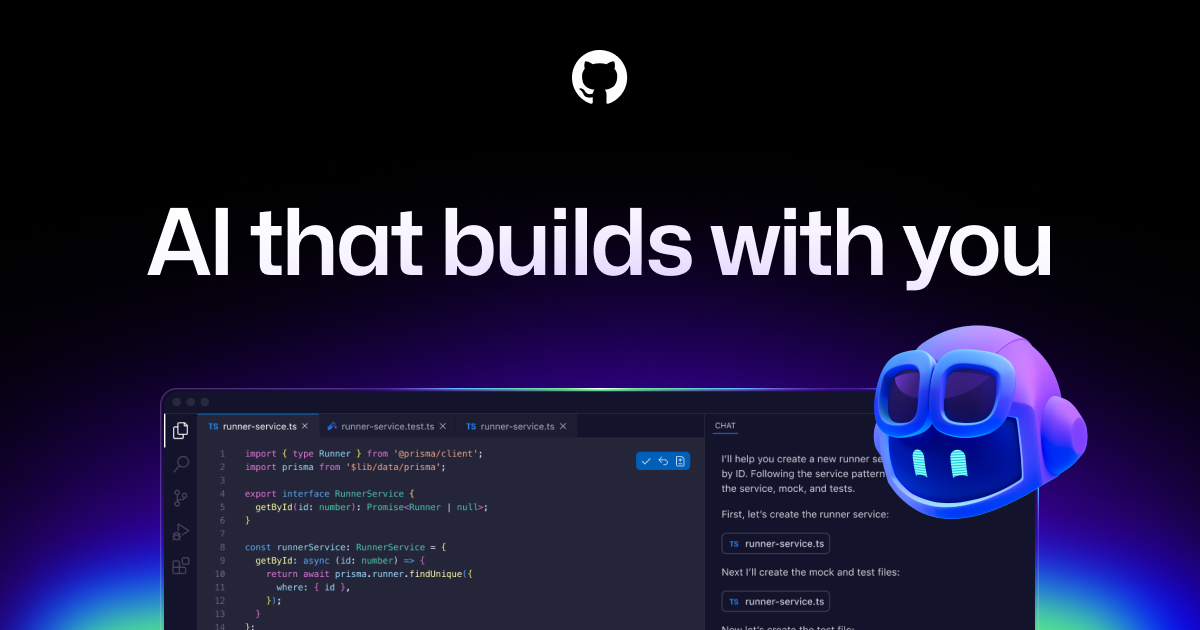
GitHub Copilot works alongside you directly in your editor, suggesting whole lines or entire functions for you.
GitHub Copilot is widely praised for its robust code suggestion capabilities and has a largely positive user reputation, as seen in consistent high ratings on G2. However, specific complaints are not highlighted in the reviews or social mentions, indicating a general satisfaction among users. Many social mentions focus on the tool's innovative features and integration capabilities, such as multi-agent code reviews and task automation, underscoring its enhancement to developer productivity. Pricing sentiment is not explicitly mentioned, but the overall reputation is strong as it’s seen as a valuable tool for developers globally.
Cursor
Built to make you extraordinarily productive, Cursor is the best way to build software with AI.
Cursor generally receives favorable reviews, with many users appreciating its strengths in streamlining coding tasks and improving workflow efficiencies. Despite high satisfaction ratings, some users express concerns about pricing transparency and tracking costs effectively across sessions. Sentiment around pricing leans towards being manageable, though there are occasional frustrations related to unexpected expenses. Overall, Cursor maintains a solid reputation in the AI tooling community for its capabilities, but users do desire better cost visibility and efficiency.
GitHub Copilot
-67% vs last weekCursor
+300% vs last weekGitHub Copilot
Cursor
GitHub Copilot
Cursor
GitHub Copilot
Pricing found: $100, $390
Cursor
Pricing found: $20 / mo, $40 / user, $20 / mo, $40 / user
GitHub Copilot (8)
Cursor (10)
Only in GitHub Copilot (10)
Only in Cursor (5)
Shared (4)
Only in GitHub Copilot (4)
Only in Cursor (16)
GitHub Copilot
What do you like best about GitHub Copilot?Contextual Autocomplete: It suggests entire blocks of code, functions, and tests by analyzing your current file and open tabs. Boilerplate Reduction: It handles repetitive tasks like writing unit tests, regex, or standard API calls, allowing you to focus on logic. Natural Language to Code: You can write a comment describing what you want (e.g., // function to validate email using regex), and it will generate the implementation. Multi-language Support: It works across dozens of languages including Python, JavaScript, TypeScript, Ruby, Go, and Java. IDE Integration: It lives directly inside popular editors like VS Code, JetBrains, and Neovim, so there is no need to switch windows. Review collected by and hosted on G2.com.What do you dislike about GitHub Copilot?1. Inaccuracy and "Hallucinations" Code Quality: It often suggests code that is inefficient, outdated, or uses libraries that don't actually exist (hallucinations). Bugs: It can generate syntactically correct code that contains subtle logical errors, requiring you to spend more time debugging than if you had written it yourself. 2. Context Limitations Large Projects: It sometimes "forgets" logic established earlier in a file or fails to understand the broader architecture of a complex project. Proprietary Logic: It struggles with custom frameworks or internal business logic that wasn't part of its public training data. 3. Privacy and Security Data Training: Many users are concerned about their code being sent to GitHub's servers to train future models. As of early 2026, some users have expressed frustration over "automatic opt-in" policies for data collection. Vulnerabilities: There is a risk that the AI might suggest patterns that include known security vulnerabilities (like SQL injection) if they were prevalent in its training set. Review collected by and hosted on G2.com.
What do you like best about GitHub Copilot?GitHub Copilot feels like a smart coding partner that understands context and suggests accurate code instantly. It helps reduce repetitive work and speeds up development significantly.Overall,it makes coding more efficient, easier and more enjoyable Review collected by and hosted on G2.com.What do you dislike about GitHub Copilot?Sometimes GitHub Copilot generates suggestions that feel generic or not perfectly aligned with the intended logic. It may also struggle with highly specific or complex requirements. Review collected by and hosted on G2.com.
What do you like best about GitHub Copilot?What I like best about GItHub Copilot is how it provides real-time code suggestions that fit the context of what I'm working on. It saves a lot of time on repetitive coding and helps maintain flow without switching between tabs. It feels like a helpful assistant built right into the editor. Review collected by and hosted on G2.com.What do you dislike about GitHub Copilot?One thing I dislike about GitHub Copilot is that some suggestions can be inaccurate, especially for complex logic or specific use cases. It sometimes requires careful review and adjustments. Improving consistency and understanding of edge cases would make it even better Review collected by and hosted on G2.com.
Cursor
What do you like best about Cursor?integration with multiple agent, claude max mode Review collected by and hosted on G2.com.What do you dislike about Cursor?Nothing till today, UI CAN be better. But still an awesome product Review collected by and hosted on G2.com.
What do you like best about Cursor?It’s well integrated and picks up my VSCode settings automatically. It works great and applies fixes without me having to try. I also like that it supports AI multiple models and multiple sub-agents. Review collected by and hosted on G2.com.What do you dislike about Cursor?I like everything. One small annoyance is teh constant pop up suggestions of plugins and installs. Review collected by and hosted on G2.com.
What do you like best about Cursor?I really love Cursor for its powerful AI assisted coding, especially how it can understand my codebase and generate relevant code suggestions or edits instantly. In my daily work, it saves me a lot of time by helping me with debugging, writing the boilerplate code, and even explaining the complex logic step-by-step in a simple way. The UI feels clean and familiar (like the VS Code), which made it easy for me to get started without a steep learning curve while still boosting my productivity significantly Review collected by and hosted on G2.com.What do you dislike about Cursor?I don't have any reason to dislike Cursor, but I sometimes find Cursor’s AI responses inconsistent, especially with more complex tasks, which means I still need to verify and refine the output sometimes. In my experience, performance can slow down when working on larger codebases, which affects the overall flow. I also feel the pricing could be more flexible Review collected by and hosted on G2.com.
GitHub Copilot
Cursor
GitHub Copilot
Cursor
GitHub Copilot



Cursor


GitHub Copilot
Cursor
GitHub Copilot
Brazil, Indonesia, Japan, Germany, and India fueled a massive surge in 2025, adding nearly 36 million new developers to GitHub. 🌏 India alone added 5.2 million. 🇮🇳
Brazil, Indonesia, Japan, Germany, and India fueled a massive surge in 2025, adding nearly 36 million new developers to GitHub. 🌏 India alone added 5.2 million. 🇮🇳
Cursor
OpenAI’s Game-Changing o1 Description: Big news in the AI world! OpenAI is shaking things up with the launch of ChatGPT Pro, priced at $200/month, and it’s not just a premium subscription—it’s a glim
OpenAI’s Game-Changing o1 Description: Big news in the AI world! OpenAI is shaking things up with the launch of ChatGPT Pro, priced at $200/month, and it’s not just a premium subscription—it’s a glimpse into the future of AI. Let me break it down: First, the Pro plan offers unlimited access to cut
Shared (3)
Only in GitHub Copilot (2)


