PayloopPayloop
CommunityVoicesToolsDiscoverLeaderboardReportsBlog
Save Up to 65% on AI
Powered by Payloop — LLM Cost Intelligence
Tools/Figma AI/vs Fooocus
Figma AI

Figma AI

ai-design
vs
Fooocus

Fooocus

ai-design

Figma AI vs Fooocus — Comparison

20 integrations10 features
Pain: 0/1002 integrations10 featuresOther
The Bottom Line

Figma AI excels in design collaboration with a strong community backing, boasting an average rating of 4.5/5 from 20 reviews, while Fooocus, with over 48,000 GitHub stars, is strong in AI image generation and customization. Figma's offerings center on frontend design support, whereas Fooocus emphasizes prompt-driven image creation and style management.

Best for

Figma AI is the better choice when your team focuses on collaborative design and prototyping, especially if you utilize integrations across platforms like Slack and GitHub.

Best for

Fooocus is the better choice when your team involves AI-driven image generation and values community development with extensive GitHub involvement.

Key Differences

  • 1.Figma AI is tailored for design and prototyping with direct integrations with tools like React and Jira, while Fooocus focuses on image generation with a notable GitHub presence.
  • 2.Figma AI has pricing that starts as low as $3/month, whereas Fooocus offers a freemium tier and relies more on its open-source community.
  • 3.With 4.5/5 from user reviews, Figma AI is well-regarded in professional design applications; Fooocus has no explicit user ratings but boasts 48,042 GitHub stars.
  • 4.Figma AI supports seamless integration for frontend development workflow, whereas Fooocus specializes in style diversification and prompt-based image enhancement.
  • 5.Figma AI offers multiple pricing tiers starting from $3/month, while Fooocus includes free-tier options emphasizing community and open-source contributions.
  • 6.Fooocus supports custom image modifications using methods like img2img and upscaling, which have no direct equivalent in Figma AI's primarily design-focused feature set.

Verdict

Figma AI is ideal for teams needing robust design collaboration with seamless development handoffs, whereas Fooocus caters to teams prioritizing AI-driven image creation with strong open-source support. Choose Figma AI for enhanced design workflows and Fooocus for innovative image generation capabilities.

Overview
What each tool does and who it's for

Figma AI

Figma is the leading collaborative design platform for building meaningful products. Design, prototype, and build products faster—while gathering feed

Figma AI is generally well-received, with most user reviews highlighting its efficient design capabilities and intuitive interface, which many users find enhances productivity. However, some users have raised concerns about discrepancies between the designed output and the generated code, implying that visual accuracy might not consistently meet expectations. Pricing sentiment isn't explicitly mentioned, but the tool appears to offer substantial value given its high ratings. Overall, Figma AI has a positive reputation among users, especially for those leveraging its AI features for frontend design endeavors.

Fooocus

Focus on prompting and generating. Contribute to lllyasviel/Fooocus development by creating an account on GitHub.

Unfortunately, the provided data does not contain any user reviews or relevant social mentions concerning "Fooocus." If you have specific reviews or comments related to this software, please share them, and I'll be glad to provide a summary.

Key Metrics
4.5★ (20)
Avg Rating
—
9
Mentions (30d)
47
—
GitHub Stars
48,042
—
GitHub Forks
7,835
Mention Velocity
How discussion volume is trending week-over-week

Figma AI

-67% vs last week

Fooocus

+57% vs last week
Where People Discuss
Mention distribution across platforms

Figma AI

Reddit
85%
YouTube
15%

Fooocus

Twitter/X
96%
YouTube
4%
Community Sentiment
How developers feel about each tool based on mentions and reviews

Figma AI

30% positive70% neutral0% negative

Fooocus

5% positive95% neutral0% negative
Pricing

Figma AI

subscription + tiered

Pricing found: $16 /mo, $12 /mo, $3 /mo, $55 /mo, $25 /mo

Fooocus

subscription + freemium + tieredFree tier
Use Cases
When to use each tool

Figma AI (8)

Collaborative brainstorming sessions to generate design ideasCreating reusable design components for consistent brandingRapid prototyping of web and mobile applicationsDesigning social media assets using shared templatesGenerating code snippets directly from design specificationsBuilding responsive websites with Figma SitesIntegrating AI to enhance design workflows and automate repetitive tasksUtilizing Dev Mode for seamless handoff between design and development

Fooocus (4)

A carefully designed system for balancing multiple styles as well as prompt expansion.The joint swap system of the refiner now also supports img2img and upscale in a seamless way.CFG Scale and TSNR correction (tuned for SDXL) when CFG is bigger than 10.Customization
Features

Only in Figma AI (10)

Alignment made easyBring your designs to life—without leaving the canvasEnable consistency at scaleExpress yourself with
Figma DrawSnap to the gridAdjust layers in layoutWork smarter not harderBranch off to iterate on design optionsCreate vectorsCustomize type

Only in Fooocus (10)

We modified the style templates a bit and added the "cinematic-default".We tested the "sd_xl_offset_example-lora_1.0.safetensors" and it seems that when the lora weight is below 0.5, the results are always better than XL without lora.The parameters of samplers are carefully tuned.Separated prompts for two different text encoders seem unnecessary. Separated prompts for the base model and refiner may work, but the effects are random, and we refrain from implementing this.A carefully designed system for balancing multiple styles as well as prompt expansion.Using automatic1111's method to normalize prompt emphasizing. This significantly improves results when users directly copy prompts from civitai.The joint swap system of the refiner now also supports img2img and upscale in a seamless way.CFG Scale and TSNR correction (tuned for SDXL) when CFG is bigger than 10.WindowsColab
Integrations

Only in Figma AI (20)

ReactVue.jsAngularClaude AISlackJiraGitHubNotionZapierFramerWebflowSketchAdobe Creative CloudInVisionZeplinLottieFigma PluginsGoogle DriveDropboxMicrosoft Teams

Only in Fooocus (2)

ColabWindows
Developer Ecosystem
—
GitHub Repos
51
—
GitHub Followers
21,071
—
npm Packages
3
—
HuggingFace Models
40
What Users Say
Top reviews from G2, Capterra, and TrustRadius

Figma AI

What do you like best about Figma?For product teams especially, it bridges the gap between design and development pretty well, developers can directly inspect elements, grab assets, and understand layouts without too much back-and-forth. Review collected by and hosted on G2.com.What do you dislike about Figma?One thing that can get frustrating with Figma is performance, especially on larger files. Once a project gets heavy with multiple pages, components, and assets, it can start to lag or feel a bit sluggish. Review collected by and hosted on G2.com.

5.0\u2605Bibhu P.g2

What do you like best about Figma?Figma feels like one platform for everything. I used to jump between different tools like Photoshop, Illustrator, and ProtoPie, but honestly, Figma has taken over the canvas for pretty much everything, at least for me. Review collected by and hosted on G2.com.What do you dislike about Figma?The payment scene of Figma is sus somewhere, they charge u for a seat without asking enough confirmation, and it's expensive Review collected by and hosted on G2.com.

5.0\u2605Md Y.g2

What do you like best about Figma?I like that it’s easy to learn and you can get fast results, even though it may take longer to truly master. Review collected by and hosted on G2.com.What do you dislike about Figma?Some things I want to achieve can be more complex and not as intuitive, which means they require a significant time investment. Review collected by and hosted on G2.com.

5.0\u2605Maria N.g2

Fooocus

No reviews yet

Pain Points
Top complaints from reviews and social mentions

Figma AI

No complaints found

Fooocus

down (7)critical (1)breaking (1)right now (1)
Top Discussion Keywords
Most mentioned keywords from community discussions

Figma AI

No data

Fooocus

down (7)critical (1)breaking (1)right now (1)
Product Screenshots

Figma AI

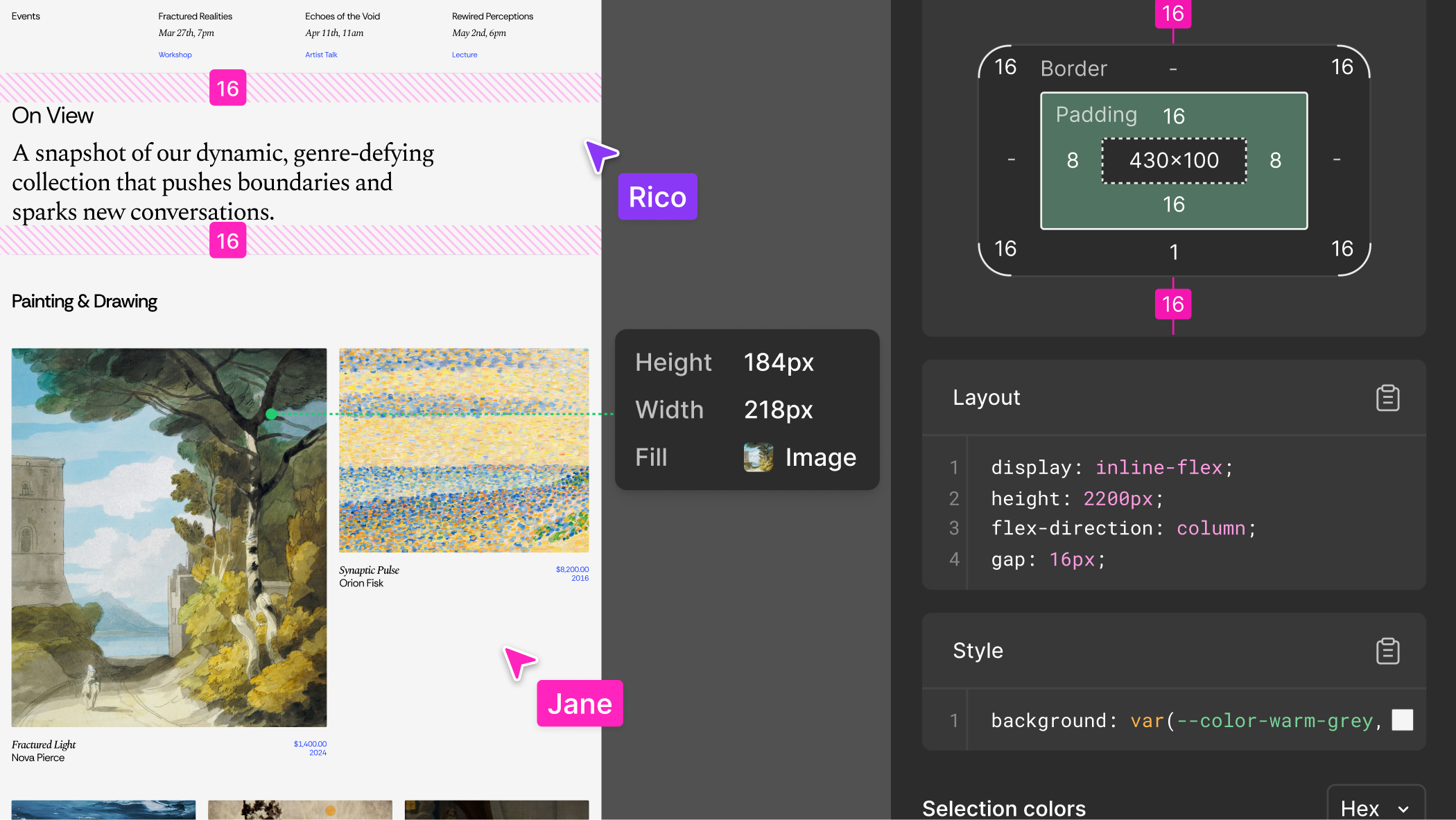
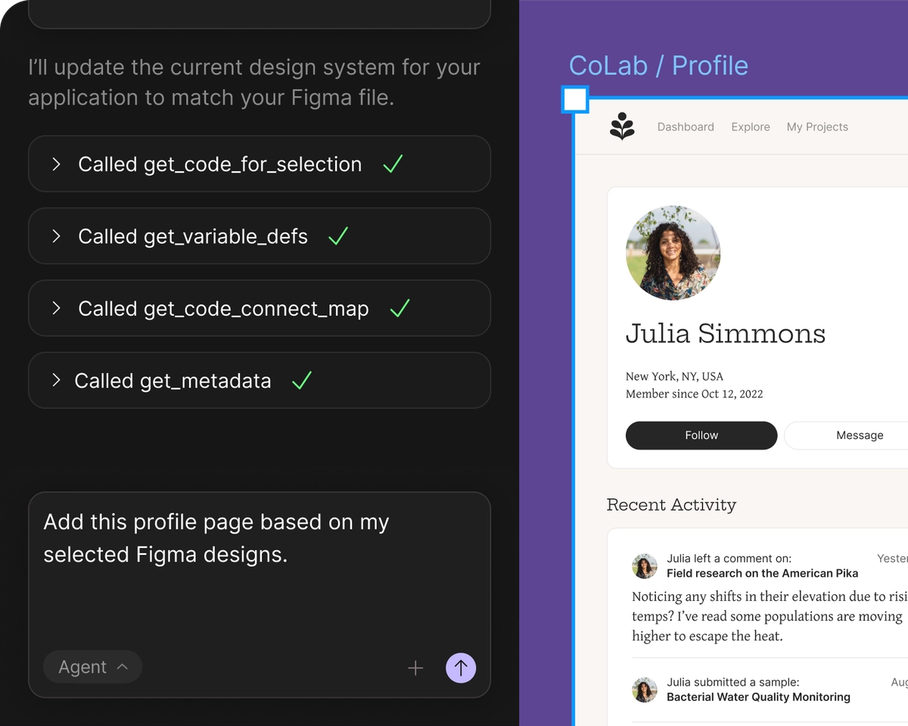
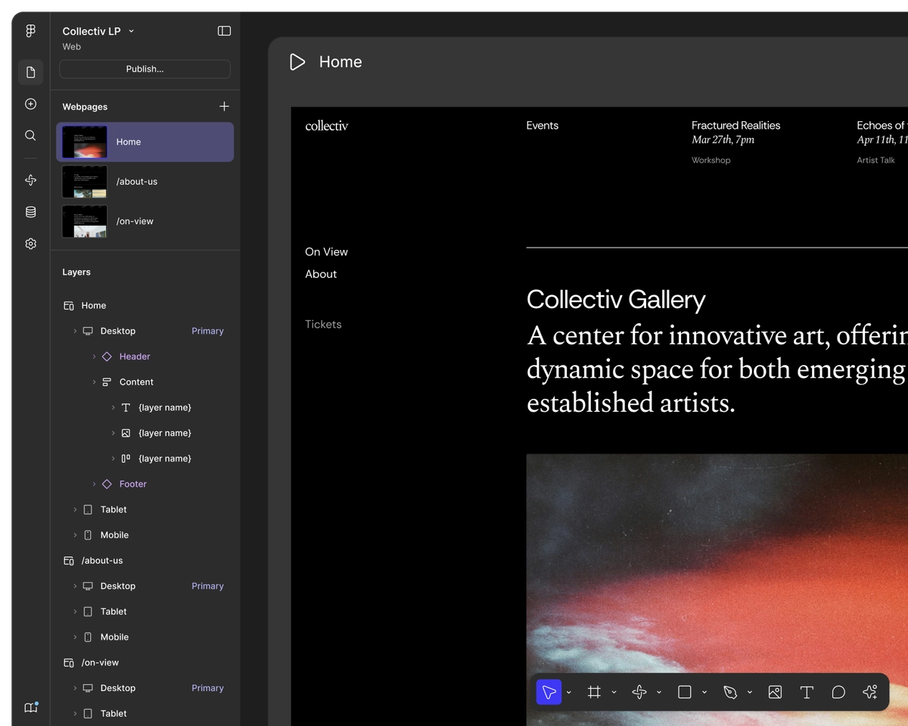
Figma AI screenshot 1Figma AI screenshot 2Figma AI screenshot 3Figma AI screenshot 4

Fooocus

Fooocus screenshot 1
What People Talk About
Most discussed topics from community mentions

Figma AI

data privacy5
model selection5
security4
open source4
accuracy4
agents4
streaming4
workflow4

Fooocus

open source19
agents12
workflow6
security5
performance3
model selection3
api3
deployment2
Top Community Mentions
Highest-engagement mentions from the community

Figma AI

Figma AI AI

Figma AI AI

YouTubeneutral source

Fooocus

We are investigating unauthorized access to GitHub’s internal repositories. While we currently have no evidence of impact to customer information stored outside of GitHub’s internal repositories (such

We are investigating unauthorized access to GitHub’s internal repositories. While we currently have no evidence of impact to customer information stored outside of GitHub’s internal repositories (such as our customers’ enterprises, organizations, and repositories), we are closely

Twitter/Xby @github source
Company Intel
design
Industry
information technology & services
1,700
Employees
6,200
—
Funding
$7.9B
—
Stage
Other
Supported Languages & Categories

Only in Figma AI (1)

Developer Tools

Only in Fooocus (5)

AI/MLFinTechDevOpsSecurityAnalytics
Frequently Asked Questions
Is Figma AI or Fooocus better for collaborative design sessions?▼

Figma AI is better for collaborative design sessions due to its design-first approach and integrations with tools like Slack and Jira.

How does Figma AI pricing compare to Fooocus?▼

Figma AI offers tiered pricing starting at $3 per month, whereas Fooocus offers a free tier and various subscription options.

Which has better community support, Figma AI or Fooocus?▼

Fooocus has significant GitHub community support with 48,042 stars, while Figma AI is backed by professional user reviews with an average rating of 4.5/5.

Can Figma AI and Fooocus be used together?▼

Yes, both tools can be used in tandem; Figma AI can be utilized for design tasks, while Fooocus can handle AI image generation and style balancing.

Which is easier to get started with, Figma AI or Fooocus?▼

Figma AI is generally easier to get started with for design-focused teams due to its intuitive interface, while Fooocus requires familiarity with AI-driven image generation techniques.

View Figma AI Profile View Fooocus Profile