Canva AI and Figma AI both serve the ai-design category but cater to differing needs; Canva AI is praised for its seamless integration across platforms, while Figma AI excels in collaborative design. Canva AI integrates with tools like Mailchimp, whereas Figma AI connects with technical tools such as React and GitHub. Figma AI maintains an average rating of 4.5/5 from 20 reviews, highlighting its favorability among users for frontend design tasks.
Best for
Figma AI is the better choice when your focus is on designing and prototyping web or mobile applications with a need for precise code generation and strong integration into development workflows.
Best for
Canva AI is the better choice when you need a versatile tool for creating marketing materials, social media graphics, and consistent brand assets, particularly suitable for larger teams needing robust collaborative features.
Key Differences
Verdict
For teams focusing on marketing and looking for versatile design tools with excellent integration into content platforms, Canva AI is the preferred choice. Figma AI, however, stands out for product design and development teams that require advanced prototyping tools and seamless integration with development technologies. Choose based on whether your primary need is versatile marketing content creation or robust product design workflows.
Figma AI
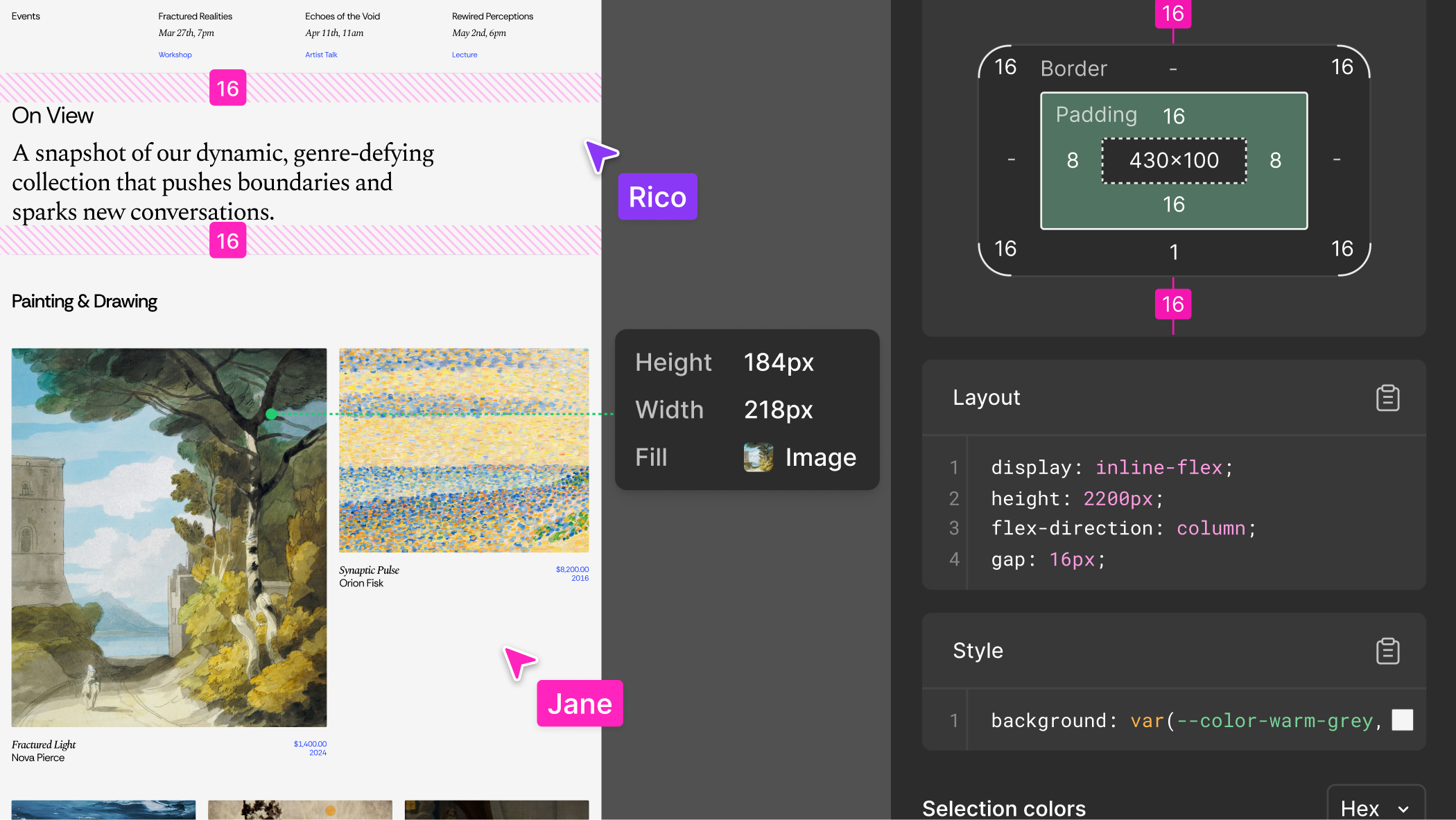
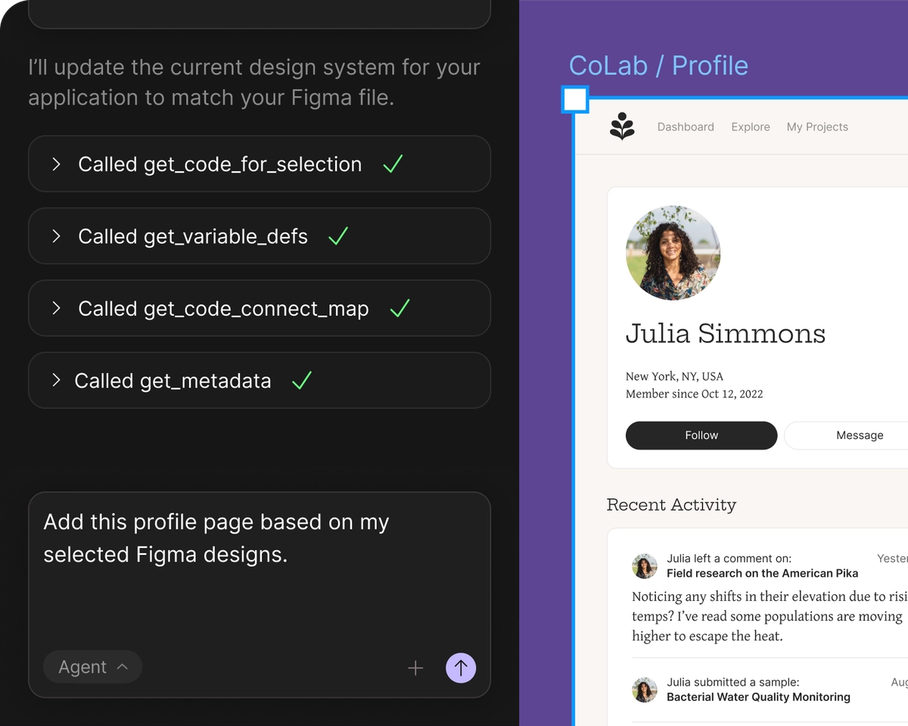
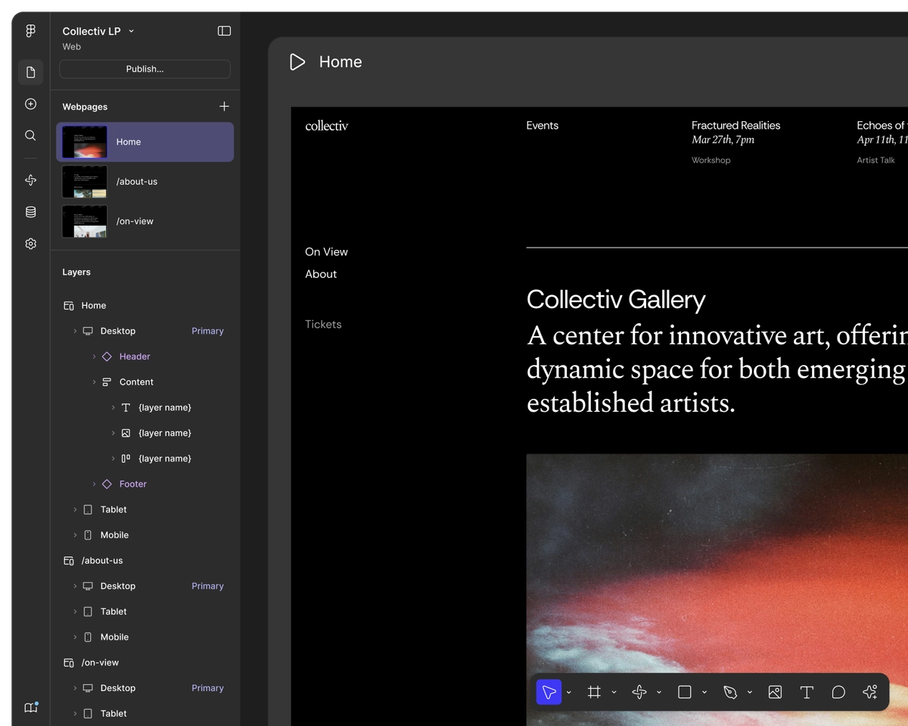
Figma is the leading collaborative design platform for building meaningful products. Design, prototype, and build products faster—while gathering feed
Figma AI is generally well-received, with most user reviews highlighting its efficient design capabilities and intuitive interface, which many users find enhances productivity. However, some users have raised concerns about discrepancies between the designed output and the generated code, implying that visual accuracy might not consistently meet expectations. Pricing sentiment isn't explicitly mentioned, but the tool appears to offer substantial value given its high ratings. Overall, Figma AI has a positive reputation among users, especially for those leveraging its AI features for frontend design endeavors.
Canva AI
Canva AI is praised for its seamless integration with other platforms like Claude Design, allowing for frictionless idea generation and editing, and its comprehensive updates that enhance design workflows. Users are excited about new features like gpt-image-2 and enhancements in animation and editing. However, specific user complaints are not prominently mentioned in the social sentiment. Pricing sentiment is not directly addressed, indicating it might not be a significant factor in discussions. Overall, Canva AI enjoys a strong reputation for innovation and versatility as a design tool.
Figma AI
-67% vs last weekCanva AI
-90% vs last weekFigma AI
Canva AI
Figma AI
Canva AI
Figma AI
Pricing found: $16 /mo, $12 /mo, $3 /mo, $55 /mo, $25 /mo
Canva AI
Figma AI (8)
Canva AI (6)
Only in Figma AI (10)
Only in Canva AI (8)
Shared (4)
Only in Figma AI (16)
Only in Canva AI (11)
Figma AI
What do you like best about Figma?For product teams especially, it bridges the gap between design and development pretty well, developers can directly inspect elements, grab assets, and understand layouts without too much back-and-forth. Review collected by and hosted on G2.com.What do you dislike about Figma?One thing that can get frustrating with Figma is performance, especially on larger files. Once a project gets heavy with multiple pages, components, and assets, it can start to lag or feel a bit sluggish. Review collected by and hosted on G2.com.
What do you like best about Figma?Figma feels like one platform for everything. I used to jump between different tools like Photoshop, Illustrator, and ProtoPie, but honestly, Figma has taken over the canvas for pretty much everything, at least for me. Review collected by and hosted on G2.com.What do you dislike about Figma?The payment scene of Figma is sus somewhere, they charge u for a seat without asking enough confirmation, and it's expensive Review collected by and hosted on G2.com.
What do you like best about Figma?I like that it’s easy to learn and you can get fast results, even though it may take longer to truly master. Review collected by and hosted on G2.com.What do you dislike about Figma?Some things I want to achieve can be more complex and not as intuitive, which means they require a significant time investment. Review collected by and hosted on G2.com.
Canva AI
No reviews yet
Figma AI
No complaints found
Canva AI
Figma AI
No data
Canva AI
Figma AI
Canva AI
No screenshots
Figma AI
Canva AI
Figma AI
Canva AI
Introducing our new collaboration with Anthropic: Canva is now in Claude Design! Generate ideas in Claude. Edit in Canva. No friction. No starting from scratch. https://t.co/f220BR4AZk https://t.co/t
Introducing our new collaboration with Anthropic: Canva is now in Claude Design! Generate ideas in Claude. Edit in Canva. No friction. No starting from scratch. https://t.co/f220BR4AZk https://t.co/tLHHLd1rO3
Only in Figma AI (1)
Figma AI is better for prototyping web applications because it offers advanced design features and integration with development tools like React and GitHub.
Figma AI pricing is explicitly tiered ranging from $3/mo to $55/mo, whereas Canva AI's pricing sentiment is not prominently addressed in discussions, suggesting it may be less variable.
Figma AI appears to have strong community support with an average rating of 4.5/5 from 20 reviews, whereas specific community support metrics for Canva AI are not emphasized.
Yes, using integrations and exports, designs from Canva AI can be incorporated into Figma AI projects for more complex prototyping or vice versa for marketing material production.
Canva AI may be simpler for users focused on graphic design and marketing due to its user-friendly interface for non-technical users, while Figma AI could require more setup for leveraging its development and prototyping features effectively.


