PayloopPayloop
CommunityVoicesToolsDiscoverLeaderboardReportsBlog
Save Up to 65% on AI
Powered by Payloop — LLM Cost Intelligence
Tools/Cursor Tab/vs Pieces
Cursor Tab

Cursor Tab

dev-tools
vs
Pieces

Pieces

dev-tools

Cursor Tab vs Pieces — Comparison

Pain: 1/10020 integrations15 featuresSeries D
Pain: 0/10015 integrations4 featuresVenture (Round not Specified)
The Bottom Line

Pieces offers a comprehensive suite with integrations into multiple CI/CD pipelines and collaboration tools, making it suitable for complex, team-based projects. Cursor Tab, on the other hand, excels in providing real-time code completion and multi-language support, with the advantage of being free. Pieces has a smaller company size (~44 employees) and funding of $14.5M, while Cursor Tab has a larger company structure (~300 employees) and is funded up to $3.2B.

Best for

Cursor Tab is the better choice when accelerating coding speed, reducing syntax errors, and leveraging real-time code completion are top priorities for larger development teams.

Best for

Pieces is the better choice when enhancing code review processes, automating coding tasks, and requiring integrations with CI/CD tools fit a small team.

Key Differences

  • 1.Pieces offers tiered pricing models, whereas Cursor Tab is currently free.
  • 2.Cursor Tab supports a broader range of languages and live code sharing features, ideal for diverse coding environments.
  • 3.Pieces provides comprehensive project documentation and code history tracking, which is valuable for organized project management.
  • 4.Cursor Tab's extensive funding enables more significant investment in real-time AI features, while Pieces maintains specific focus on integrated workflows.
  • 5.Pieces excels in streamline project documentation and snippet management, whereas Cursor Tab prioritizes syntax error reduction and code quality improvement.

Verdict

For enterprise teams seeking robust CI/CD integrations and comprehensive snippet management, Pieces offers a compelling choice. Cursor Tab, with its free model and extensive language support, suits environments where immediate productivity gains are crucial. The final decision should weigh the importance of integrations and AI-driven modeling against real-time completion and interface adaptability.

Overview
What each tool does and who it's for

Cursor Tab

Built to make you extraordinarily productive, Cursor is the best way to code with AI.

Cursor Tab is generally appreciated for its integration capabilities with Claude Code, allowing users to manage multiple sessions effortlessly and perform complex tasks through AI agents. However, some users express frustration over lack of transparency from moderators regarding discussions on its value, highlighting possible community management issues. The tool is available as a free offering, leading to positive sentiments about its affordability. Overall, Cursor Tab is seen as a strong contender in the development tool space, particularly for those invested in open-source and AI-driven projects, though it faces competition from alternatives like Windsurf.

Pieces

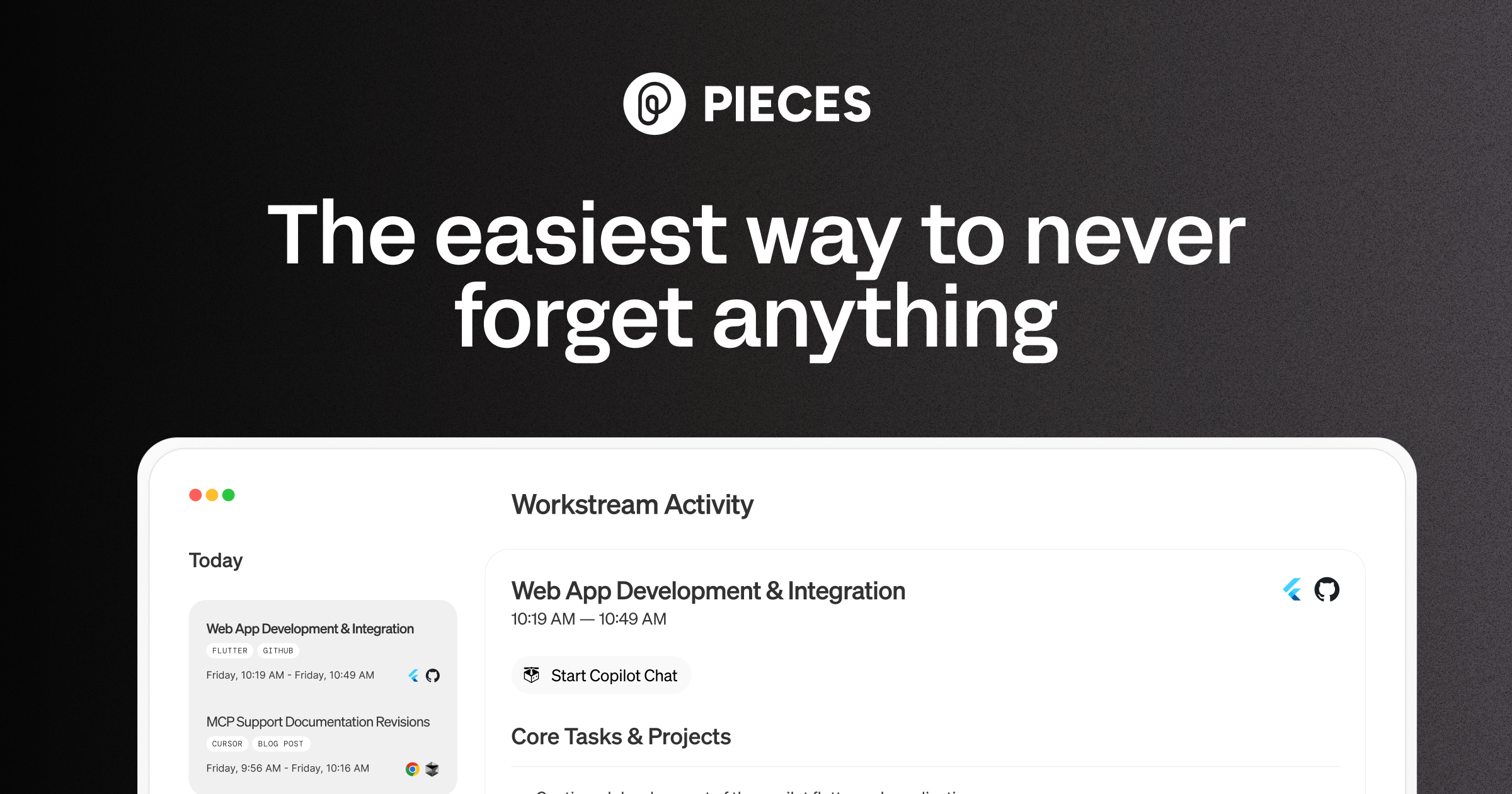
Pieces is your AI companion that captures live context from browsers to IDEs and collaboration tools, manages snippets and supports multiple llms - al

Pieces is praised for its intuitive design and efficient workflow organization, which many users find significantly boosts productivity. However, some users express concerns about occasional glitches and the lack of extensive customization options. The pricing tends to be viewed positively, seen as reasonable for the features offered. Overall, Pieces holds a solid reputation for its utility in enhancing daily tasks, yet there is room for improvement in stability and personalizability.

Key Metrics
6
Mentions (30d)
61
Mention Velocity
How discussion volume is trending week-over-week

Cursor Tab

Stable week-over-week

Pieces

-72% vs last week
Where People Discuss
Mention distribution across platforms

Cursor Tab

Reddit
84%
YouTube
16%

Pieces

Reddit
92%
YouTube
4%
Lemmy
3%
Hacker News
1%
Community Sentiment
How developers feel about each tool based on mentions and reviews

Cursor Tab

32% positive65% neutral3% negative

Pieces

16% positive81% neutral3% negative
Pricing

Cursor Tab

Pieces

tiered
Use Cases
When to use each tool

Both tools (1)

Automating repetitive coding tasks

Cursor Tab (9)

Accelerating coding speed for developersReducing syntax errors in codeEnhancing learning for new programmersFacilitating team collaboration on coding projectsIntegrating AI capabilities into existing workflowsCreating custom coding tools with pluginsImproving code quality through suggestionsSupporting multiple programming languages in one toolStreamlining debugging processes

Pieces (7)

Enhancing code review processesPersonalized code suggestions based on developer habitsStreamlining project documentationFacilitating team collaboration through shared snippetsTracking code changes and history effectivelyIntegrating with CI/CD pipelines for seamless deploymentsProviding context-aware coding assistance
Features

Only in Cursor Tab (15)

AI-powered code suggestionsReal-time code completionContext-aware autocompleteMulti-language supportCustomizable shortcutsIntegration with popular IDEsCollaborative coding featuresPlugin support for extended functionalityError detection and correction suggestionsVersion control integrationCode snippet managementSyntax highlightingLive code sharingPerformance analyticsUser-friendly interface

Only in Pieces (4)

Pieces Long-Term MemoryPieces CopilotPieces DrivePieces where you are
Integrations

Shared (9)

Visual Studio CodeGitHubGitLabBitbucketSlackTrelloJiraDockerKubernetes

Only in Cursor Tab (11)

JetBrains IDEs (e.g., IntelliJ IDEA, PyCharm)ZapierAWS LambdaPostmanFigmaNotionGoogle DriveMicrosoft TeamsDiscordWebhooksCustom API integrations

Only in Pieces (6)

JetBrains IDEsAsanaCircleCITravis CIAWSAzure
Pain Points
Top complaints from reviews and social mentions

Cursor Tab

cost tracking (1)

Pieces

cost per token (1)token usage (1)API costs (1)token cost (1)
Top Discussion Keywords
Most mentioned keywords from community discussions

Cursor Tab

cost tracking (1)

Pieces

cost per token (1)token usage (1)API costs (1)token cost (1)
Latest Videos
Recent uploads from official YouTube channels

Cursor Tab

No YouTube channel

Pieces

How to Set Up OpenClaw with Pieces Long-Term Memory (Full Guide)

How to Set Up OpenClaw with Pieces Long-Term Memory (Full Guide)

Mar 27, 2026

Today's Headlines (Pieces Single-Click Summary Tutorial)

Today's Headlines (Pieces Single-Click Summary Tutorial)

Mar 5, 2026

Custom Summary (Pieces Single-Click Summary Tutorial)

Custom Summary (Pieces Single-Click Summary Tutorial)

Mar 3, 2026

Time Breakdown - Pieces Single-Click Summary Tutorial

Time Breakdown - Pieces Single-Click Summary Tutorial

Mar 3, 2026

Product Screenshots

Cursor Tab

Cursor Tab screenshot 1

Pieces

Pieces screenshot 1
What People Talk About
Most discussed topics from community mentions

Cursor Tab

model selection8
support6
open source6
agents6
api5
migration5
workflow5
streaming4

Pieces

model selection21
api19
open source18
cost optimization15
streaming15
workflow13
accuracy13
RAG12
Top Community Mentions
Highest-engagement mentions from the community

Cursor Tab

Cursor Tab AI

Cursor Tab AI

YouTubeneutral source

Pieces

Show HN: I turned a sketch into a 3D-print pegboard for my kid with an AI agent

We have pegboards and plywood all over our apartment, and I had an idea to make a tiny pegboard for my kid, Oli. So I naturally cut the wood, drilled in the holes, sat down at the computer to open Fusion 360 and spend an hour or two drawing the pieces by hand.<p>Then I looked at the rough sketch Oli

Hacker Newsby virponeutral source
Company Intel
information technology & services
Industry
information technology & services
300
Employees
44
$3.2B
Funding
$14.5M
Series D
Stage
Venture (Round not Specified)
Supported Languages & Categories

Only in Pieces (4)

AI/MLSecurityDeveloper ToolsData
Frequently Asked Questions
Is Pieces or Cursor Tab better for [specific use case]?▼

Cursor Tab is better for enhancing coding speed and real-time collaboration, while Pieces excels in project documentation and CI/CD integration.

How does Pieces pricing compare to Cursor Tab?▼

Pieces has a tiered pricing model considered reasonable by users, whereas Cursor Tab is offered for free.

Which has better community support, Pieces or Cursor Tab?▼

Cursor Tab appears to face community management issues, whereas Pieces has ongoing discussions on model selection and API cost optimization.

Can Pieces and Cursor Tab be used together?▼

Yes, both tools can be integrated into environments supported by popular IDEs like Visual Studio Code or JetBrains.

Which is easier to get started with, Pieces or Cursor Tab?▼

Cursor Tab, being free and offering a user-friendly interface, is often regarded as easier for quick deployment and set-up.

View Cursor Tab Profile View Pieces Profile