Codeflash excels at optimizing and benchmarking Python code, focusing on automation and performance enhancement, while Pieces offers strong AI-driven coding assistance and workflow organization across various development platforms. Codeflash is generally more expensive and complex, while Pieces is more affordable and caters to convenience and collaboration.
Best for
Codeflash is the better choice when optimizing complex legacy Python applications for performance and cost efficiency with a development team comfortable with a steep learning curve and high customization needs.
Best for
Pieces is the better choice when aiming to streamline daily coding tasks through AI-driven suggestions and snippet management, ideal for teams focused on collaboration and productivity enhancement.
Key Differences
Verdict
Codeflash is ideal for companies that need robust optimization of Python code with a focus on performance and cost reduction, albeit at a higher expense and complexity. Pieces, on the other hand, suits teams that prioritize ease of use, collaboration, and efficient management of coding tasks, providing substantial productivity gains at a competitive price. Choose Codeflash for comprehensive code enhancement and Pieces for everyday development support.
Codeflash
Codeflash uses AI to automatically find the most optimized version of your Python code through benchmarking — while verifying it's correct.
Users generally praise Codeflash for its user-friendly interface and efficiency in speeding up coding tasks, highlighting its automation features as particularly strong. However, some complaints revolve around occasional bugs and the steep learning curve for advanced features. The pricing is perceived as a bit high but is often justified by the tool's capability and time-saving aspects. Overall, Codeflash enjoys a positive reputation, especially among developers looking for reliable automation solutions.
Pieces
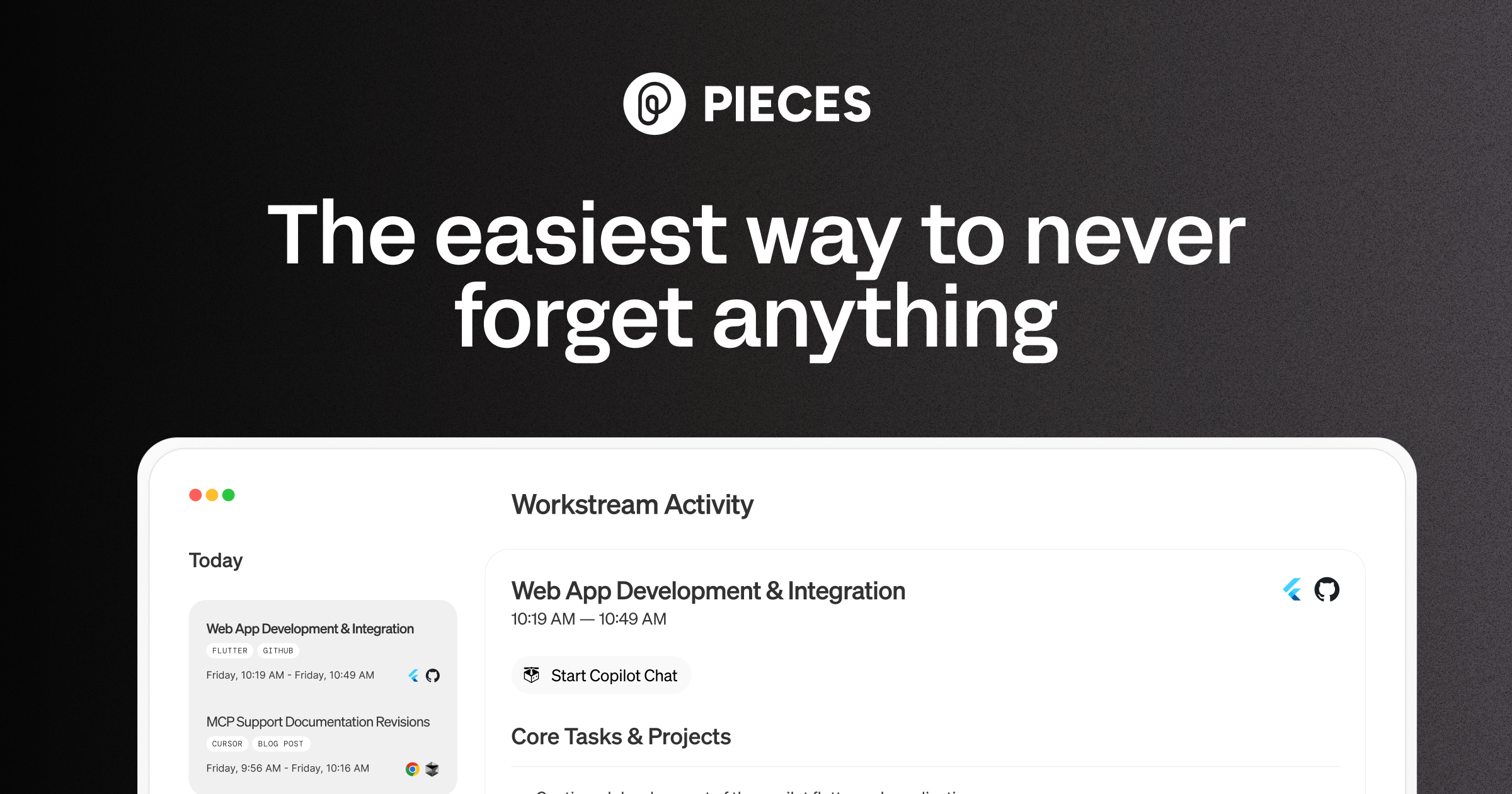
Pieces is your AI companion that captures live context from browsers to IDEs and collaboration tools, manages snippets and supports multiple llms - al
Pieces is praised for its intuitive design and efficient workflow organization, which many users find significantly boosts productivity. However, some users express concerns about occasional glitches and the lack of extensive customization options. The pricing tends to be viewed positively, seen as reasonable for the features offered. Overall, Pieces holds a solid reputation for its utility in enhancing daily tasks, yet there is room for improvement in stability and personalizability.
Codeflash
Not enough dataPieces
-72% vs last weekCodeflash
Pieces
Codeflash
Pieces
Codeflash
Pricing found: $0
Pieces
Codeflash (8)
Pieces (8)
Only in Codeflash (8)
Only in Pieces (4)
Shared (14)
Only in Codeflash (1)
Only in Pieces (1)
Codeflash
No complaints found
Pieces
Codeflash
No data
Pieces
Codeflash
No YouTube channel
Codeflash



Pieces
Codeflash
Pieces
Codeflash
Pieces
Show HN: I turned a sketch into a 3D-print pegboard for my kid with an AI agent
We have pegboards and plywood all over our apartment, and I had an idea to make a tiny pegboard for my kid, Oli. So I naturally cut the wood, drilled in the holes, sat down at the computer to open Fusion 360 and spend an hour or two drawing the pieces by hand.<p>Then I looked at the rough sketch Oli
Shared (3)
Only in Codeflash (2)
Only in Pieces (1)
Codeflash is better suited for optimizing legacy code due to its specialized optimization features and continuous benchmarking capabilities.
Codeflash's intricate pricing model, including subscription and per-seat costs, generally positions it as more expensive than Pieces' straightforward tiered pricing structure.
Community support for both tools seems balanced, but Codeflash is often preferred by users who engage in complex and specific optimization problems, while Pieces has a strong community sharing productivity enhancements.
Yes, using Codeflash and Pieces together can leverage Codeflash’s optimization capabilities while benefiting from Pieces’ workflow and snippet management features.
Pieces is generally easier to get started with due to its intuitive design and lower complexity, while Codeflash requires a steeper learning curve for advanced features.


