PayloopPayloop
CommunityVoicesToolsDiscoverLeaderboardReportsBlog
Save Up to 65% on AI
Powered by Payloop — LLM Cost Intelligence
Tools/Uizard/vs Canva AI
Uizard

Uizard

ai-design
vs
Canva AI

Canva AI

ai-design

Uizard vs Canva AI — Comparison

15 integrations5 featuresMerger / Acquisition
Pain: 1/10015 integrations8 featuresOther
The Bottom Line

Uizard is tailored for teams seeking rapid, AI-driven UI prototyping with a focus on simplicity, whereas Canva AI excels in providing a broad array of design tools and seamless platform integrations. Uizard, with a smaller team of ~8 employees and funding of $18.6M, contrasts with Canva AI's impressive scale, backed by ~$992.9M funding and a workforce of ~5500 employees demonstrating substantial market penetration.

Best for

Uizard is the better choice when the goal is to quickly turn ideas into design prototypes, especially for startups and small teams focused on app and website UI design.

Best for

Canva AI is the better choice when comprehensive design capabilities and platform integrations are necessary, ideal for large organizations requiring diverse marketing materials and branding resources.

Key Differences

  • 1.Uizard offers tiered pricing with a free plan and additional plans at $12 and $39, making it more accessible for small teams, while Canva AI's pricing isn't specifically detailed, which may indicate corporate-targeted pricing.
  • 2.Canva AI integrates with major platforms like Instagram, Facebook, and YouTube, facilitating social media-centric design tasks, whereas Uizard focuses more on design tools integrations like Figma and Adobe XD.
  • 3.Uizard's strength lies in rapid prototyping and UI mockup creation, as evidenced by its focus on tools for disruptive product teams, in contrast, Canva AI excels in marketing graphics and presentations.
  • 4.Uizard supports iterative design feedback loops with stakeholders, which is crucial for startups' fast-paced environments, compared to Canva AI's strength in comprehensive design editing and animation.
  • 5.Canva AI has strong backing with ~$992.9M in funding and a large team, indicating substantial resources for ongoing development and user support, unlike Uizard's smaller team and $18.6M funding.

Verdict

Uizard is particularly well-suited for startups and small businesses focused on rapid prototyping and UI design, offering simplicity at a competitive price point. In contrast, Canva AI is ideal for larger enterprises needing extensive design capabilities and integration options. Each tool offers unique strengths catered to different organizational needs, ensuring a suitable fit depending on project requirements.

Overview
What each tool does and who it's for

Uizard

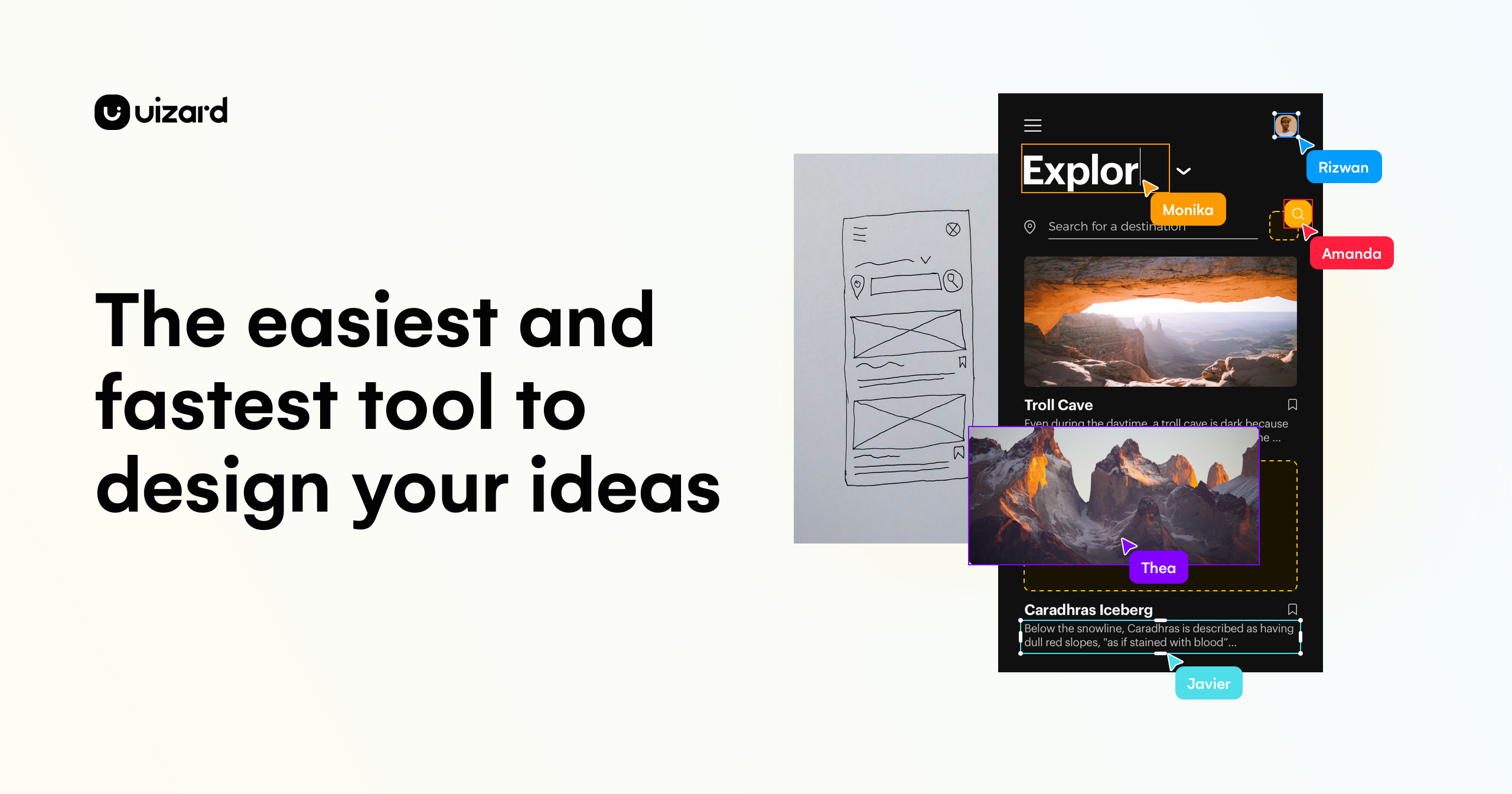
UI design for apps, websites, and desktop software in minutes. If you can use Google Slides or PowerPoint, you can use Uizard!

Uizard is widely recognized for its user-friendly interface and its effective AI-driven design capabilities, making it popular among users who value speed and simplicity in creating prototypes. There is limited information on key complaints, but the lack of critical feedback might suggest general satisfaction or limited exposure among users. Pricing sentiment is not directly indicated, but the tool's accessibility suggests a competitive pricing model. Overall, Uizard maintains a positive reputation, especially for users seeking straightforward and efficient design solutions.

Canva AI

Canva AI is praised for its seamless integration with other platforms like Claude Design, allowing for frictionless idea generation and editing, and its comprehensive updates that enhance design workflows. Users are excited about new features like gpt-image-2 and enhancements in animation and editing. However, specific user complaints are not prominently mentioned in the social sentiment. Pricing sentiment is not directly addressed, indicating it might not be a significant factor in discussions. Overall, Canva AI enjoys a strong reputation for innovation and versatility as a design tool.

Key Metrics
—
Mentions (30d)
37
Mention Velocity
How discussion volume is trending week-over-week

Uizard

Not enough data

Canva AI

-90% vs last week
Where People Discuss
Mention distribution across platforms

Uizard

YouTube
100%

Canva AI

Twitter/X
73%
Reddit
24%
YouTube
3%
Community Sentiment
How developers feel about each tool based on mentions and reviews

Uizard

0% positive100% neutral0% negative

Canva AI

4% positive96% neutral0% negative
Pricing

Uizard

subscription + tieredFree tier

Pricing found: $0, $12, $39, $12, $12

Canva AI

Use Cases
When to use each tool

Uizard (8)

Rapid prototyping for startupsCreating interactive mockups for client presentationsDesigning user interfaces for mobile applicationsCollaborative design sessions for remote teamsTransforming sketches into digital designsIterative design feedback loops with stakeholdersBuilding landing pages for marketing campaignsGenerating design assets for web applications

Canva AI (6)

Creating social media graphicsDesigning marketing materialsDeveloping presentations and slidesMaking infographics and data visualizationsCrafting event invitations and flyersProducing business cards and stationery
Features

Only in Uizard (5)

Go from idea to design in minutesBuilt to empower your entire product teamSupercharge your workflow with AI-powered designWhat our customers say about usUI design for disruptive product teams

Only in Canva AI (8)

AI-powered design suggestionsMagic Resize for different formatsBackground remover toolText suggestions and auto-formattingImage enhancement and filtersCollaboration tools for team projectsTemplate customization with AIBrand kit for consistent branding
Integrations

Shared (7)

SlackTrelloZapierGoogle DriveDropboxAsanaWordPress

Only in Uizard (8)

FigmaSketchAdobe XDJiraNotionMicrosoft TeamsGitHubWebflow

Only in Canva AI (8)

MailchimpHubSpotInstagramFacebookYouTubePinterestShopifyZoom
Pain Points
Top complaints from reviews and social mentions

Uizard

No complaints found

Canva AI

token usage (1)
Top Discussion Keywords
Most mentioned keywords from community discussions

Uizard

No data

Canva AI

token usage (1)
Latest Videos
Recent uploads from official YouTube channels

Uizard

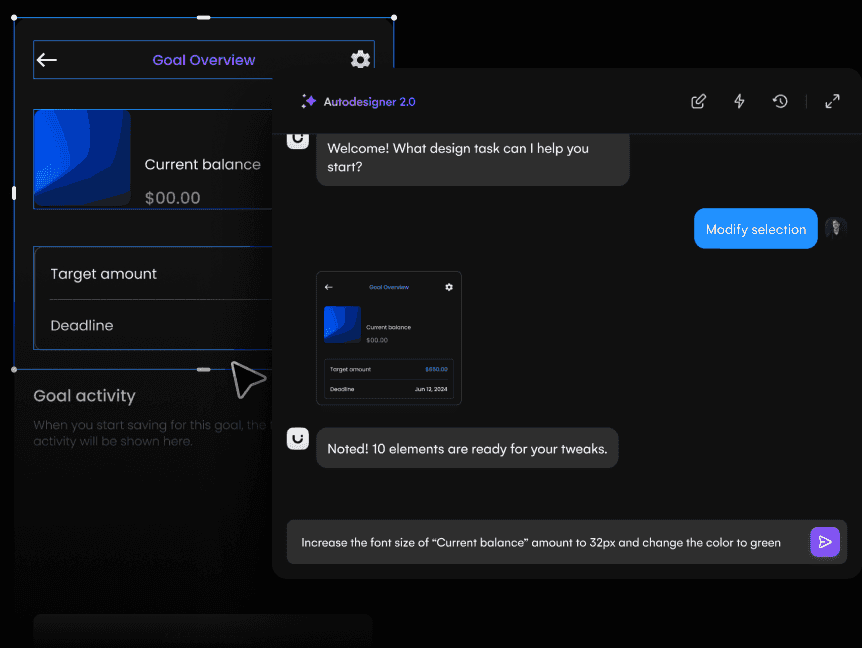
Autodesigner 2.0 is here!

Autodesigner 2.0 is here!

Jun 12, 2024

Autodesigner 2.0 Launch Keynote and Demo

Autodesigner 2.0 Launch Keynote and Demo

Jun 12, 2024

Autodesigner 2.0...coming soon 👀

Autodesigner 2.0...coming soon 👀

May 2, 2024

Uizard April Updates 🧙‍♂️ ✨

Uizard April Updates 🧙‍♂️ ✨

Apr 30, 2024

Canva AI

No YouTube channel

Product Screenshots

Uizard

Uizard screenshot 1Uizard screenshot 2Uizard screenshot 3Uizard screenshot 4

Canva AI

No screenshots

What People Talk About
Most discussed topics from community mentions

Uizard

Canva AI

support10
pricing7
migration4
documentation3
cost optimization2
scalability2
model selection1
ease of use1
Top Community Mentions
Highest-engagement mentions from the community

Uizard

Uizard AI

Uizard AI

YouTubeneutral source

Canva AI

Introducing our new collaboration with Anthropic: Canva is now in Claude Design! Generate ideas in Claude. Edit in Canva. No friction. No starting from scratch. https://t.co/f220BR4AZk https://t.co/t

Introducing our new collaboration with Anthropic: Canva is now in Claude Design! Generate ideas in Claude. Edit in Canva. No friction. No starting from scratch. https://t.co/f220BR4AZk https://t.co/tLHHLd1rO3

Twitter/Xby @canva source
Company Intel
information technology & services
Industry
information technology & services
8
Employees
5,500
$18.6M
Funding
$992.9M
Merger / Acquisition
Stage
Other
Supported Languages & Categories

Only in Uizard (2)

AI/MLDeveloper Tools
Frequently Asked Questions
Is Uizard or Canva AI better for rapid UI prototyping?▼

Uizard is better for rapid UI prototyping due to its specific focus on transforming ideas into digital designs quickly.

How does Uizard pricing compare to Canva AI?▼

Uizard offers a clear tiered pricing model starting at $0, $12, and $39, while Canva AI's pricing is less explicit, potentially indicating higher variability for corporate use.

Which has better community support, Uizard or Canva AI?▼

Canva AI likely benefits from stronger community support due to its larger company size and extensive funding, allowing for more comprehensive user engagement initiatives.

Can Uizard and Canva AI be used together?▼

Yes, both tools can complement each other; Uizard can be used for prototyping interfaces, while Canva AI can handle broader design tasks like marketing materials.

Which is easier to get started with, Uizard or Canva AI?▼

Uizard is easier to get started with for teams accustomed to UI design tools like Figma or Adobe XD, whereas Canva AI offers an intuitive interface for those familiar with broader graphic design.

View Uizard Profile View Canva AI Profile