PayloopPayloop
CommunityVoicesToolsDiscoverLeaderboardReportsBlog
Save Up to 65% on AI
Powered by Payloop — LLM Cost Intelligence
Tools/Scribe/vs Beautiful.ai
Scribe

Scribe

ai-productivity
vs
Beautiful.ai

Beautiful.ai

ai-productivity

Scribe vs Beautiful.ai — Comparison

8 integrations10 featuresSeries C
Pain: 1/10015 integrations10 featuresVenture (Round not Specified)
The Bottom Line

Scribe excels in documentation automation and ease of use, boasting a high average rating of 4.8/5 from 20 reviews, while Beautiful.ai stands out with its capability to create polished presentations quickly, though it faces criticism for limited customization. Both tools serve millions of users but differ significantly in focus — process documentation versus presentation creation.

Best for

Scribe is the better choice when teams need efficient, visually detailed documentation workflows across diverse platforms, particularly for companies valuing seamless integration and automation.

Best for

Beautiful.ai is the better choice when teams prioritize rapid creation of professional presentations with built-in design consistency, especially suited for marketers and sales teams.

Key Differences

  • 1.Scribe is more focused on process documentation with advanced text formatting and screenshot editing, while Beautiful.ai excels in creating visual presentations with smart slide automation.
  • 2.Scribe integrates with collaborative platforms like Slack, Google Docs, and Confluence, whereas Beautiful.ai includes integrations suitable for presentation workflows like Microsoft PowerPoint and Zoom.
  • 3.Beautiful.ai offers a freemium pricing model, providing a free entry-level tier, unlike Scribe which starts at a subscription model with pricing as low as $12/month.
  • 4.Scribe has a larger organizational footprint with 5 million users across 600,000 organizations, whereas Beautiful.ai is more focused on design-centric use cases.
  • 5.Scribe’s employee base is larger, with approximately 160 employees, compared to Beautiful.ai’s 110, which might affect the speed and breadth of customer support and feature development.

Verdict

Choose Scribe for detailed process documentation needs, especially if you're looking for strong integration capabilities within larger enterprise environments. Beautiful.ai is ideal for teams that require quick, design-focused presentations, making it a strong choice for marketers. Both have their respective strengths, but choice depends on whether your primary need is documentation or presentation.

Overview
What each tool does and who it's for

Scribe

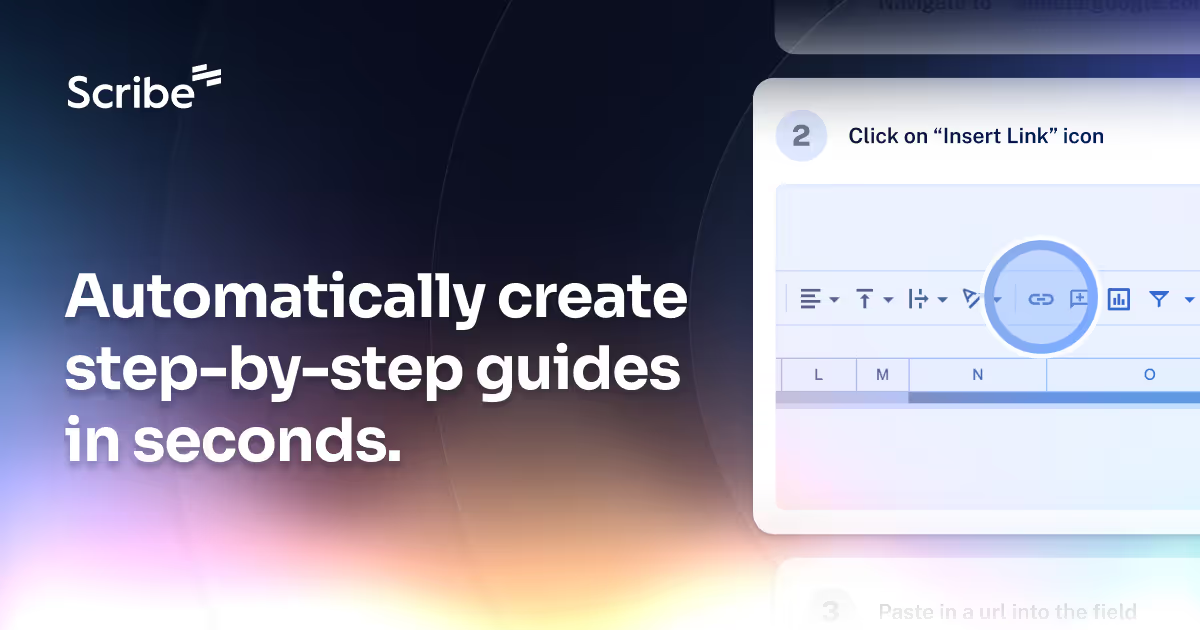
Scribe documents your processes for you. Build visual guides with text, links and screenshots instantly.

Scribe receives overwhelmingly positive reviews, particularly praised for its ease of use and efficiency in documentation processes. The very high ratings on G2 indicate strong user satisfaction, though minor complaints suggest room for improvement in certain features. There is little direct sentiment regarding its pricing in the available data. Overall, Scribe appears to hold a strong reputation as a reliable tool in its category.

Beautiful.ai

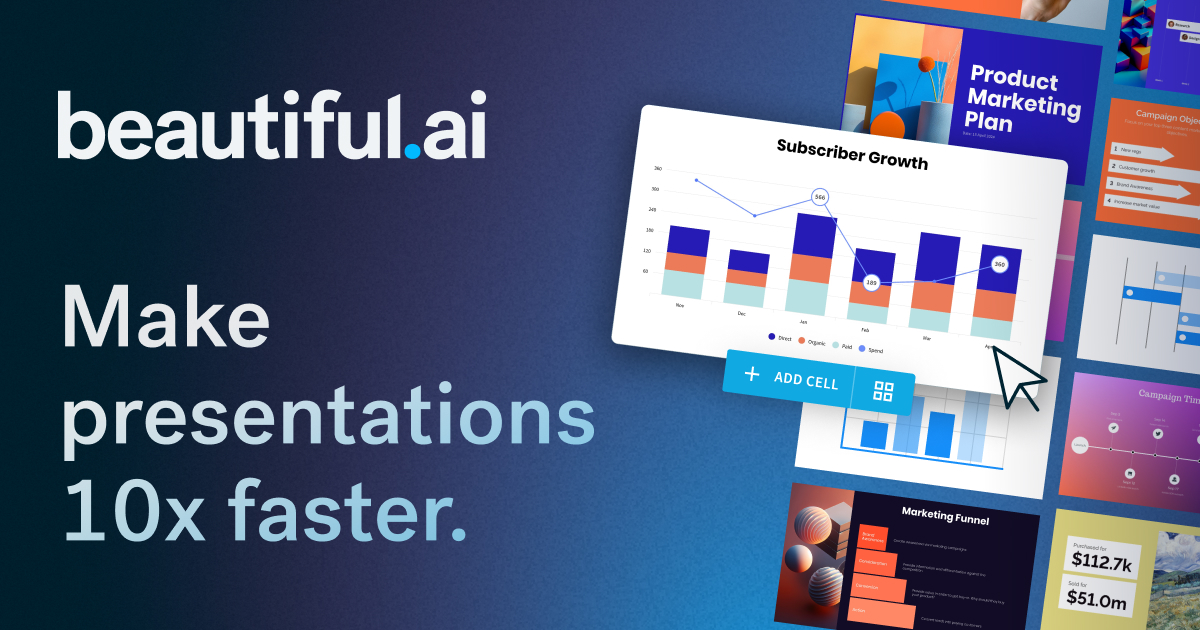
The AI presentation maker built for speed and polish. Beautiful.ai helps you create professional, client-ready slide decks in minutes. Try it free for

Beautiful.ai is praised for its capability to quickly create professional and visually appealing presentations with a user-friendly interface. However, some users express dissatisfaction with limited customization options and occasionally slow performance. The pricing of Beautiful.ai is generally seen as reasonable, but there are mixed feelings about whether it offers enough value, especially for professional users requiring more advanced features. Overall, Beautiful.ai has a positive reputation for design simplicity, though there is room for improvement in functionality and customization.

Key Metrics
4.8★ (20)
Avg Rating
—
—
Mentions (30d)
24
Mention Velocity
How discussion volume is trending week-over-week

Scribe

+200% vs last week

Beautiful.ai

+25% vs last week
Where People Discuss
Mention distribution across platforms

Scribe

Lemmy
65%
Rss
16%
YouTube
10%
GitHub
4%
Hacker News
2%
Tiktok
2%

Beautiful.ai

Reddit
91%
YouTube
9%
Community Sentiment
How developers feel about each tool based on mentions and reviews

Scribe

35% positive55% neutral10% negative

Beautiful.ai

29% positive71% neutral0% negative
Pricing

Scribe

subscription + tiered

Pricing found: $23, $59 / month, $12, $35 / usd, $23

Beautiful.ai

subscription + freemium + per-seat + tieredFree tier

Pricing found: $12 /mo, $50, $40 /mo, $45, $12/month

Use Cases
When to use each tool

Scribe (3)

Built for every team. For any workflow.5 million users600,000 organizations

Beautiful.ai (1)

The next evolution of AI presentations
Features

Only in Scribe (10)

WebsitesDesktop toolsMobile appsGenerate title description with AIUpload company brandingCreate GIFsFormat textAdd tips and alertsEdit screenshotsEasily redact sensitive information

Only in Beautiful.ai (10)

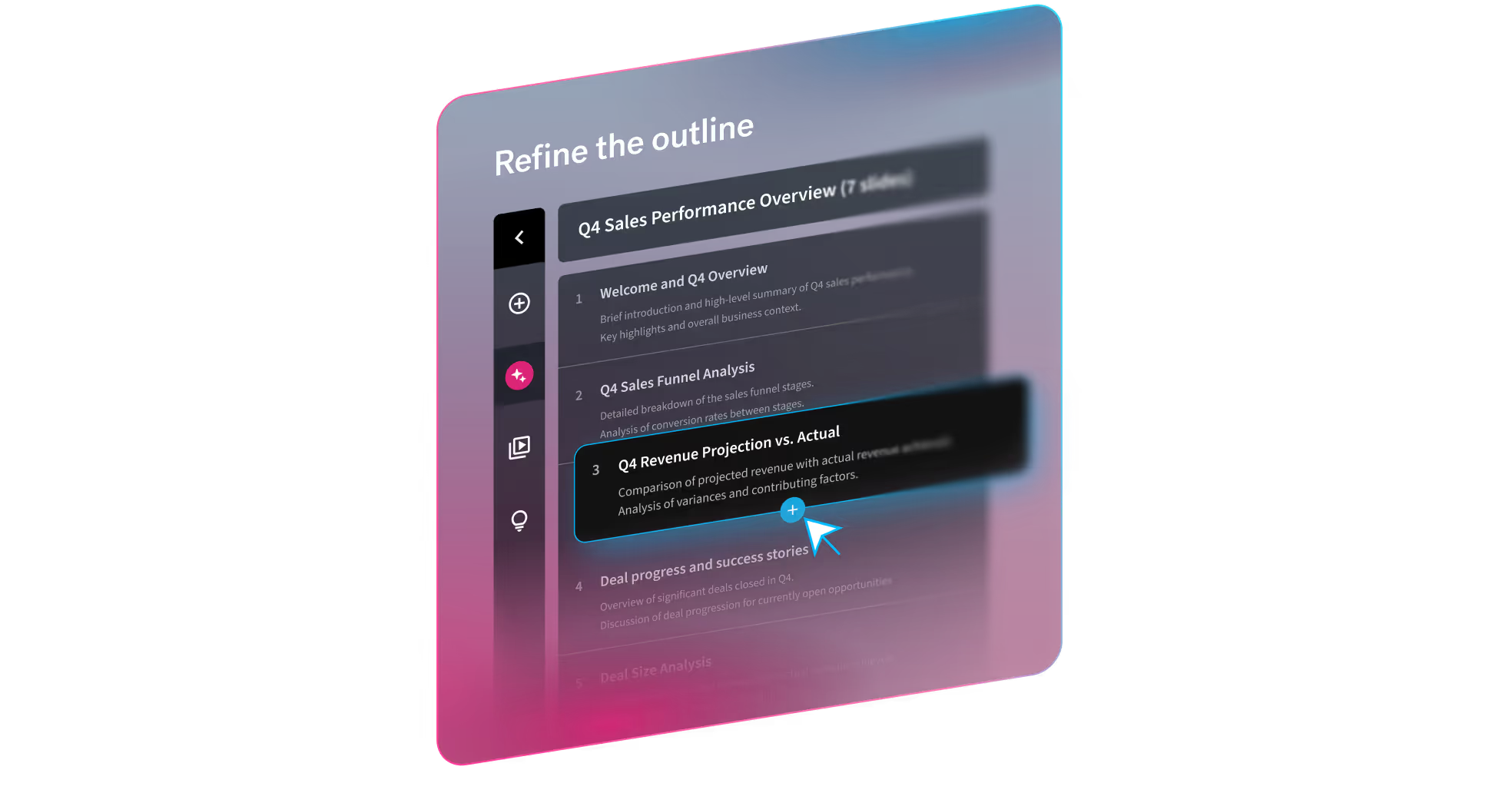
A topic or short promptA detailed prompt with slide-by-slide instructionsA pasted outline (including from other LLMs)A source document you want to turn into slidesTheme selection (out-of-the-box, Team themes, or bespoke themes)Image preferences (AI-generated, web images, stock, or none)Presentation language (100+ options)Optional consistent AI image style (custom prompt or presets)Guided workflow, not a one-shot output. Move from prompt → outline → design → refine without restarting.Smart Slides prevent the “broken deck” problem. Slides automatically handle spacing, alignment, hierarchy, and chart layout as content changes.
Integrations

Shared (6)

SlackMicrosoft TeamsNotionTrelloAsanaZapier

Only in Scribe (2)

Google DocsConfluence

Only in Beautiful.ai (9)

Google DriveMicrosoft PowerPointZoomDropboxEvernoteMailchimpSalesforceAdobe Creative CloudCanva
What Users Say
Top reviews from G2, Capterra, and TrustRadius

Scribe

What do you like best about Scribe?This saves me so much manual work - Scribe is EASY to use, and I no longer need to use 3-5 pieces of software to put together a guide. I also like how consistent and professional the results are. Review collected by and hosted on G2.com.What do you dislike about Scribe?I wish there was an easier way to combine multiple scribes for very long processes Review collected by and hosted on G2.com.

5.0\u2605Tracy H.g2

What do you like best about Scribe?How simple it is to use and create a SOP in minutes! Review collected by and hosted on G2.com.What do you dislike about Scribe?Editing sometimes can take some time because the captions are so basic like "click here". Review collected by and hosted on G2.com.

5.0\u2605Verified User in Manufacturingg2

What do you like best about Scribe?Scibe has made creating training materials and SOPs so much more efficient. Review collected by and hosted on G2.com.What do you dislike about Scribe?We have had accidental additions to our team due to sharing Scribes without exporting them first. Review collected by and hosted on G2.com.

5.0\u2605Sheri B.g2

Beautiful.ai

No reviews yet

Pain Points
Top complaints from reviews and social mentions

Scribe

ai agent (4)gpt (4)openai (4)large language model (3)anthropic (3)claude (3)pricing (3)ai startup (3)llm (2)foundation model (2)

Beautiful.ai

spending too much (1)
Top Discussion Keywords
Most mentioned keywords from community discussions

Scribe

ai agent (4)gpt (4)openai (4)large language model (3)anthropic (3)claude (3)pricing (3)ai startup (3)llm (2)foundation model (2)raises (2)gemini (2)

Beautiful.ai

spending too much (1)
Latest Videos
Recent uploads from official YouTube channels

Scribe

Enterprise Academy: System Admin Set-Up

Enterprise Academy: System Admin Set-Up

Apr 3, 2026

The Optimization Era: What most leaders skip before automating | Interview with Houri Tamizifar 🎙️

The Optimization Era: What most leaders skip before automating | Interview with Houri Tamizifar 🎙️

Mar 26, 2026

The Optimization Era: Securing the "Visibility Gap" in AI and Web3 | Interview with Victor Fang 🎙️

The Optimization Era: Securing the "Visibility Gap" in AI and Web3 | Interview with Victor Fang 🎙️

Mar 26, 2026

The Optimization Era: Engineering the AI-Native Revolution | Interview with Howie Xu 🎙️

The Optimization Era: Engineering the AI-Native Revolution | Interview with Howie Xu 🎙️

Mar 26, 2026

Beautiful.ai

Beautiful.ai Explained: How to Create Work-Ready Presentations, 10x Faster

Beautiful.ai Explained: How to Create Work-Ready Presentations, 10x Faster

Mar 18, 2026

Beautiful.ai's Create with AI Workflow

Beautiful.ai's Create with AI Workflow

Mar 18, 2026

The New Standard for AI Presentations | Beautiful.ai 3.0

The New Standard for AI Presentations | Beautiful.ai 3.0

Mar 18, 2026

2025 has wrapped! We can't wait to see what you present in 2026.

2025 has wrapped! We can't wait to see what you present in 2026.

Dec 22, 2025

Product Screenshots

Scribe

Scribe screenshot 1Scribe screenshot 2

Beautiful.ai

Beautiful.ai screenshot 1Beautiful.ai screenshot 2Beautiful.ai screenshot 3Beautiful.ai screenshot 4
What People Talk About
Most discussed topics from community mentions

Scribe

api30
streaming25
open source24
scalability23
deployment21
support20
cost optimization19
security16

Beautiful.ai

model selection10
streaming8
support7
api6
open source6
accuracy6
cost optimization6
workflow6
Top Community Mentions
Highest-engagement mentions from the community

Scribe

OpenAI’s Game-Changing o1 Description: Big news in the AI world! OpenAI is shaking things up with the launch of ChatGPT Pro, priced at $200/month, and it’s not just a premium subscription—it’s a glim

OpenAI’s Game-Changing o1 Description: Big news in the AI world! OpenAI is shaking things up with the launch of ChatGPT Pro, priced at $200/month, and it’s not just a premium subscription—it’s a glimpse into the future of AI. Let me break it down: First, the Pro plan offers unlimited access to cut

Tiktokby @nate.b.jonespositive source

Beautiful.ai

Beautiful.ai AI

Beautiful.ai AI

YouTubeneutral source
Company Intel
information technology & services
Industry
information technology & services
160
Employees
110
$130.0M
Funding
$61.0M
Series C
Stage
Venture (Round not Specified)
Supported Languages & Categories

Shared (2)

AI/MLSecurity

Only in Scribe (1)

Developer Tools

Only in Beautiful.ai (1)

Analytics
Frequently Asked Questions
Is Scribe or Beautiful.ai better for internal team documentation?▼

Scribe is better suited for internal team documentation given its robust features for process documentation and text formatting.

How does Scribe pricing compare to Beautiful.ai?▼

Scribe's pricing starts at $12/month, while Beautiful.ai offers a free tier and additional paid tiers starting at $12/month, making Beautiful.ai potentially more accessible to smaller teams or individual users.

Which has better community support, Scribe or Beautiful.ai?▼

Scribe benefits from significant community discussions around integration and scalability, suggesting a more active user community compared to Beautiful.ai.

Can Scribe and Beautiful.ai be used together?▼

Yes, both tools can complement each other; Scribe for documenting processes and Beautiful.ai for creating presentations, especially when cross-team collaboration is needed.

Which is easier to get started with, Scribe or Beautiful.ai?▼

Beautiful.ai may offer a faster start given its guided workflow and free tier, enticing users without commitment, whereas Scribe requires a subscription plan.

View Scribe Profile View Beautiful.ai Profile