PayloopPayloop
CommunityVoicesToolsDiscoverLeaderboardReportsBlog
Save Up to 65% on AI
Powered by Payloop — LLM Cost Intelligence
Tools/QuillBot/vs Beautiful.ai
QuillBot

QuillBot

ai-productivity
vs
Beautiful.ai

Beautiful.ai

ai-productivity

QuillBot vs Beautiful.ai — Comparison

8 integrations6 featuresMerger / Acquisition
Pain: 1/10015 integrations10 featuresVenture (Round not Specified)
The Bottom Line

QuillBot excels in AI-based writing and paraphrasing with tools like grammar checking and tone analysis, often favored by writers and students for its streamlined features. Beautiful.ai specializes in creating polished, client-ready presentations quickly, although its customization options lag behind user expectations. Compared to QuillBot’s ~340 employees and $4.0M in funding, Beautiful.ai operates with ~110 employees and has raised $61.0M, highlighting its growth potential and diversified use case application.

Best for

QuillBot is the better choice when the focus is on enhancing and editing written content for academic, blog, or business communication purposes.

Best for

Beautiful.ai is the better choice when the need is to swiftly create professional and visually appealing slide decks for meetings and client presentations.

Key Differences

  • 1.QuillBot provides integrations with tools like Grammarly and Notion, while Beautiful.ai integrates with Trello and Salesforce, indicating a stronger focus on presentation-related workflows.
  • 2.QuillBot offers features tailored for text editing, such as paraphrasing and grammar checking, whereas Beautiful.ai emphasizes features for slide deck creation, like AI image styling and smart slide layouts.
  • 3.Beautiful.ai offers a free tier and per-seat pricing, starting at $12 per month, while QuillBot relies on a subscription model without a clear free option.
  • 4.QuillBot has a significantly larger team with ~340 employees, suggesting a wider support network, while Beautiful.ai's smaller team of ~110 employees aligns with its more focused product offering.
  • 5.In terms of funding, Beautiful.ai has secured $61.0M, compared to QuillBot's $4.0M from a merger/acquisition, reflecting a difference in scale and potential for product development.

Verdict

For teams prioritizing seamless document editing with AI assistance, QuillBot provides comprehensive tools for improving various forms of writing. In contrast, Beautiful.ai caters better to businesses needing efficient presentation generation, benefiting from its design simplicity and substantial integration ecosystem. Engineering leaders should evaluate based on their primary workflow needs: content creation or presentation design.

Overview
What each tool does and who it's for

QuillBot

Write effortlessly and efficiently with QuillBot's suite of AI tools. Paraphrase, check grammar, analyze tone, improve fluency, and more. Start d

Users generally appreciate QuillBot for its effective paraphrasing capabilities and ease of use, which make it a popular tool among writers and students. Some users have expressed dissatisfaction with occasional accuracy issues and the limited functionality of its free version. The sentiment towards pricing is mixed, with some considering the premium subscription worthwhile for frequent use, while others feel it is slightly expensive for occasional tasks. Overall, QuillBot maintains a positive reputation as a reliable writing aid, particularly praised for its user-friendly interface and efficient performance.

Beautiful.ai

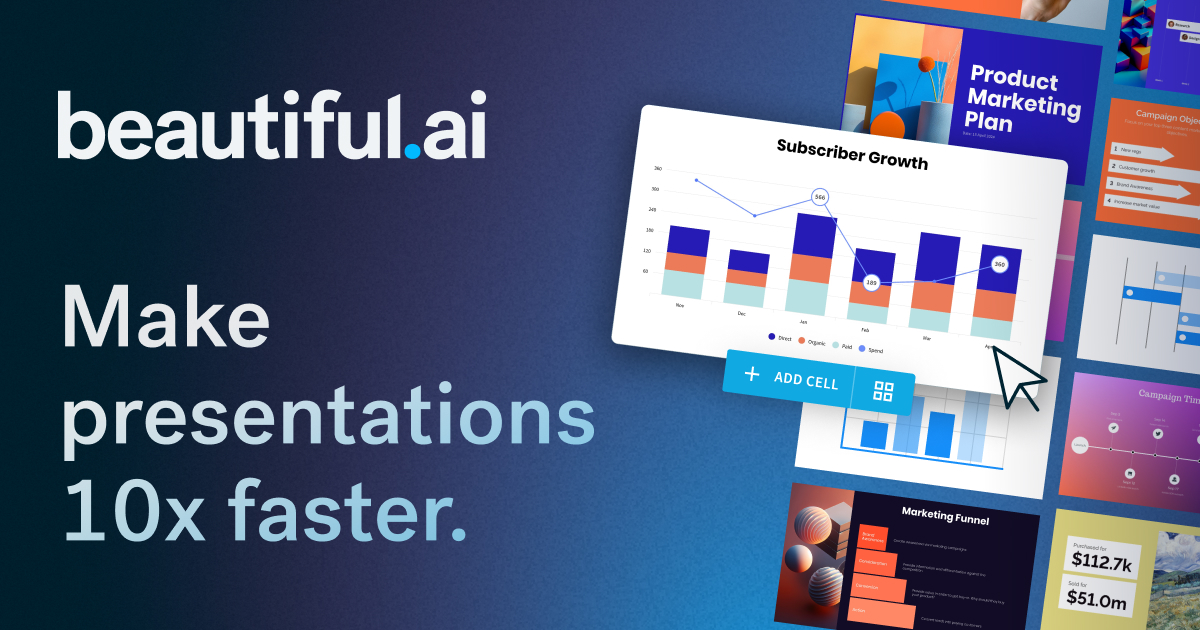
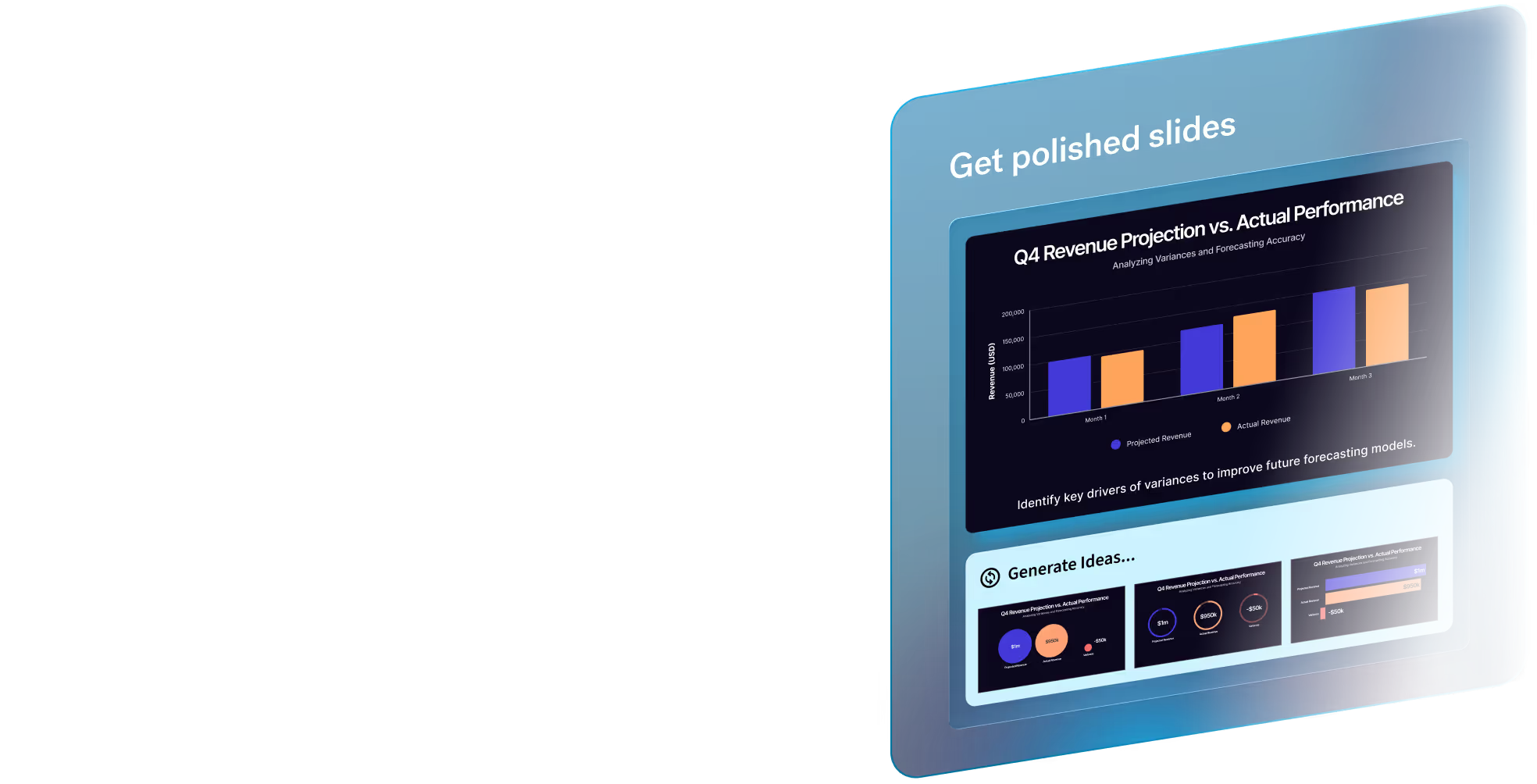
The AI presentation maker built for speed and polish. Beautiful.ai helps you create professional, client-ready slide decks in minutes. Try it free for

Beautiful.ai is praised for its capability to quickly create professional and visually appealing presentations with a user-friendly interface. However, some users express dissatisfaction with limited customization options and occasionally slow performance. The pricing of Beautiful.ai is generally seen as reasonable, but there are mixed feelings about whether it offers enough value, especially for professional users requiring more advanced features. Overall, Beautiful.ai has a positive reputation for design simplicity, though there is room for improvement in functionality and customization.

Key Metrics
—
Mentions (30d)
24
Mention Velocity
How discussion volume is trending week-over-week

QuillBot

Not enough data

Beautiful.ai

+25% vs last week
Where People Discuss
Mention distribution across platforms

QuillBot

YouTube
100%

Beautiful.ai

Reddit
91%
YouTube
9%
Community Sentiment
How developers feel about each tool based on mentions and reviews

QuillBot

0% positive100% neutral0% negative

Beautiful.ai

29% positive71% neutral0% negative
Pricing

QuillBot

subscription + tiered

Beautiful.ai

subscription + freemium + per-seat + tieredFree tier

Pricing found: $12 /mo, $50, $40 /mo, $45, $12/month

Use Cases
When to use each tool

QuillBot (8)

Improving academic essays and research papersEnhancing business communication and reportsCreating engaging blog posts and articlesPolishing creative writing and storytellingGenerating content for social media postsSummarizing lengthy documentsParaphrasing existing content for originalityDrafting professional emails and correspondence

Beautiful.ai (1)

The next evolution of AI presentations
Features

Only in QuillBot (6)

We’re a proud partner of these globally recognized brands:Perfect any project with QuillBotCreate content that worksStay on track academicallyIgnite your content flowGo from idea to launch faster

Only in Beautiful.ai (10)

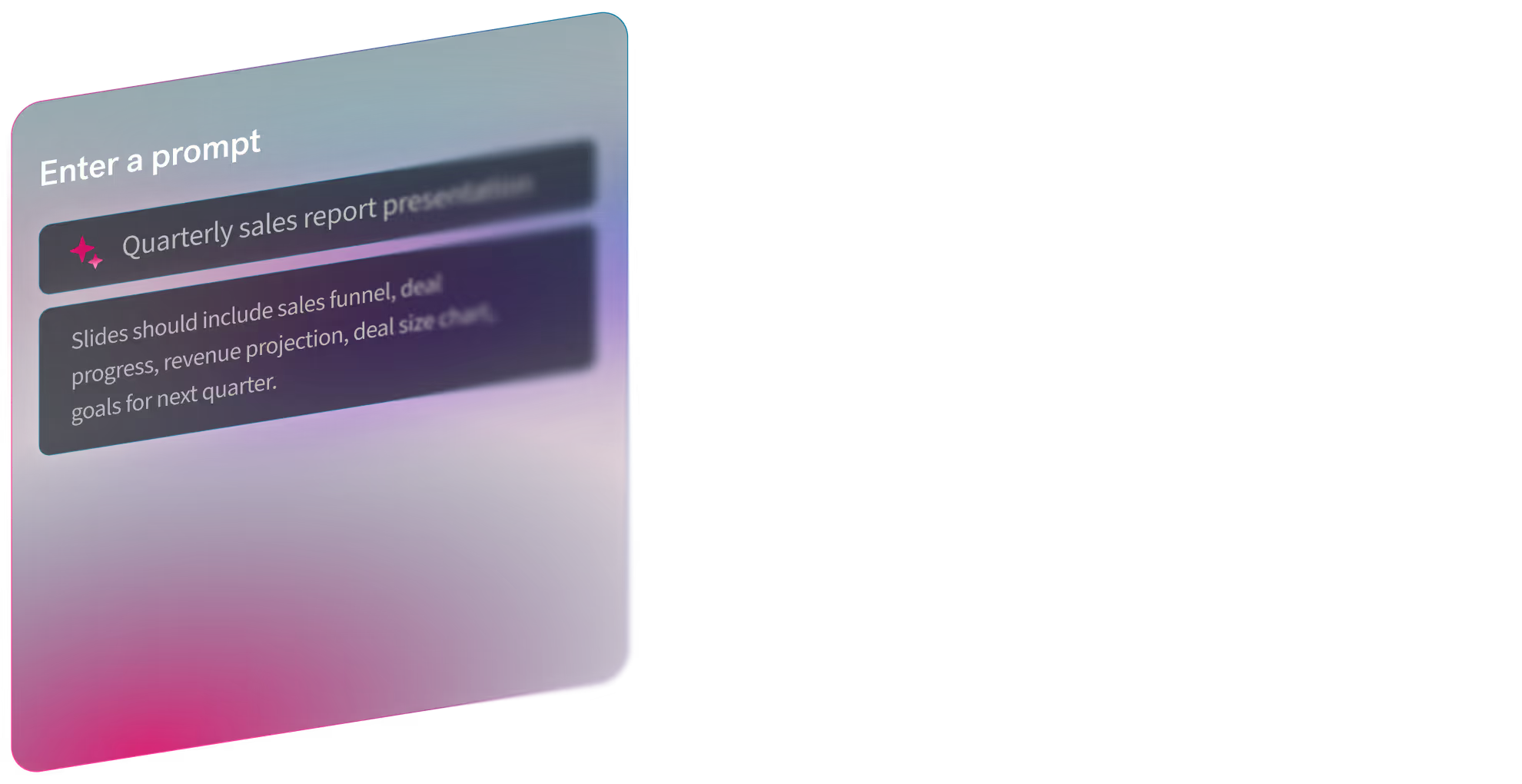
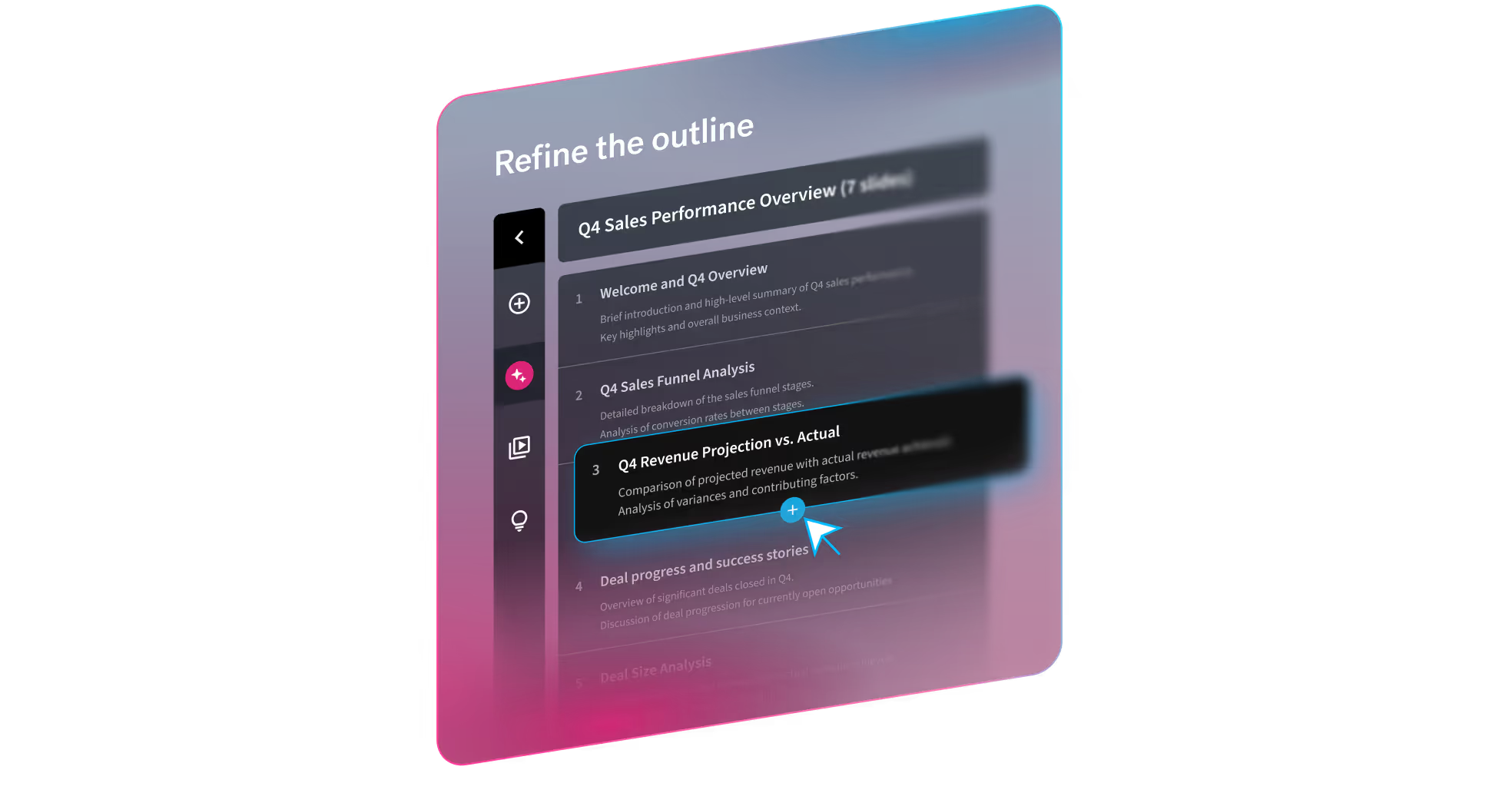
A topic or short promptA detailed prompt with slide-by-slide instructionsA pasted outline (including from other LLMs)A source document you want to turn into slidesTheme selection (out-of-the-box, Team themes, or bespoke themes)Image preferences (AI-generated, web images, stock, or none)Presentation language (100+ options)Optional consistent AI image style (custom prompt or presets)Guided workflow, not a one-shot output. Move from prompt → outline → design → refine without restarting.Smart Slides prevent the “broken deck” problem. Slides automatically handle spacing, alignment, hierarchy, and chart layout as content changes.
Integrations

Shared (4)

SlackNotionEvernoteZoom

Only in QuillBot (4)

Google DocsMicrosoft WordGrammarlyWordPress

Only in Beautiful.ai (11)

Google DriveMicrosoft PowerPointDropboxTrelloAsanaMailchimpSalesforceZapierMicrosoft TeamsAdobe Creative CloudCanva
Pain Points
Top complaints from reviews and social mentions

QuillBot

No complaints found

Beautiful.ai

spending too much (1)
Top Discussion Keywords
Most mentioned keywords from community discussions

QuillBot

No data

Beautiful.ai

spending too much (1)
Latest Videos
Recent uploads from official YouTube channels

QuillBot

Which one of these emojis came first? #triviachallenge #triviatime #emojigame #quillbot

Which one of these emojis came first? #triviachallenge #triviatime #emojigame #quillbot

Jan 13, 2026

Me in every meeting post-holidays #catmeme #backtowork #quillbot #mybrain

Me in every meeting post-holidays #catmeme #backtowork #quillbot #mybrain

Jan 8, 2026

Our assets go skibidi. Your profits get rizzity. #2025 #slang #venturecapital #quillbot #sketch

Our assets go skibidi. Your profits get rizzity. #2025 #slang #venturecapital #quillbot #sketch

Dec 30, 2025
Aiming for fewer typos that keep me up at night in 2026. #corporatecomedy #newyearnewgoals #quillbot

Aiming for fewer typos that keep me up at night in 2026. #corporatecomedy #newyearnewgoals #quillbot

Dec 29, 2025

Beautiful.ai

Beautiful.ai Explained: How to Create Work-Ready Presentations, 10x Faster

Beautiful.ai Explained: How to Create Work-Ready Presentations, 10x Faster

Mar 18, 2026

Beautiful.ai's Create with AI Workflow

Beautiful.ai's Create with AI Workflow

Mar 18, 2026

The New Standard for AI Presentations | Beautiful.ai 3.0

The New Standard for AI Presentations | Beautiful.ai 3.0

Mar 18, 2026

2025 has wrapped! We can't wait to see what you present in 2026.

2025 has wrapped! We can't wait to see what you present in 2026.

Dec 22, 2025

Product Screenshots

QuillBot

QuillBot screenshot 1

Beautiful.ai

Beautiful.ai screenshot 1Beautiful.ai screenshot 2Beautiful.ai screenshot 3Beautiful.ai screenshot 4
What People Talk About
Most discussed topics from community mentions

QuillBot

Beautiful.ai

model selection10
streaming8
support7
api6
open source6
accuracy6
cost optimization6
workflow6
Top Community Mentions
Highest-engagement mentions from the community

QuillBot

QuillBot AI

QuillBot AI

YouTubeneutral source

Beautiful.ai

Beautiful.ai AI

Beautiful.ai AI

YouTubeneutral source
Company Intel
information technology & services
Industry
information technology & services
340
Employees
110
$4.0M
Funding
$61.0M
Merger / Acquisition
Stage
Venture (Round not Specified)
Supported Languages & Categories

Only in QuillBot (1)

quillbot

Only in Beautiful.ai (3)

AI/MLSecurityAnalytics
Frequently Asked Questions
Is QuillBot or Beautiful.ai better for improving academic essays?▼

QuillBot is better suited for improving academic essays due to its paraphrasing and grammar checking features.

How does QuillBot pricing compare to Beautiful.ai?▼

QuillBot uses a subscription model without a clearly defined free tier, while Beautiful.ai offers freemium pricing starting at $12 per month, with per-seat and tier options.

Which has better community support, QuillBot or Beautiful.ai?▼

QuillBot likely has better community support given its larger employee base of ~340, compared to Beautiful.ai's ~110 employees.

Can QuillBot and Beautiful.ai be used together?▼

Yes, they can be used together for workflows that require both content refinement and presentation design, although there is no direct integration between the two.

Which is easier to get started with, QuillBot or Beautiful.ai?▼

Beautiful.ai might be easier to get started with due to its guided workflow feature, allowing users to swiftly create slide decks from prompts.

View QuillBot Profile View Beautiful.ai Profile