Build apps, websites, and digital products faster using Lovable’s no-code and AI-powered platform, no deep coding skills required.
Users generally praise Lovable for its ability to quickly create professional-looking landing pages and its user-friendly interface, as evidenced by consistently high ratings on G2. However, some users express concerns over pricing, questioning why similar tools are more affordable. The overall sentiment towards pricing appears to be mixed, with some feeling the higher cost is justified by its efficiency. Lovable maintains a strong reputation in the no-code space, often being recommended for rapid prototyping and design tasks.
Mentions (30d)
14
Avg Rating
4.8
20 reviews
Platforms
4
Sentiment
8%
3 positive


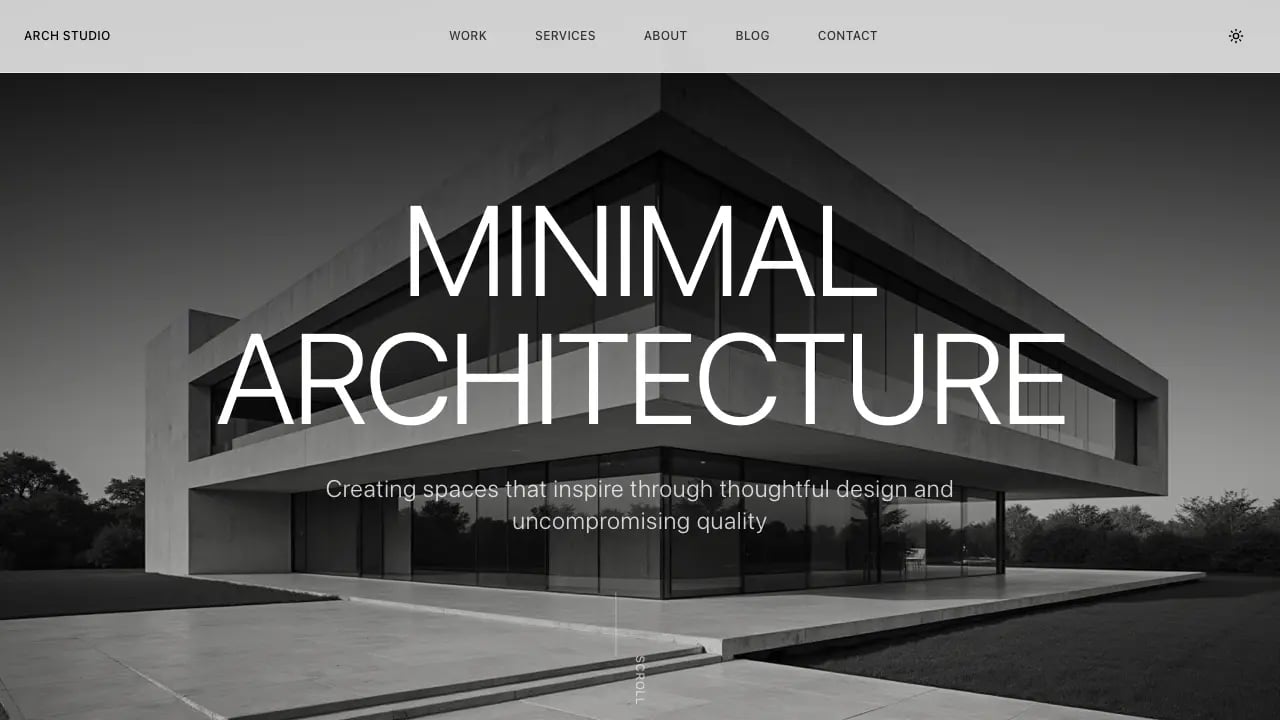
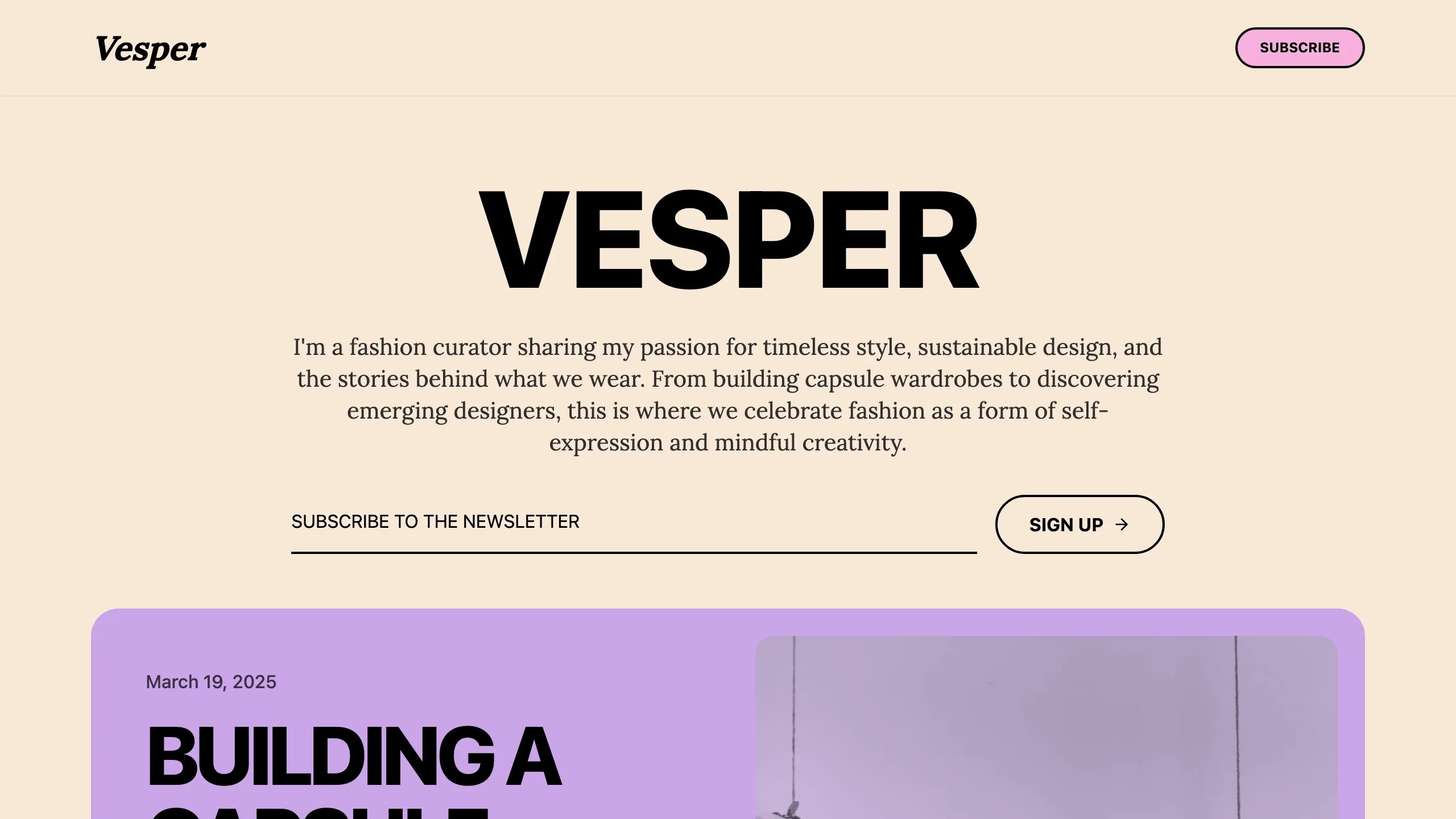
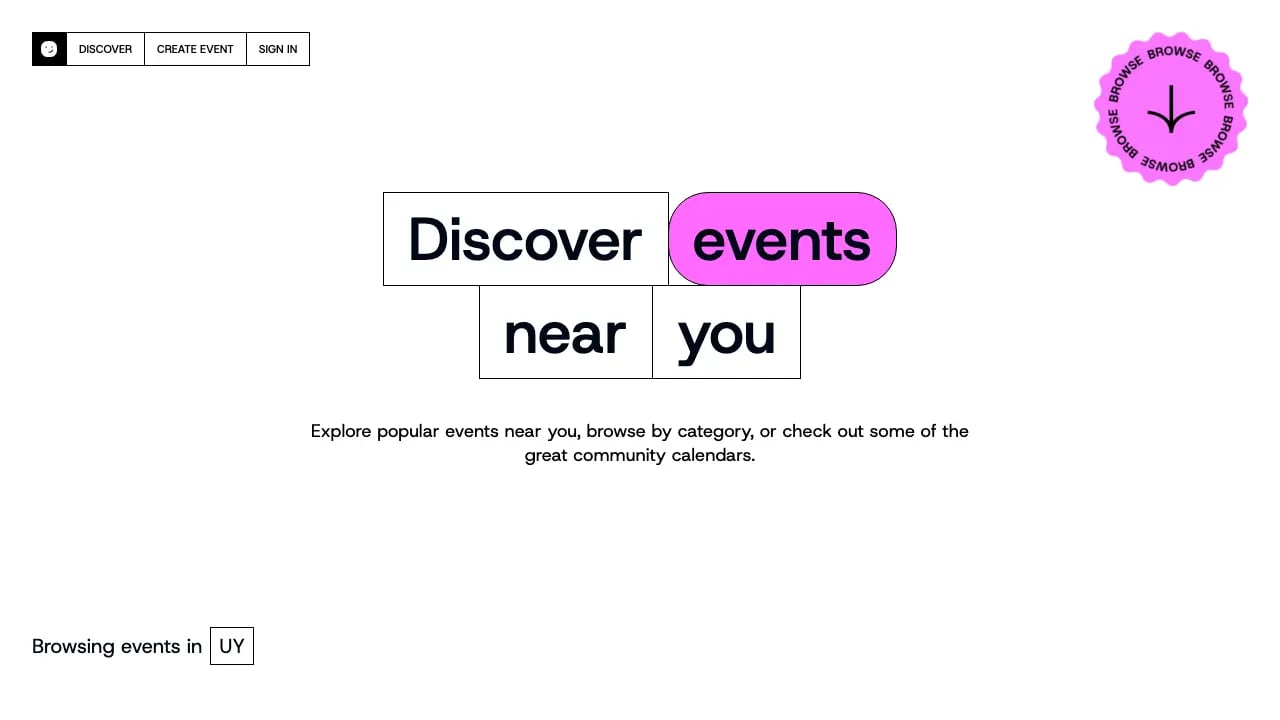
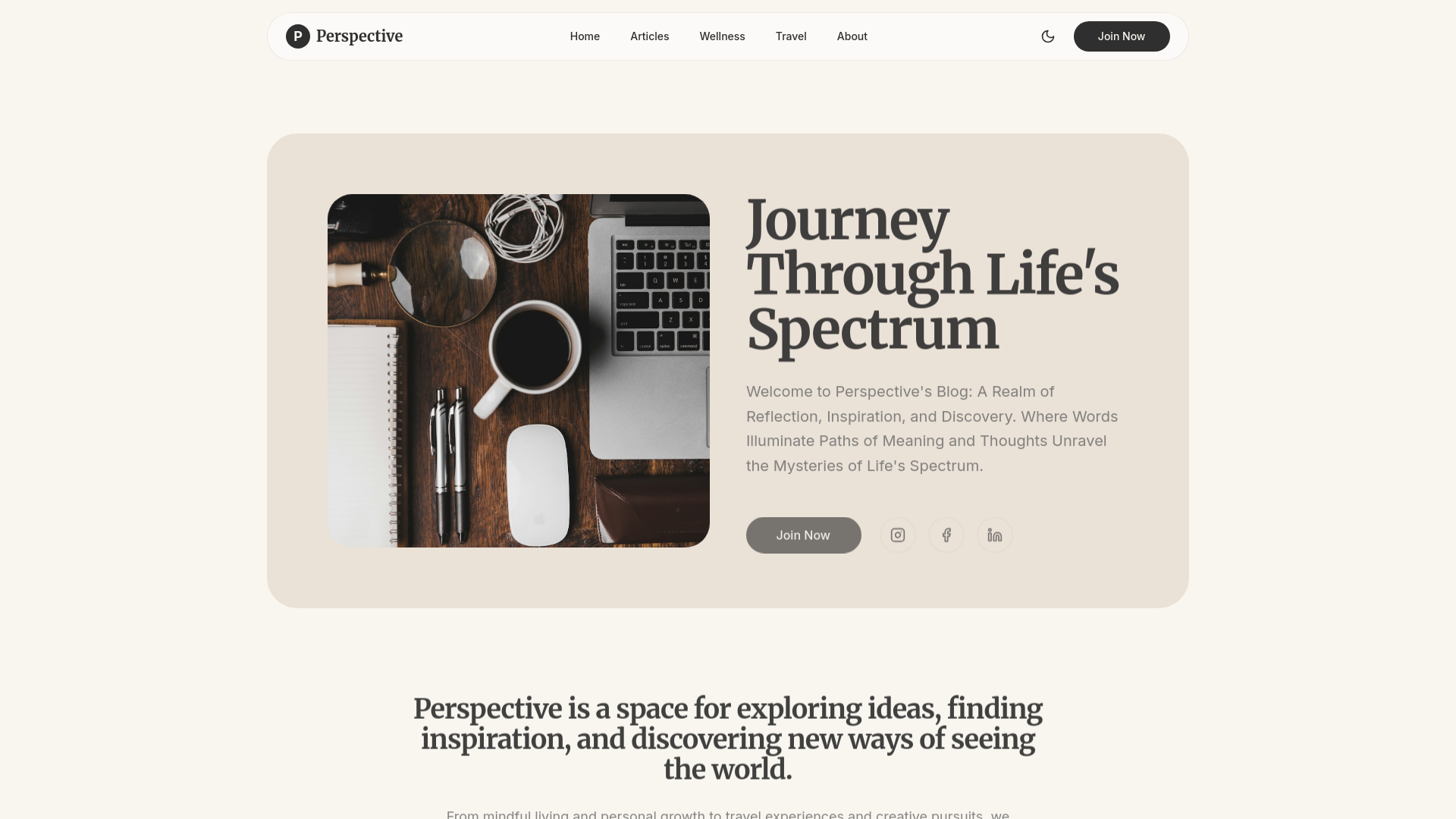

Users generally praise Lovable for its ability to quickly create professional-looking landing pages and its user-friendly interface, as evidenced by consistently high ratings on G2. However, some users express concerns over pricing, questioning why similar tools are more affordable. The overall sentiment towards pricing appears to be mixed, with some feeling the higher cost is justified by its efficiency. Lovable maintains a strong reputation in the no-code space, often being recommended for rapid prototyping and design tasks.
Features
Use Cases
Industry
information technology & services
Employees
1,000
Funding Stage
Series B
Total Funding
$553.5M
I wasted $500 testing AI coding tools so you don't have to 💸 Here's what actually works: 🧪 Testing ideas? → V0 or Lovable Built a landing page in 90 seconds. Fully clickable, looked real. Code's me
I wasted $500 testing AI coding tools so you don't have to 💸 Here's what actually works: 🧪 Testing ideas? → V0 or Lovable Built a landing page in 90 seconds. Fully clickable, looked real. Code's messy but perfect for validation. 🏗️ Shipping real apps? → Bolt Full dev environment in your browser. I built a document uploader with front end + back end + database in one afternoon. 💻 Coding with AI? → Cursor or Windsurf Cursor = stable, used by Google engineers Windsurf = faster, newer, more aggressive Both are insane. 📚 Learning from scratch? → Replit Best coding teacher I've found. Explains errors, walks you through fixes, teaches as you build. Here's what 500+ hours taught me: The tool doesn't matter if you're using it for the wrong stage. Testing ≠ Building ≠ Coding ≠ Learning Stop comparing features. Match your goal first. Drop what you're building 👇 I'll tell you exactly which tool to use Save this. You'll need it. #AI #AITools #TechTok #ChatGPT #Coding
View originalg2
What do you like best about Lovable?Lovable helps me quickly turn product ideas into working app flows using AI. I use it to define features like user journeys, dashboards, and workflows through prompts, and it generates structured UI and backend logic. It’s especially useful for testing ideas, iterating quickly, and visualizing how the application will work before development, making prototyping faster and more efficient. Review collected by and hosted on G2.com.What do you dislike about Lovable?The output depends on how clearly the prompt is written, so it sometimes takes a few iterations to get the exact result. Also, for very specific business logic, some manual refinement is needed after generation. However, for most prototyping needs, it works efficiently. Review collected by and hosted on G2.com.
What do you like best about Lovable?I love how Lovable enhances my website, making it look pretty with its great UI/UX. The users love the new UI/UX, which Lovable made for us. It helps me a lot with UI/UX, especially the animations. Setting up Lovable was super easy; you can read the docs and that's it. Review collected by and hosted on G2.com.What do you dislike about Lovable?Nothing maybe the pricing haha Review collected by and hosted on G2.com.
What do you like best about Lovable?Lovable makes app building feel very easy and stress free. I like how quickly it understands the idea and gives a proper output. Review collected by and hosted on G2.com.What do you dislike about Lovable?Visual editing can be unreliable at times, and the login/signup flow should also support using a password to sign in directly within the editor. Review collected by and hosted on G2.com.
What do you like best about Lovable?I use Lovable for a large part of my SaaS and MVP developments on my internal projects. I appreciate its effective impermeability within a proven stack including Supabase, Stripe, Claude, and GIT. Databases are central to a web project, and Lovable communicates effectively with Supabase and its plugins. I particularly like Lovable's efficient "All in one," which allows me to ensure that all our tools communicate correctly with each other, thus facilitating development even when the database does not follow the development structure or when AI models encounter quota limitations. Lovable allows me to develop almost without limits. Review collected by and hosted on G2.com.What do you dislike about Lovable?Transparency on the AI model used. Have more access to the root of the project 'packages, etc.'. Review collected by and hosted on G2.com.
What do you like best about Lovable?I find Lovable to be one of the best AI full-stack web development code generators available. It helps me create complete web apps including the database and backend in just a few minutes so it's very easy to implement and integrate . Lovable is especially helpful for non-technical people, and it’s very easy to use. I like that I can attach Figma files, write simple prompts, and have it generate a fully operational frontend and i use very frequently. The fact that I can connect it directly with Supabase in just one click for backend and database management is fantastic. On top of that, customer support is very responsive. I also appreciate the color palette changing feature, since I can quickly switch palettes to see how the design looks. It’s a feature I genuinely enjoy using. Review collected by and hosted on G2.com.What do you dislike about Lovable?I think Lovable really needs to improve how it builds a fully functional web app, because right now it doesn’t do it properly. It should do a better job of generating a clear work plan and understanding the project requirements, then realign that plan before starting the design process. That way, the user can review it upfront and confirm that every aspect is covered. Review collected by and hosted on G2.com.
What do you like best about Lovable?What I like most about Lovable is how quickly it helps turn an idea into a usable web app. Lovable describes itself as a full-stack AI development platform that can generate frontend, backend, database, authentication, and integrations from natural-language prompts, with editable code and GitHub sync. Because of that, it feels especially useful for prototyping, MVPs, internal tools, and early product validation. Review collected by and hosted on G2.com.What do you dislike about Lovable?The main drawback is that the pricing and credit model can take some getting used to, especially if my usage grows quickly or my prompts become more complex. On top of that, they keep changing what costs how much, which makes it harder to predict expenses. Review collected by and hosted on G2.com.
What do you like best about Lovable?What I like best about Lovable is how easy it makes modern app development. The interface is polished, intuitive, and genuinely pleasant to use. It offers a lot of powerful features without feeling overwhelming, and the overall workflow is smooth and efficient. I also like the built-in cloud services, the analytics, and how quickly you can go from idea to working product. It makes development feel accessible, fast, and motivating. Review collected by and hosted on G2.com.What do you dislike about Lovable?What I dislike is the cost of intensive use. Lovable is excellent, and I understand that powerful AI development has a real cost behind it, but credits go quickly. For a solo developer, it can become a significant monthly expense if you want to keep building without interruption. Review collected by and hosted on G2.com.
What do you like best about Lovable?The product is user-friendly. Even if you do not have any background in software development, it will guide you through every step. The suggestions and recommendations make life easier for a non-IT individual. Overall, the response rate, compared to other no-code platforms, is better, and it is also very easy to access. Connecting the database in the backend is a piece of cake, I mean, just a click away. I struggled with other no-code platforms that required manual work, but this platform is a game changer. I used this platform to create an MVP, and it was able to develop the MVP using only the free credits. Nevertheless, the tool itself is basic, but the ease of access and user-friendliness make it a walk in the park. I have been using this tool for some time now, and each time it encourages me to explore it more. The set of suggestions makes your work more professional every time. Testing is also included, so no manual work is required for that either. As for customer support, I did not have any instance where I needed to get in touch with them. However, while shortlisting products, I was impressed by the compliance and security features this tool offers. With it comes to integration, it offers integration to git hub and other platforms like chatgpt, geminai, other ai's very easy. No need to go through the settings and learn the basics. Very clean interface similar to Atoms.dev but way better than that. Review collected by and hosted on G2.com.What do you dislike about Lovable?I could not get the extra credits promised on free credits though sharing and getting people on the platform, looks little misleading and the UI with the applications that we develop are basic, needs to incorporate templates, I see same challange with other platforms not something that i disliked but an area i think the product should focus on. Review collected by and hosted on G2.com.
What do you like best about Lovable?I appreciate how Lovable basically made the website for me without needing prior HTML knowledge. I love its ease of use and that I can see results visually, which allows me to prompt small changes immediately. The way Lovable understands my prompts is impressive, and I rarely need to prompt more than necessary. I also value how easy the initial setup was—just log on. The visual nature of Lovable is a major advantage, and it was a key reason for switching from Claude Code. Review collected by and hosted on G2.com.What do you dislike about Lovable?nothing Review collected by and hosted on G2.com.
What do you like best about Lovable?I like how intuitive and user-friendly Lovable is. The automation features save a lot of time by reducing repetitive manual work. The real-time collaboration tools make it easier for teams to stay aligned and productive. I also appreciate the clean interface and customizable dashboards that provide a clear view of project progress. The onboarding guides made configuration quick and easy. Review collected by and hosted on G2.com.What do you dislike about Lovable?Sometimes the initial setup feels a bit complex, and integrations with third-party tools could be smoother. It would help if Lovable offered more native integrations with tools like Slack, Jira, and Trello. Simplifying API setup and improving synchronization speed between platforms would make cross-tool collaboration much smoother. Review collected by and hosted on G2.com.
1,500 playlists to suit your mood
I (with my partner Claude + Lovable) made a website with 1,344 playlists (up to 15 tracks on each, curated by Claude Opus 4.7). You can select your mood, your activity and era and it will give you a link to a pre-created playlist. https://fringefm.net/ The idea behind this is to find something new. I was getting tired of the Spotify algorithm playing me the same old stuff all the time, so I needed to break the cycle! And I don’t have the musical taste to make the playlists myself. This was the process (all with a python bot running on my PC): - Claude creates the playlists (artist and title, 15 tracks) based on the mood, activity and era - Claude comes up with a playlists name, e.g. ‘Gently bricking it before sleep’ - Everthing written to json, as per Spotify API docs - calls the Spotify API to check if the track exists and get the URI - creates the playlist in my authorised account The whole library cost about $15 to generate. Batch API gives you 50% off, and because the same system prompt runs across all 1,344 calls it gets cached after the first one, so Opus comes out roughly the price of Sonnet’s normal rate. It took about 10 seconds to create all 1,344 playlists. Initially I thought there was probably an error and it hadn’t actually run, but it had actually done a perfect job. Batch for the win! Temperature was fiddlier than I expected. I started at 1.0 as the goal was ‘to find music I haven’t heard before’. The playlists were pretty wild (like tracks of weird sound effects, or somebody just screaming and hitting a bongo). Claude would also occasionally commit to an obscurity so deep it had invented an artist that didn’t exist. I dropped to 0.9 and the hallucinations basically vanished without losing the surprise factor. The model was important for giving each playlist a funny memorable name. I first ran on Haiku to save money but it mostly came up with names like “Late Night Lounge”. I switched to Sonnet and the wordplay and humour was much better. Opus didn‘t offer much more here, so Sonnet was fine and saved me some money. One major problem I had was that Claude misread Spotify’s February 2026 changelog and confidently told me playlist creation had been removed entirely. About three hours in I sense-checked with ChatGPT, which pointed out that Claude was wrong. Got the usual “You’re absolutely right!”, and we moved on. Claude also had no knowledge of the Tidal API. It couldn’t scrape their documentation due to the way their site is built, so I had to manually find the API docs and paste them into Claude. My main lesson here is that Claude doesn’t always know everything, and it hallucinates A LOT when put on the spot! Full write-up, including the Spotify rate-limiting saga (two weeks) versus Tidal (twelve minutes): https://xoot.uk/blog/building-fringe-fm-anti-algorithm-playlists submitted by /u/Technical_Noise_9060 [link] [comments]
View originalclaude as a debugger for Lovable apps. my 9-month workflow
9 months building Lovable apps for clients. claude pro for the past 7 of those months. specifically: not asking claude to write lovable workflows, asking claude to debug them. heres what i do. when a workflow breaks in production: screenshot the workflow editor in lovable screenshot the error in the console drop both into claude paste my actual goal: "this workflow is supposed to do X but i'm seeing Y." what i never do: ask claude to "fix" it (claude doesnt know lovable's quirks well enough to fix, but it CAN help me see what i'm missing) skip the screenshot of my goal (without it claude solves the wrong problem) accept the first answer (always ask claude "what's a second possible cause") what changed for me: average debug time per broken workflow: ~45 min → ~12 min 6 of the last 14 bugs i debugged this way turned out to be schema problems claude caught that i'd missed ive learned more about lovable in 7 months of this workflow than the first year of using lovable specific thing claude is bad at: understanding lovable's privacy rules. RLS questions: claude will confidently give you wrong answers. always verify against lovable docs. other no-code/low-code builders using claude as a debugger, whats your workflow? submitted by /u/Investigator1322 [link] [comments]
View originalOpenAI Codex Sites feels less like a website builder and more like a deployable workspace surface
I’ve been reading through OpenAI’s Codex Sites docs, and my takeaway is that this is not really “another AI website builder.” It feels more like Codex getting a deployable surface. The important part is not that it can generate a page. Lots of tools can do that now. The interesting part is the loop: Prompt → code → preview → save version → deploy → shareable URL → workspace permissions That changes the role of Codex a bit. Instead of only being a coding assistant that edits files or creates PRs, it starts to become a place where small internal tools, dashboards, prototypes, and workflow UIs can be created and shipped directly from the same context. That is also why I don’t see this as a simple Lovable/Replit clone. Lovable/Replit are more “start from an app idea and build a web app.” Codex Sites feels more like: “I already have a workspace, repo, docs, data, or internal workflow. Now turn part of that into a usable web surface.” The use cases that make sense to me: internal tools temporary dashboards product demos PRD or spec visualization QA / review pages data-report interfaces lightweight prototypes The use cases that feel risky: production apps with complex auth SEO-heavy public sites long-term product maintenance anything mission-critical So the bigger shift might be this: AI coding tools are moving from “generate code for me” to “turn this working context into something deployable and usable.” That feels like a more important direction than just making prettier landing pages. submitted by /u/Intrepid-Night7277 [link] [comments]
View originalHow do you stop AI-built websites from looking AI-built?
Curious if anyone else has run into this with AI-built websites. I’ve been building a small local smart planning/tourism site with tools like Lovable, Codex, Claude Code, etc. and I’m at the point where I can’t really tell if the design feels like its own thing, or if it still obviously reads as AI-made. The site is banff.tips, if anyone wants to look at it with that in mind. It started as a pretty simple idea, but I’ve now gone way deeper into it than I probably needed to. The main thing I’m struggling with is the design side. The tools are good at making something clean and usable, but I keep finding everything slowly gets pulled back into that same polished AI website look. Nice cards, nice spacing, nice rounded corners, but not always much personality. Originally I really wanted to make it feel more unique and fun, almost like a scrapbook / local field guide. I mocked up a few ideas with ChatGPT image gen and, because I didn’t really have much experience with these AI coding tools before this, I naively thought I’d be able to recreate that same kind of look inside Lovable or Codex. I spent ages feeding it screenshots, turning mockups into design docs, trying to analyse the style from every angle, playing around with front-end design skills and a few other systems, but I could never really get it to match the realism or specific feel I had in my head. So I eventually pulled it back into more of a modern editorial direction, which is probably better for the site anyway. But now I’m wondering if I’ve just ended up with another AI-looking website, just slightly nicer. Has anyone found a good workflow for this? Do you lock in the design system before building? Design a few pages manually first? Use specific skills or agents? Or is it just a matter of manually fighting the AI taste out of it? submitted by /u/Fantastic-Glass-5865 [link] [comments]
View originalBuilt this game with AI. Should I reduce the difficulty or nah?
Hey all. Been vibe coding for almost 2 years now (I think?). Previously was more focused on traditional micro-saas but recently decided to go in a different direction and see how far I could push lovable and try and make a commercial grade browser based game. Built it with Lovable + Supabase + Stripe -- full commercial browser game, gyroscope controls on mobile, no app store needed. Generated all my assets (I know, I know, there aren't a ton) with a combination of Gemini to prototype and the GPT 2 to finalize. I've made a few small games here and there that generally only get used by my kiddos, but with this one I wanted to try and create a full gaming experience (login rewards, leaderboard, store, powerup mechanics, simulated ads, etc.) Put a $100 bounty on it for the first player to reach level 100 on mobile. Nobody has claimed it since launch. So genuinely asking -- is it too hard, or is that the point? tiltra.io P.S. It is currently playable on both desktop and mobile but with the gyro mechanic it is definitely more fun and challenging on mobile. submitted by /u/BeltwayBro [link] [comments]
View originalClaude is my entire SEO team. 1.5M+ impressions in 3 months as a solo founder.
TL;DR: I use Claude to analyse my Google Search Console data weekly, find SEO problems, draft content for keyword gaps, and write the code fixes I ship through Lovable. 1.5M+ impressions and 13K+ clicks in 3 months, zero ad spend, zero employees. Claude also started recommending my site to its own users without me doing anything. The AI is marketing itself. A few months ago I posted here about building a marketplace with Claude as my only technical resource. That post kind of blew up. Since then Claude has basically become my entire growth team too. Quick context: I run Agensi (agensi.io), a marketplace where developers buy and sell skills for Claude Code, Cursor, Codex CLI, and 20+ other agents. Every skill goes through an automated 8-point security scan. Browse, download, install in 30 seconds or directly through our agent-native MC Currently 1,500+ registered users, 700+ skills listed, 1,000+ daily active users. Here are the SEO numbers from Google Search Console (screenshot attached): 1.5M+ impressions in 3 months 13K+ clicks Domain rating 0 to 43 12 AI engines now cite the site organically I did not hire an SEO agency. I did not hire a content writer. I did not run a single ad. I just talked to Claude. A lot. Here's the actual workflow. Every week I export data from Google Search Console and feed it to Claude. I ask it to find keyword gaps, broken pages, CTR problems, and cannibalisation issues. Claude catches things I would never find on my own. It spotted duplicate schema on 90 URLs that were confusing Google. It caught a hydration bug causing 49% bounce rates on my article pages. It found a redirect chain leaking authority. It flagged title tags getting truncated across the entire site. Then I say "write me the fix" and Claude writes the prompt I paste into Lovable to ship it. Same day. No sprint planning. No waiting. Just fix it and move on. For content, Claude analyses which queries get impressions but no clicks and drafts articles targeting those gaps. I edit everything, add screenshots, and publish. We've done 200+ articles this way. Not generic AI content. Actual answers to questions developers are searching for, like "where does Claude Code store skills" and "how to use SKILL.md in Cursor." The part that genuinely blew my mind is AEO. AI Engine Optimization. Because every page has structured data and clean metadata, AI assistants started recommending the site on their own. ChatGPT sends traffic. Gemini sends traffic. Perplexity, Kagi, Doubao, NotebookLM, Copilot, Qwen. And yes, Claude itself recommends Agensi when developers ask where to find skills. I didn't ask for that. There's no partnership. It just started happening because the content is structured well enough for Claude to cite it. Claude built the product. Claude runs the SEO. Claude analyses the data. Claude helps me write the content. Claude recommends the site to its own users. The loop is kind of beautiful when you think about it. I'm not a developer. I don't have a technical co-founder. I have Claude and a lot of stubbornness. That's the whole team. Happy to answer questions about the workflow or how I use Claude for any of this. submitted by /u/BadMenFinance [link] [comments]
View originalWhere are you guys actually hosting/sharing the UI you build with Claude Design?
Hi folks. I’m researching an idea for an artifact hosting tool. Standard hosting options obviously exist, but the massive shift to agentic design tools like Claude Design, Lovable, and v0 seems to have created a gap. They generate UI incredibly fast, but their native publish links (like claude.site) are pretty limited for actual client handoff or enterprise use. I am considering a unified hosting layer where you can just dump the exports from any of these AI tools and get a professional setup instantly. Some features I have in mind: * Live markup for client feedback * Instant SSO and password walls (for private internal tools, preview sites) * EU data residency * Visitor analytics Is this something that would be useful to your workflow? Or do you just download the zip and manually push to Netlify/Vercel every time anyway? What do you actually use for this workflow? submitted by /u/VastPresentation7098 [link] [comments]
View originalI built a full app with Lovable + Claude + Gemini and it has 100+ real users. Here's what actually worked.
I'm a software engineer but never had a fullstack/frontend development experience . I wanted something on the internet I could call mine, so I built Earnest — a free app that helps people track bank account bonuses (open account, meet requirements, collect bonus, close it, repeat). The stack: Lovable for the UI and scaffolding, Claude + Gemini with Google Antigravity to make complex parts work. What surprised me: - Lovable got me from 0 to something real embarrassingly fast - Claude was much better at understanding *intent* when I described the full user flow instead of individual features - Gemini was useful as a second opinion when I was stuck - The hardest part wasn't the AI — it was knowing what to ask for Where it landed: 19+ active promotions, $9,700+ in available bonuses tracked, 100+ users, $5,000+ in bonuses earned by users so far. App: earnest.lovable.app Happy to share more about the build process — what prompts worked, what completely failed, how I debugged without being able to read the code properly. submitted by /u/Any-Constant [link] [comments]
View originalLoom for Claude
Yo! Solo founder, built this to help myself while working on my main startup. Turned out to be pretty useful so I thought I'd wrap it up for others to use. The problem: I use Cursor and Claude Code daily. The slow part isn't typing prompts anymore (Wispr Flow + voice mode already solved that) — it's explaining which screenshot goes with which sentence. "The button on the right of the second screenshot, the orange one, no, that one..." Dis Dat: press ⌃⌥⌘Space, talk while pointing your cursor at things, press again. A link lands on your clipboard. Paste it into Cursor, Claude Code, Codex, Lovable, v0... The agent goes and fetches your feedback — what you were saying, where you pointed — and ships the changes. Free to try, $19/mo for unlimited. Works with any AI vibe coding soon. Mac only for now (Apple Silicon + Intel). Also building a mobile version. open any page on your phone, talk as you scroll, and the link lands on your Mac ready to paste. So you can react out loud to your own product without sitting at your desk. Coming soon; happy to share more if anyone's curious. Things I'd genuinely value feedback on: What's the workflow you'd want this to slot into that I'm missing? What other agents would you want this to work with first? Anyone tried something similar and bounced off it... what killed it? I'll be here all day. Roast away. submitted by /u/Emergency_Bar_428 [link] [comments]
View originalShare you experience building a saas using ai
I tried about 5 times and each time i fail. It has been more than year trying and i'm getting frustrated. Here is my attempts: 1- Lovable: Insane UI, Bad functionality, Unable to migrate easily 2- Claude code + bmad method: Insane planning, Endless implementation with no real result. 3- Claude code + superpowers: It can't build a full app at all. but it perfect for single specific feature. 4- Claude code + GSD: This time i really got great output with very good tracking. the problem that i realized later is that the infrastructure is dump. 5- Pure claude code/opencode/gemini cli; Not usable at all. it is actually better at ui. but that's only that (usually) Time and UI represent the biggest obstacles for me. Please help me by sharing your advice or experience. Edit: I'm depending on Chinese models. can this be an obstruct? submitted by /u/CorrectDirection3364 [link] [comments]
View originalSmall victory using Cloudflare for simple hosting of generated HTML/mini-websites
Something many people are running into: You, or a teammate, have created some kind of mini-website app out of Claude and now want to share it with the rest of the company, without overbaking the hosting solution (e.g. not setting up new Azure app services or containers, etc). Maybe you also need some basic data storage for persistence. And how do you do all of that securely? We recently went down this rabbit hole, while looking at all the major players: Vercel/V0, Lovable, Netlify, Coolify, Dokploy, Github Pages.. and even considered baking together our own hosting app solution using Azure or AWS as the backend. Our target audience is non-technical users in the team, so I was looking for something with drag-n-drop style deployment (no git required), and I really wanted to have SSO for protecting application access, along with some type of DB storage. The main issue I ran into was SSO authentication support being gated behind enterprise-level pricing plans for hosting systems like Netlify (which I'd otherwise highly recommend for a small public project). Netlify's enterprise level quickly gets quite a bit more expensive than their base tiers. I also didn't want to purchase yet another AI platform (e.g. Lovable, where really they're pushing an end-to-end AI development platform where you buy token credits through them). I wanted to host things we're already creating in our own Claude environment. Finally, I ended up on Cloudflare, which I've otherwise not really used before professionally. It's not as non-technical-friendly as Netlify, but it's pretty close. You can deploy Cloudflare Pages content via drag-n-drop. It has button-click databases available for integration, and most critically for us, the SSO integration is completely free for under 50 users. Their free hosting tier is also extremely generous and basically unlimited for completely static apps. Noting that SSO goes up to $7 USD/user/month for over 50 users, so your org size can really make a difference. If you have 500 users and the same use case for "hosting little mini apps", I'd go back to Netlify or another offering where SSO is more of a fixed fee. The other big win was that Cloudflare has a solid MCP server that works perfectly with Claude Cowork. We integrated that in and then wrote up some skills to assist with app building and deployment, including prompts for if a database backend is needed (using Cloudflare D1) and whether the app should be public or internal only with SSO protection. All working perfectly with minimal technical experience required for the enduser. I'm not at all associated with Cloudflare, just thought I'd share how we got a win for this use case. I'd be interested to hear if anyone else solved the same problem in a different way. submitted by /u/flck [link] [comments]
View originalRepurposed my old work ThinkPad as a dedicated personal AI workstation — looking for ideas from people who’ve done something similar
Apologies if formatting comes out weird- I am on mobile. My old employer let me keep a ThinkPad when I left. Rather than let it collect dust, I’m turning it into a dedicated personal AI environment — wiping it, installing Linux, and using it specifically for two things: life admin automation and building personal software tools. The core setup I’m planning: • Claude Desktop with MCP servers running persistently as Docker services • Tailscale so I can access everything securely from my phone when I’m not home • Open WebUI as a mobile-friendly chat interface • Code-server (VS Code in the browser) so I can actually write and run code from my phone • A dedicated Gmail account that acts as the “identity” for this Claude instance — wired into Google Drive, Calendar, and potentially an email-triggered agent pipeline • A local RAG system for personal documents — contracts, notes, research — so Claude has persistent context about my life The idea is that this becomes an ambient personal intelligence layer — always on, always up to date on my documents and projects, accessible from anywhere via Tailscale. Not a cloud subscription, not shared with anything work-related. Fully mine. On the software side, I’m planning to use Claude Code + Lovable to build local-first personal apps for my own pain points — things that don’t exist in the market the way I want them, or where I don’t want my data in someone else’s cloud. The ThinkPad is the runtime; Lovable builds the frontend, Claude Code builds the backend, and everything talks over a local API. What I’m curious about from people who’ve built something like this: • What MCP servers have actually been worth setting up vs. overhyped? • Has anyone built a reliable file-drop-to-RAG pipeline that actually stays current? • Is Open WebUI the right mobile interface or is there something better now? • Anyone using a dedicated “agent identity” email account — what workflows have you actually automated? • Claude Code + local backend: what’s your stack? FastAPI? SQLite? Something else? • Any gotchas with running Claude Desktop persistently on Linux? Genuinely trying to build something useful here rather than a tech demo. Would love to hear from people who’ve gone down this road. submitted by /u/Nashvillain12 [link] [comments]
View originalHard-won notes after a few weeks with Claude Design
Been using Claude Design for a few weeks and figured I'd dump some notes here before I forget. Nothing groundbreaking, just stuff that took me way too long to figure out on my own. First thing nobody tells you, do the design system setup before you build anything. I spent my whole first session prompting "build me a landing page for X" and got the most generic AI-looking garbage you can imagine. Then I actually uploaded some brand stuff, let it extract tokens, approved them, and suddenly everything after that looked like a real product. Same exact prompts, completely different result. This is literally in the docs btw. I just skimmed past it like an idiot. Second thing is it eats tokens. A lot. It runs on a separate weekly budget from regular Claude Chat and Claude Code which sounds great but if you're re-prompting every little change you'll burn through it fast. Turns out the refine controls, inline comments, direct text edits, sliders, use way less than typing "actually can you make the padding a bit bigger" in chat. Once I started using those for small fixes my budget lasted way longer. On Max 20x it's mostly fine, on the $20 plan you'll feel it pretty quickly. Also the animations are live React components running in the browser, not video files. If you want an MP4, download the standalone HTML file and throw it into Claude2Video, it'll generate one from that. Honest take on where it fits since people always ask, it's not killing Figma. Figma is still better for any real design team workflow, Dev Mode, multi-person collab, all that. v0 and Lovable are still better if you want to skip design entirely and just spin up an MVP with auth and a db. Where this thing actually wins is the loop from "I have an idea" to working prototype to Claude Code building the actual app from it. The design system carrying through to the shipped code is the part that feels genuinely different from anything else out there. If you're a solo founder or PM or just someone who keeps getting stuck between mockups and something real you can show people, it's worth learning. If you already have a design team and a proper component library, probably overkill. It's a research preview so half of this might be wrong in two months. submitted by /u/Helpful_Regular_30 [link] [comments]
View original11 Claude things I wish someone had told me 12 months ago
Most ""X tips"" posts on this sub are surface level. here's the stuff that actually changed how I use claude after 18 months of daily use including 6 months in claude code. The Projects feature is doing more than you think. drop your codebase context, your style guide, your past PRs as project knowledge once. stop pasting the same context every chat. I wasted probably 100 hours before figuring this out. Custom Styles aren't a gimmick. I have one called ""skeptical senior eng"" that pushes back on my code instead of agreeing with everything. took 3 minutes to set up. single biggest output quality jump I've gotten. Memory is on by default now and it reads your past chats. if your responses suddenly feel weirdly personalized that's why. you can turn it off in settings. (freaked me out for like a week before I trusted it) Search past chats is hidden gold. I forget which chat had the working code. I just ask ""what was the final auth setup we landed on last Tuesday"" and it pulls it. saves me from scrolling. Sonnet 4.6 is faster than Opus 4.7 and 80% as good for most things. I default to Sonnet now and only switch to Opus for the gnarly architectural stuff. my limit complaints stopped. Haiku 4.5 is genuinely useful for batch work. need to clean 200 support tickets, draft 50 email replies, summarize 30 PDFs. Haiku. don't waste Opus tokens on Haiku tasks. The mobile voice mode is underrated for thinking out loud. I walk for 20 min, talk through a problem, then ask claude to summarize what I'm trying to figure out. solved more decisions on walks than in offsites. In claude code your CLAUDE.md is doing more work than the prompts. write 80 lines of project context once. stop re-explaining your stack every session. Skills > custom instructions for repetitive workflows. I have a skill that pulls the right docs based on what file I'm in. setup took an afternoon, pays off every day. Subagents in claude code unlock parallel work that mostly happens in your head. ""spin off a subagent to run the test suite while I keep coding"" is the move. most people don't use them at all. Artifacts can call the API now. you can build a working AI tool inside an artifact. people call it Claudeception. I made a client brief generator that calls Sonnet from inside an HTML artifact, took an hour. wild. bonus 12. claude pairs well with non-claude tools for the parts it's not great at. claude writes the spec, gamma turns it into the client deck, lovable spins up the prototype. i used to ask claude to ""format this as a presentation"" and it would output markdown that looked like a deck but wasn't. now i ask claude for the structured outline and paste it into an ai presentation tool. the deck comes out actually editable, not as 40 lines of markdown headers. claude is great at thinking. it's not the right surface for every output format. if your claude output feels generic your prompt was generic. genuinely a skill issue. anyone got their own ""took me way too long"" list? drop yours below 👇 submitted by /u/No-Yogurtcloset4086 [link] [comments]
View originalI tested how well Claude generated code handles security. Here's what I found in 48 real apps.
I've been curious about a specific problem: when Claude (or other AI tools) generates a full stack app, how secure is the output in practice? So I built a scanner and ran static analysis on 48 public GitHub repos built with Lovable, Bolt, and Replit. Here's what came up: **90% had at least one security vulnerability.*\* The breakdown: - 44% — authentication gaps (routes unprotected despite having a login system) - 33% — Security Definer RPCs (Postgres functions that bypass row-level security) - 25% — BOLA/IDOR (ownership checks missing from database queries) - 25% — committed env or config files The pattern I found most interesting: these aren't random errors. They're systematic. The same vulnerabilities appear across different apps, different developers, different AI tools. **The auth gap is the most instructive:*\* Claude builds login flows correctly. Registration, email verification, sessions, password reset all solid. But 44% of apps had API routes or pages that anyone could reach without logging in. The authentication *system* was built. The actual *protection* of routes behind that system often wasn't. This makes sense if you think about how LLMs work. The prompt was "build me a user dashboard with authentication." Claude built the dashboard and built the authentication. Nobody asked it to specifically verify that every route is protected. It wasn't in the spec, so it wasn't in the output. **Security Definer is the hidden one:*\* 33% of apps had Postgres functions marked `SECURITY DEFINER`. This makes the function run as the database superuser, bypassing all RLS policies. AI tools generate these to resolve permission errors it's a "fix" that works locally and causes a real security problem in production. There's no error, no warning. The app works perfectly while being exploitable. I don't think this is a Claude problem specifically it's a fundamental constraint of how LLMs generate code. Security requires thinking adversarially, and that's not what "write me a working app" prompts for. What's your approach when you use Claude to build something you're going to ship? submitted by /u/Powerful-Fly-9403 [link] [comments]
View originalYes, Lovable offers a free tier. The pricing model is usage-based + subscription + freemium + tiered.
Lovable has an average rating of 4.8 out of 5 stars based on 20 reviews from G2, Capterra, and TrustRadius.
Key features include: Company, Product, Resources, Legal, Community, Start with an idea, Watch it come to life, Refine and ship.
Lovable is commonly used for: App Landing Page, Interactive Tutorials, Influencer Marketing Dashboards.
Lovable integrates with: GitHub, Slack, Jira, Trello, Figma, Zapier, Notion, Google Drive, Dropbox, Asana.
Based on user reviews and social mentions, the most common pain points are: anthropic, claude, token usage, raised.

Lenny Rachitsky
Founder at Lenny's Newsletter
1 mention

How Vibecoding Actually Works
Mar 29, 2026
Based on 38 social mentions analyzed, 8% of sentiment is positive, 92% neutral, and 0% negative.