PayloopPayloop
CommunityVoicesToolsDiscoverLeaderboardReportsBlog
Save Up to 65% on AI
Powered by Payloop — LLM Cost Intelligence
Tools/Krea AI/vs Canva AI
Krea AI

Krea AI

ai-design
vs
Canva AI

Canva AI

ai-design

Krea AI vs Canva AI — Comparison

15 integrations10 featuresSeries B
Pain: 1/10015 integrations8 featuresOther
The Bottom Line

Krea AI and Canva AI cater to different facets of design and creativity, with Krea AI excelling in advanced AI image and video generation features, and Canva AI shining in versatile design capabilities and platform integrations. Canva AI stands out with a larger community and more comprehensive funding, indicative of broader adoption and innovation.

Best for

Krea AI is the better choice when aiming for sophisticated AI-powered image and video generation, especially for small to medium-sized teams looking for real-time rendering and upscaling capabilities.

Best for

Canva AI is the better choice when seeking a versatile design tool with extensive templates, ease of use for creating marketing materials, and robust collaborations, ideal for larger teams and organizations.

Key Differences

  • 1.Krea AI offers AI video generation and LoRA fine-tuning, which Canva AI does not provide.
  • 2.Canva AI integrates with social media platforms like Instagram and Facebook, whereas Krea AI focuses more on productivity tools like Slack and Trello.
  • 3.Krea AI supports generative editing and real-time rendering, ideal for high-end media projects, while Canva AI excels in template customization and brand management.
  • 4.Krea AI is supported by a smaller team of around 94 employees, compared to Canva AI's substantial workforce of approximately 5500.
  • 5.Canva AI has attracted significant funding of $992.9M compared to Krea AI's $83.0M, supporting its larger scale operations and development capabilities.

Verdict

Choose Krea AI for its specialized AI capabilities in image and video generation, particularly if your focus is on integrating these features into creative workflows. Opt for Canva AI if you need a comprehensive, user-friendly design platform with broad collaboration features and extensive integration options for team projects.

Overview
What each tool does and who it's for

Krea AI

Generate, edit, and enhance images, videos, and 3D assets with Krea

Krea AI appears to have a limited presence in social mentions, primarily found on YouTube with a repetitive mention of its name, suggesting a lack of detailed user feedback or broad community engagement. Due to the scarcity of reviews, there is insufficient data to accurately assess the main strengths, key complaints, or specific pricing sentiments regarding Krea AI. As a result, its overall reputation is unclear based on the provided information.

Canva AI

Canva AI is praised for its seamless integration with other platforms like Claude Design, allowing for frictionless idea generation and editing, and its comprehensive updates that enhance design workflows. Users are excited about new features like gpt-image-2 and enhancements in animation and editing. However, specific user complaints are not prominently mentioned in the social sentiment. Pricing sentiment is not directly addressed, indicating it might not be a significant factor in discussions. Overall, Canva AI enjoys a strong reputation for innovation and versatility as a design tool.

Key Metrics
—
Mentions (30d)
37
Mention Velocity
How discussion volume is trending week-over-week

Krea AI

Not enough data

Canva AI

-90% vs last week
Where People Discuss
Mention distribution across platforms

Krea AI

YouTube
100%

Canva AI

Twitter/X
73%
Reddit
24%
YouTube
3%
Community Sentiment
How developers feel about each tool based on mentions and reviews

Krea AI

0% positive100% neutral0% negative

Canva AI

4% positive96% neutral0% negative
Pricing

Krea AI

subscription + freemium + contract + per-seat + tieredFree tier

Pricing found: $0 /month

Canva AI

Use Cases
When to use each tool

Krea AI (2)

Generate or edit high quality images, videos, and 3D objects with AIAI Image Generation

Canva AI (6)

Creating social media graphicsDesigning marketing materialsDeveloping presentations and slidesMaking infographics and data visualizationsCrafting event invitations and flyersProducing business cards and stationery
Features

Only in Krea AI (10)

AI Image GenerationImage UpscalingReal-time renderingAI Video GenerationLoRA Fine-tuningVideo UpscalingGenerative EditingAboutSolutionsModels

Only in Canva AI (8)

AI-powered design suggestionsMagic Resize for different formatsBackground remover toolText suggestions and auto-formattingImage enhancement and filtersCollaboration tools for team projectsTemplate customization with AIBrand kit for consistent branding
Integrations

Shared (8)

SlackTrelloZapierGoogle DriveDropboxAsanaWordPressShopify

Only in Krea AI (7)

Adobe Creative CloudFigmaNotionMicrosoft TeamsCanvaSketchMiro

Only in Canva AI (7)

MailchimpHubSpotInstagramFacebookYouTubePinterestZoom
Pain Points
Top complaints from reviews and social mentions

Krea AI

No complaints found

Canva AI

token usage (1)
Top Discussion Keywords
Most mentioned keywords from community discussions

Krea AI

No data

Canva AI

token usage (1)
Latest Videos
Recent uploads from official YouTube channels

Krea AI

Real-time AI Editing by Krea

Real-time AI Editing by Krea

Feb 3, 2026

Veo 3 with Start Frame in Krea

Veo 3 with Start Frame in Krea

Jul 10, 2025

Announcing Modify Video by Luma AI in Krea

Announcing Modify Video by Luma AI in Krea

Jul 2, 2025

Kontext Dev now on Krea

Kontext Dev now on Krea

Jun 26, 2025

Canva AI

No YouTube channel

Product Screenshots

Krea AI

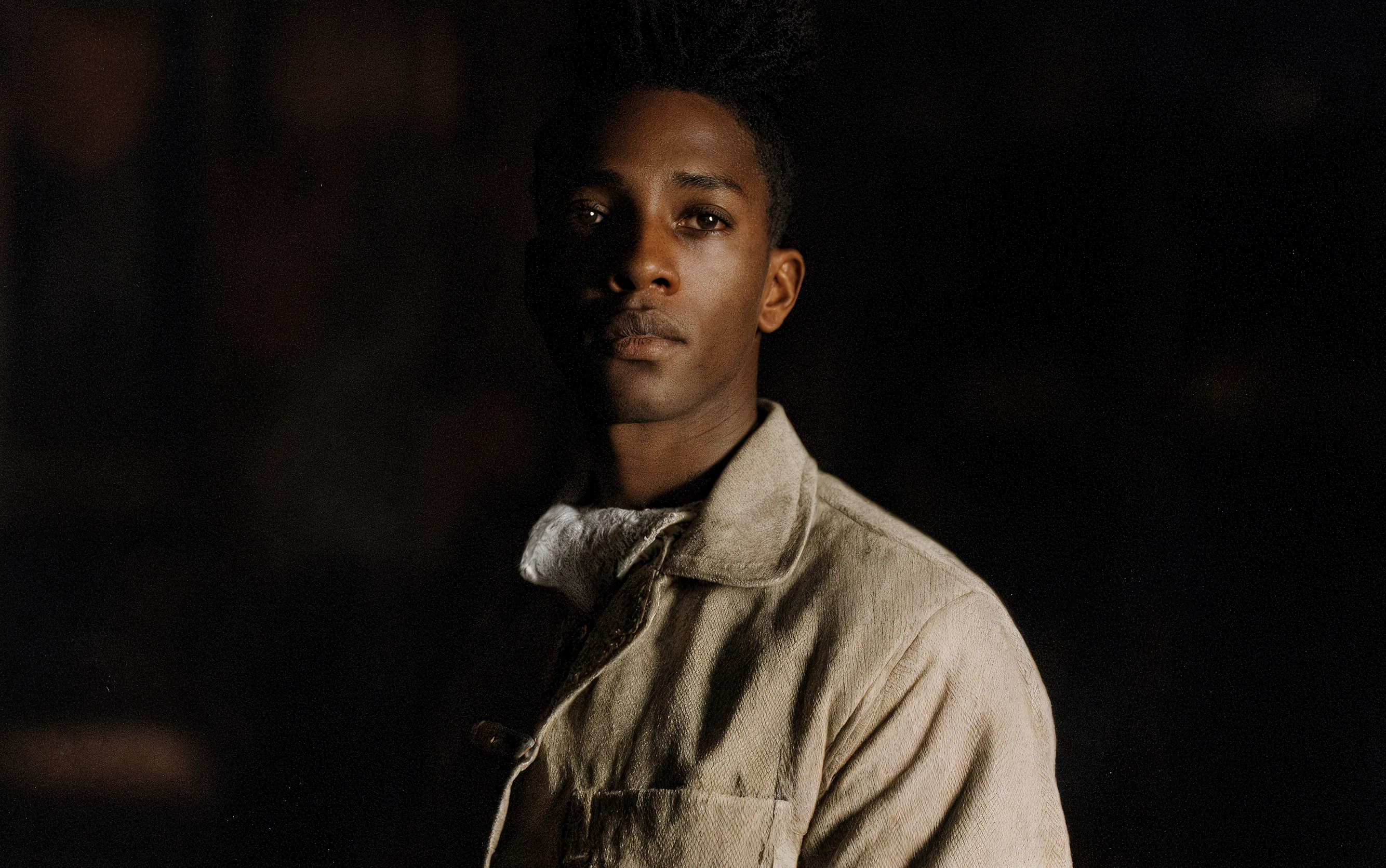
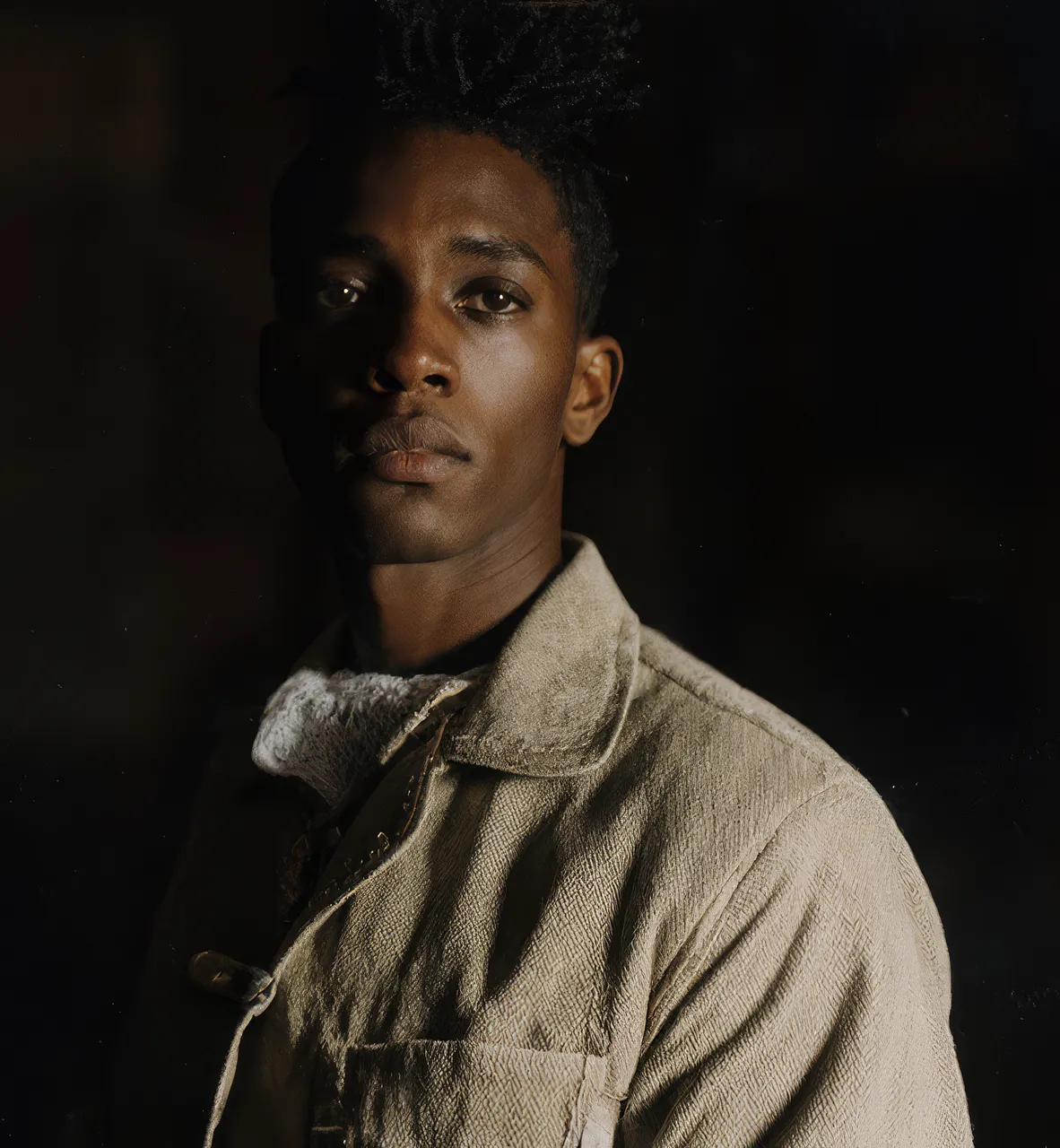
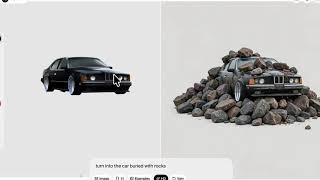
Krea AI screenshot 1Krea AI screenshot 2Krea AI screenshot 3Krea AI screenshot 4

Canva AI

No screenshots

What People Talk About
Most discussed topics from community mentions

Krea AI

Canva AI

support10
pricing7
migration4
documentation3
cost optimization2
scalability2
model selection1
ease of use1
Top Community Mentions
Highest-engagement mentions from the community

Krea AI

Krea AI AI

Krea AI AI

YouTubeneutral source

Canva AI

Introducing our new collaboration with Anthropic: Canva is now in Claude Design! Generate ideas in Claude. Edit in Canva. No friction. No starting from scratch. https://t.co/f220BR4AZk https://t.co/t

Introducing our new collaboration with Anthropic: Canva is now in Claude Design! Generate ideas in Claude. Edit in Canva. No friction. No starting from scratch. https://t.co/f220BR4AZk https://t.co/tLHHLd1rO3

Twitter/Xby @canva source
Company Intel
information technology & services
Industry
information technology & services
94
Employees
5,500
$83.0M
Funding
$992.9M
Series B
Stage
Other
Supported Languages & Categories

Only in Krea AI (4)

AI/MLSecurityAnalyticsDeveloper Tools
Frequently Asked Questions
Is Krea AI or Canva AI better for creating marketing materials?▼

Canva AI is better for creating marketing materials due to its extensive templates, easy-to-use interface, and integration with marketing platforms like Mailchimp and HubSpot.

How does Krea AI pricing compare to Canva AI?▼

Krea AI offers a freemium pricing model with potential additional per-seat charges, whereas Canva AI's pricing sentiment is not highlighted, suggesting users are less concerned about costs, possibly due to included features.

Which has better community support, Krea AI or Canva AI?▼

Canva AI has a better community presence with numerous discussions on support, scalability, and use cases, while Krea AI has limited social engagement and feedback.

Can Krea AI and Canva AI be used together?▼

Yes, both tools can be used together to leverage Krea AI's image and video generation capabilities alongside Canva AI's versatile design and collaboration features.

Which is easier to get started with, Krea AI or Canva AI?▼

Canva AI is likely easier to get started with due to its extensive support documentation, user-friendly design tools, and large user base exchanging feedback and solutions.

View Krea AI Profile View Canva AI Profile